
 Martin Jørgensen
SeaMonkey – An all-in-one internet suite with browser, email, and chat.
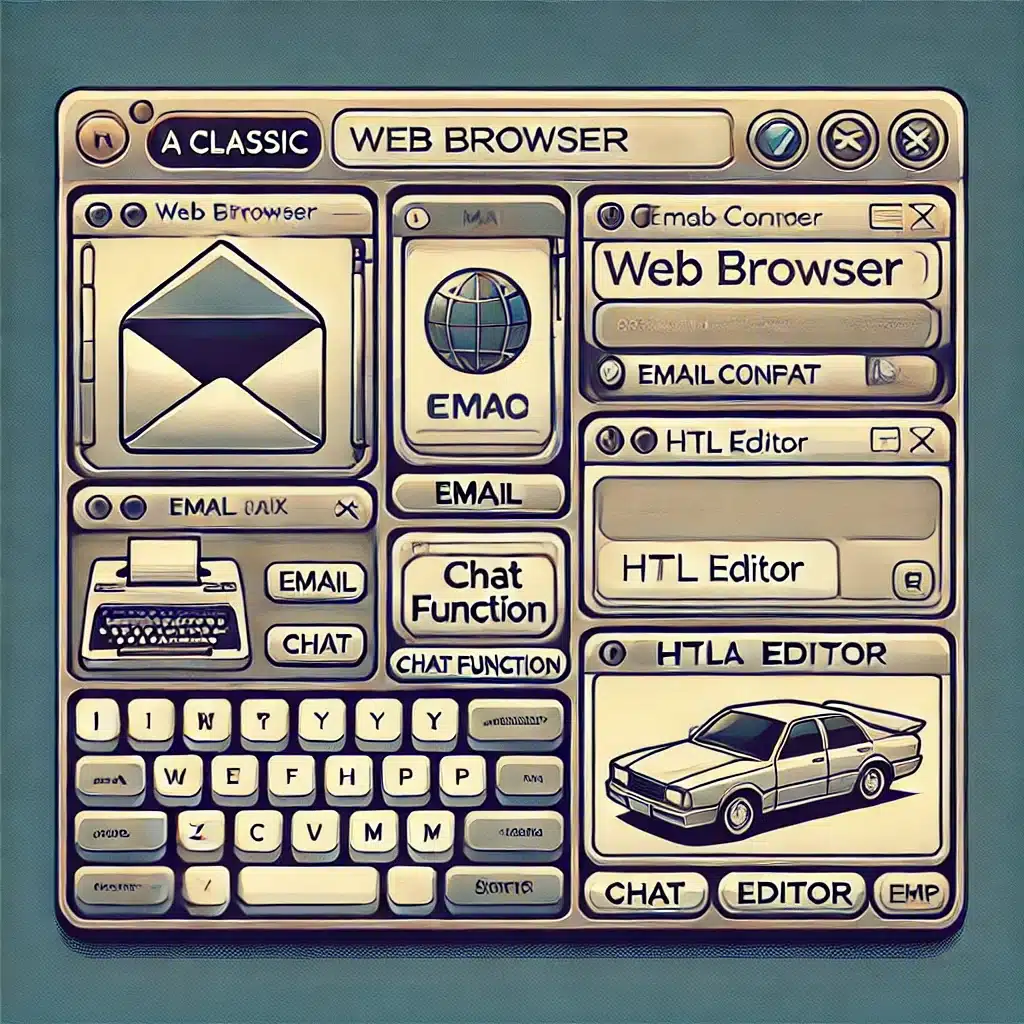
For users who want more than just a web browser, SeaMonkey offers a complete internet suite with a browser, email client, address book, HTML editor, and even a chat client. SeaMonkey is based on Mozilla code and therefore resembles earlier versions of Firefox, but with a range of extra features.
SeaMonkey is primarily aimed at tech-savvy users and those who miss the classic all-in-one internet solutions from the '90s and 2000s. It has a customizable interface, supports Firefox extensions, and is designed to be lightweight and fast, even on older computers.

What makes SeaMonkey unique?
✅ All-in-one internet toolkit – Browser, email client, newsreader, and chat in one package.
✅ Classic Mozilla-based design – Reminiscent of old versions of Firefox and Netscape.
✅ Highly customizable – Supports extensions, themes, and advanced settings.
✅ Great for developers – Built-in HTML editor and debugging tools.
1 is a niche product, but for those who miss the good old days of integrated internet tools in a single software suite, it’s a solid choice.
Download SeaMonkey
🔹 Download SeaMonkey here
SeaMonkey is perfect for nostalgic users and power users who want a combined browser and email solution without installing separate programs. 🚀
Top 5 tips for SeaMonkey
1. Use the all-in-one environment for more than just browsing
SeaMonkey is more than a web browser — it’s also an email client, HTML editor, and IRC chat client. If you miss the classic Mozilla suite setup, SeaMonkey brings it all together in one program.
🔧 Tip: Start by setting up your email account and try Composer (the HTML editor) for small web projects or formatted emails.
2. Enable “Data Manager” for full control over your data
Instead of several separate panels like in Firefox, SeaMonkey uses a single unified window for cookies, passwords, permissions, form history, etc. — called Data Manager.
🔧 Tip: Go to Tools > Data Manager to get a complete overview of everything SeaMonkey stores about your activity.
3. Make use of legacy Firefox extensions
SeaMonkey is compatible with many older Firefox add-ons from version 52 and earlier. That means you can reactivate classic extensions that modern browsers no longer support.
🔧 Tip: Use SeaMonkey Add-ons Archive or LegacyCollector.org to find compatible add-ons.
4. Use Composer for quick HTML editing
SeaMonkey includes a user-friendly HTML editor called Composer, which lets you design simple websites or formatted documents without coding.
🔧 Tip: Combine Composer with FTP plugins to upload your files directly to the web.
5. Customize the interface with about:config and chrome.css
SeaMonkey supports deep customization of both functionality and appearance. For example, you can enable hidden features or change the layout via custom CSS files.
🔧 Tip: Go to about:config for advanced settings — for example, to disable autofill, change tab behavior, or optimize performance.



