
 Martin Jørgensen
ShutUp10 is a smart, lightweight utility that helps ensure your private data doesn't end up in the wrong hands.
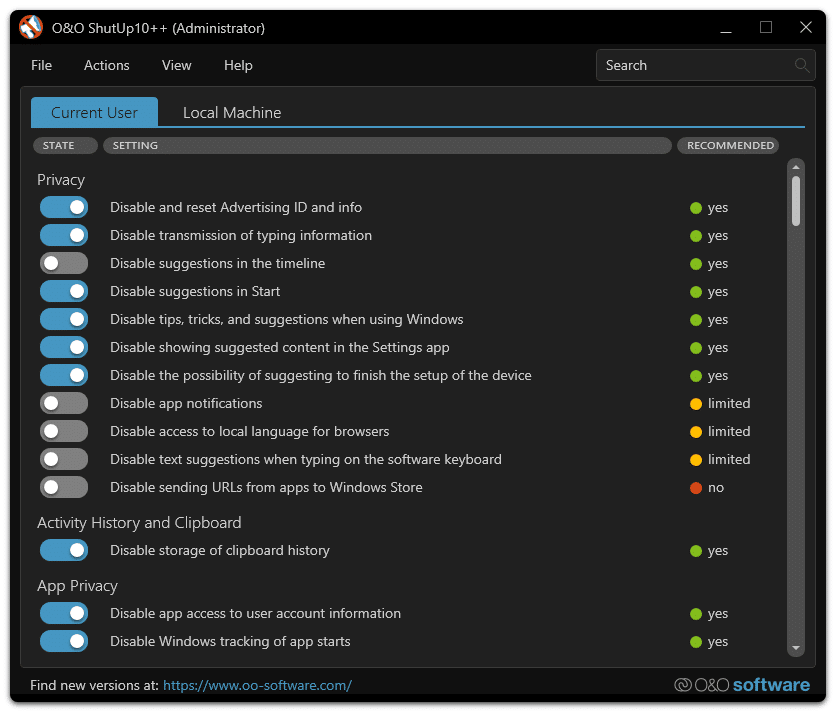
Windows 10 is the most popular operating system, partly because the alternatives are relatively limited. Linux and Mac are strong competitors, but Windows 10 has a familiarity factor that is hard to beat. Most people are familiar with Windows 10, and it can be difficult to unlearn a system’s functionality. In addition, the majority of programs and games are developed for Windows 10, whereas Linux and Mac are more restricted. Many of us use Windows 10 without thinking much about it, but it turns out that Windows 10 collects quite a bit of data you might not expect.
The right to privacy
Windows 10 shares your private data with Microsoft and certain applications that are preinstalled on the system.
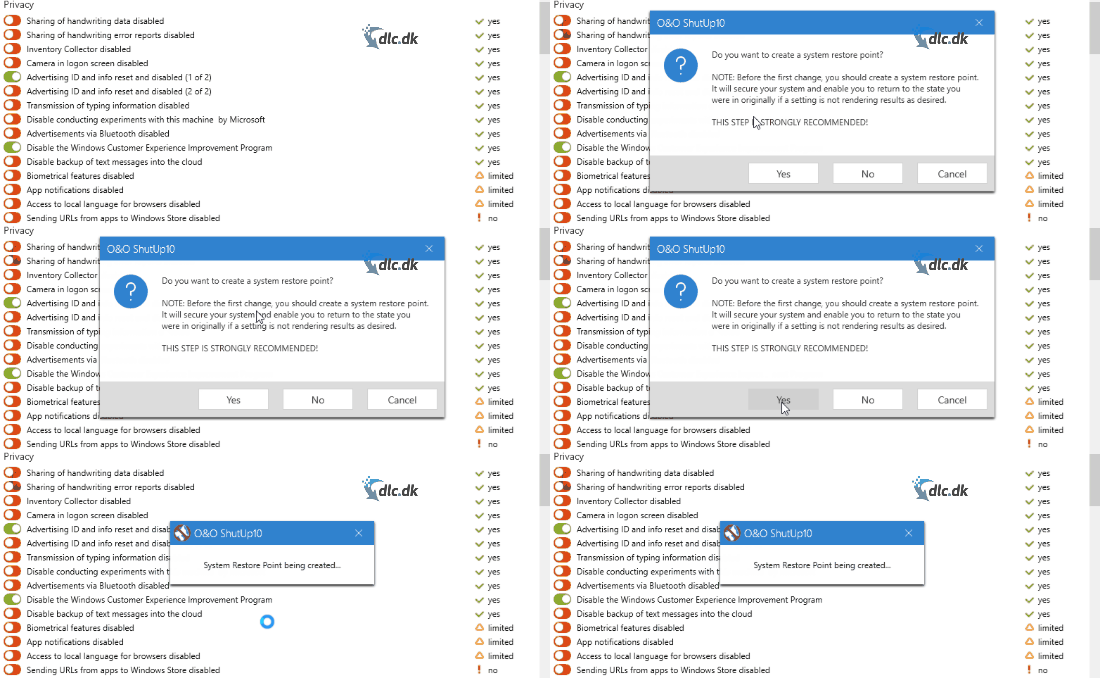
With ShutUp10, you can block everything Windows 10 wants to collect. The program automatically identifies the areas Windows 10 uses for sharing various data, so you only need to navigate a bit through the program—you don’t have to locate the threats yourself. If you want to disable a given feature, just press the button, as shown above. The first time you toggle a setting, ShutUp10 will recommend creating a system restore point. We recommend this as well, since complications can occur in any operating system. We haven’t experienced issues ourselves, but it’s still a good idea to be prepared.
Anyone can use it
As mentioned, ShutUp10 has an incredibly simple design that almost anyone can use, regardless of how much technical experience you have.
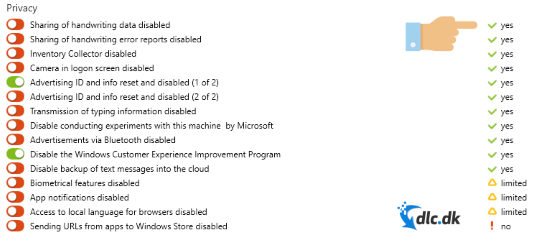
The images above show a Recommended section on the right side of the program. In this section you will see either yes, no, or limited, indicating whether it is recommended that the given feature be enabled or disabled. This helps most users quickly see which settings are worth paying attention to.
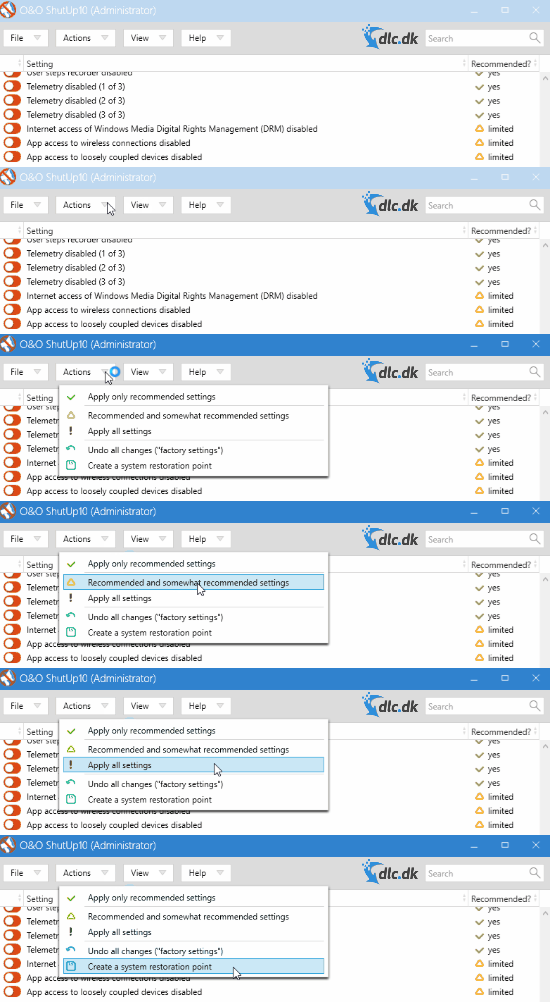
In the Actions tab, you can apply all recommended settings at once. That means you can quickly get optimal protection for your private data without having to spend much time on configuration.
Design and usability
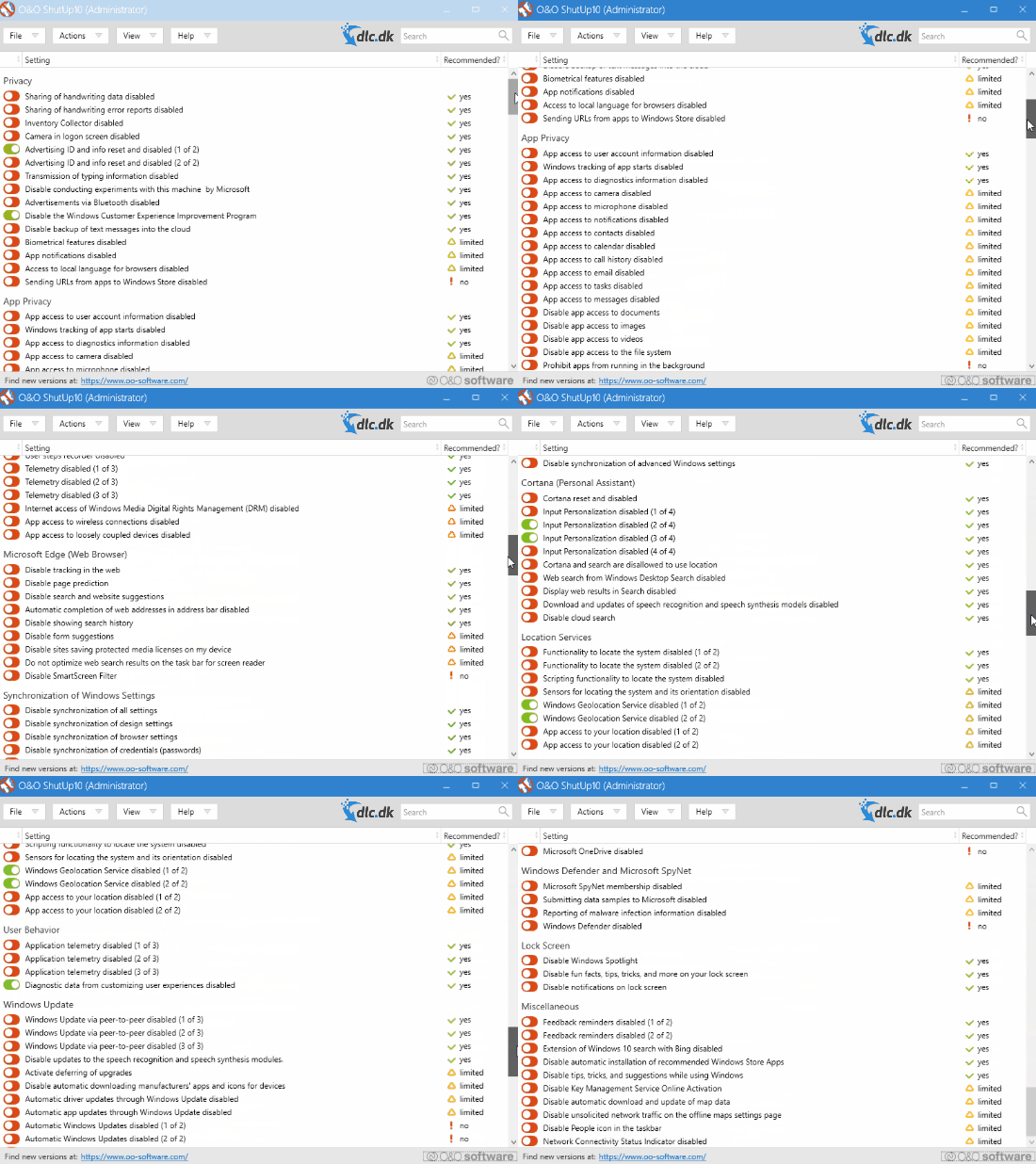
As the images and videos illustrate, ShutUp10 has an extremely simple design. In fact, it’s so simple you don’t even need to install it. Once you’ve downloaded it, just open the file. The minimalist interface is primarily built around tabs that are easy to access. Because the design is so straightforward, most users can take full advantage of the program. Features are placed right where you expect them. ShutUp10 is also very helpful, guiding you so you can choose to enable or disable the right options.
It can be risky to tinker with Windows 10 data, but ShutUp10 makes it safe by always asking if you want to create a new restore point. That means that even if you make a mess of the system, you can still go back and fix the mistake.
Privacy matters to most people
Privacy software is gaining interest among consumers—and for good reason. Most users are becoming aware of how much data they leave behind when using a computer. Privacy-related scandals have naturally contributed to this, prompting people to investigate what they actually share.
Even though Windows 10 is such a popular operating system, it shares data with Microsoft and applications, and if you’re not aware of this, it can be exploited. With ShutUp10, you can stop these transfers, as the program completely blocks all forms of sharing. ShutUp10 is easy to use, and even if you don’t have much technical experience, you can prevent Windows 10 from exploiting and sharing your data.



