

 Martin Jørgensen
Stay connected at work – download Slack for free here.
The modern workplace depends on active communication to survive and grow. With increasing digitalization and more companies allowing employees to work from home, it’s more important than ever that people can reach each other quickly and securely. Slack is a platform designed to keep communication flowing—and it also includes a wealth of built-in tools and features that make it extremely popular among professional organizations.
Contents

A quick introduction to using Slack
Slack is built around two types of communication. On one side you have channels, which serve as open forums for specific parts of the company or for all employees. The other side consists of private conversations that exist only between you and another person.
Each company can create its own set of social channels, so all the salespeople, for example, have a channel where general information is posted, while every sub-department also has a channel for its specific needs—and the sales team can chat internally with each other without anyone else having access.
You can share documents, messages, calls, GIFs, images, and much more in Slack—which is why so many companies use it as their primary in-house or internal communication solution.
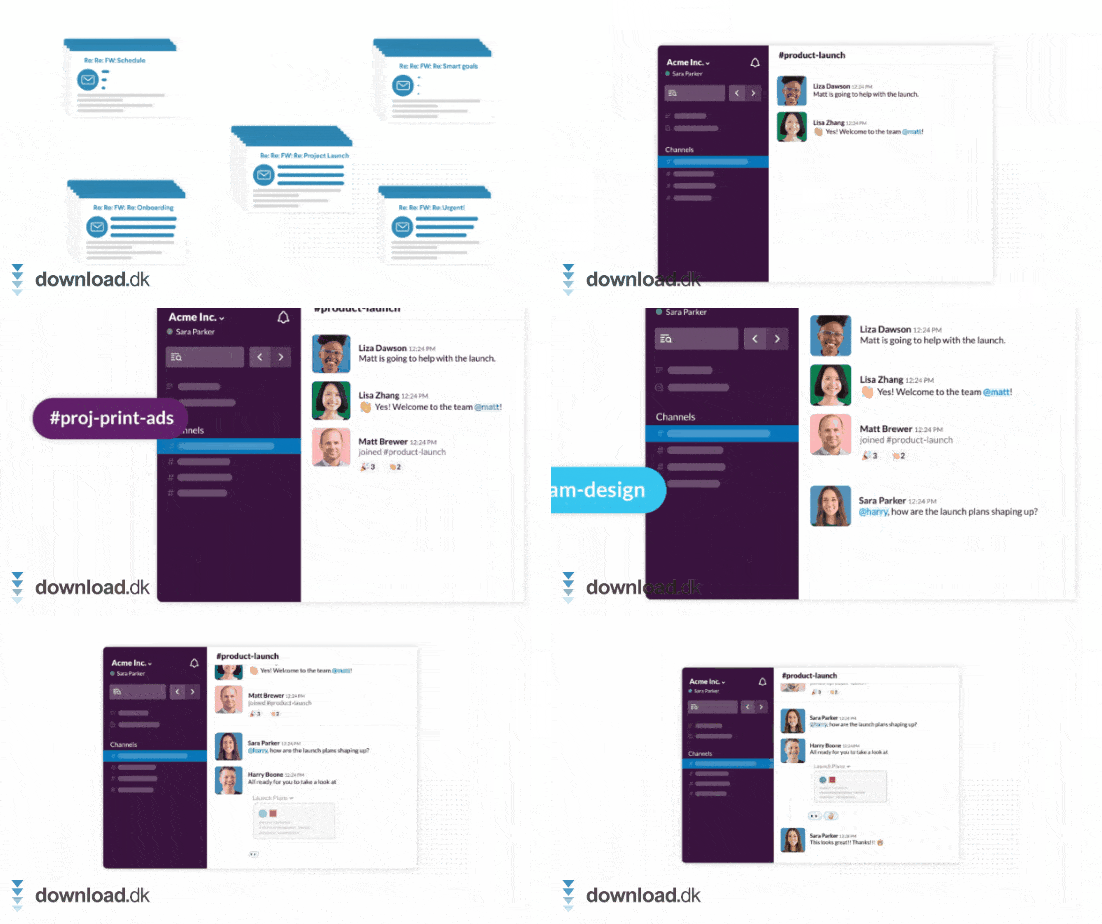
Professional communication in a streamlined format
Slack has a clean, simple interface, which makes it perfect for corporate communication. It can, however, take a little time to understand all of Slack’s options and features.
For example, Slack includes a reply/quote feature that lets you respond to a specific message. A small, separate thread then opens where all messages related to the original message can be found.
This is one way the app keeps company communication easy and efficient. Instead of burying conversations in extra information, they’re placed in separate “layers” (threads) that you can open and review whenever you wish.
There’s no shortage of communication apps
On this site, we’ve already covered a wide range of different tools designed to make it easier to communicate with people despite geographical distance.
Most people already know the now phased-out program Skype and may also have used it for many years. Skype was free to use, but it isn’t as group-oriented as some of the other communication services we mention in this article.
Microsoft Teams works in many ways like a blend of Skype and Slack, but with particular focus on the ability to communicate verbally and visually through video meetings.
In many ways, Slack is superior to the other programs if you only need fast, professional internal communication. This is where the app really shines, as we’ve pointed out throughout this article.
Slack performs flawlessly
We definitely recommend that companies use Slack for their internal communication, as it works flawlessly, offers strong security, and provides a host of great features that other communication tools either lack or don’t do as well.
With the ability to choose how open or hidden channels and messages should be, you and your company can ensure confidential information remains confidential. With options to integrate other apps and services, such as Google Drive, it becomes even easier not only to communicate but also to share important information internally.
Download Slack



