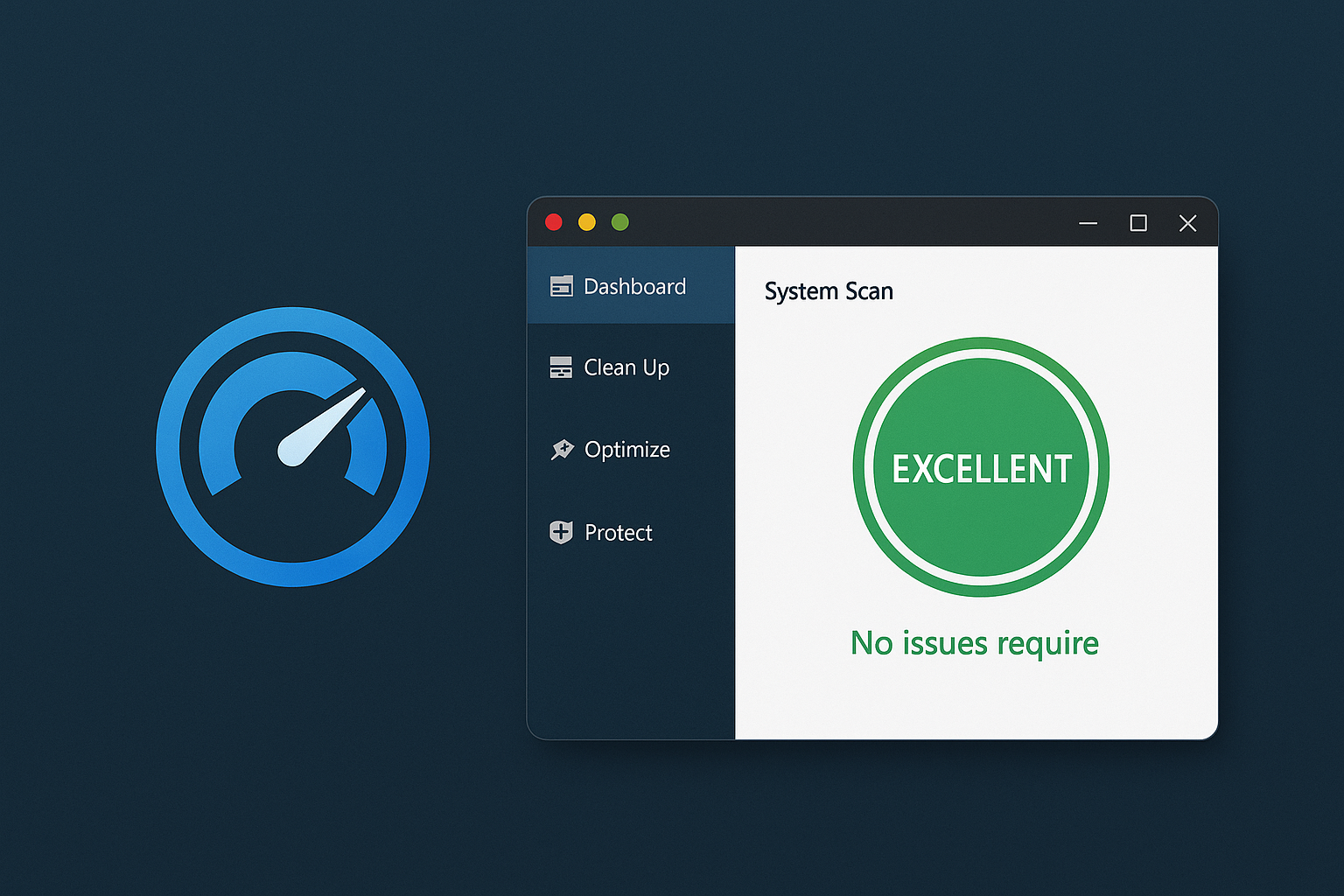
Auslogics BoostSpeed is a popular Windows optimization tool that brings together a wide range of features to improve performance, stability, and security on your PC. It’s suitable for both beginners and advanced users...
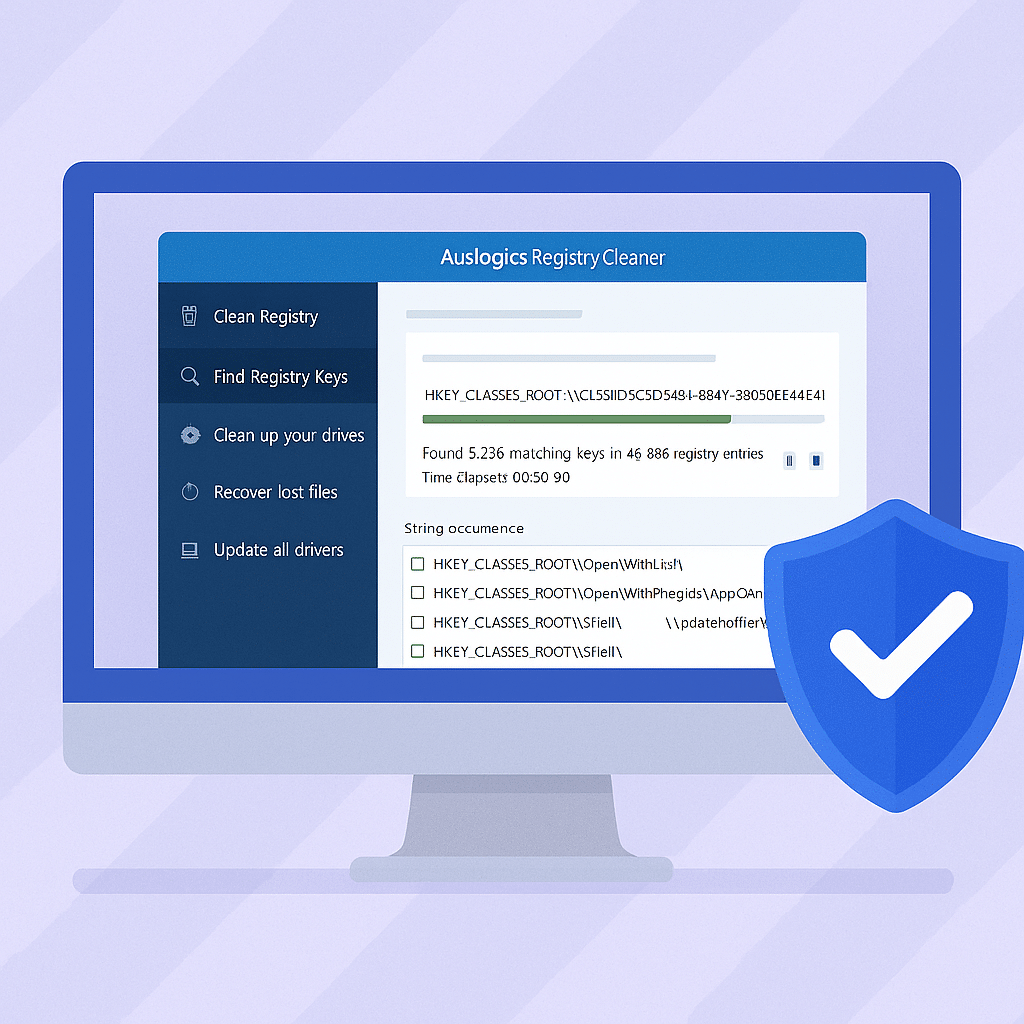
Welcome to our registry cleanup section, where we offer effective tools to optimize your computer’s registry. Over time, the Windows registry can become cluttered with outdated or unnecessary entries from uninstalled programs, temporary files, and other system changes. This can result in a slower PC, longer startup times, and potential system errors.
By using our registry cleanup software, you can safely identify and remove these redundant entries, leading to a more efficient and responsive computing experience. Our selection of tools is designed for both beginners and experienced users and offers features such as automatic registry backups, in-depth scans, and the ability to schedule regular cleanups.
It’s important to note that while registry cleanup can improve system performance, it should be performed with caution. Microsoft does not support the use of registry cleaning tools and warns that improper use can lead to system instability. Therefore, it’s always recommended to back up the registry before making any changes.
Explore our selection of registry cleaning tools to find the solution that best suits your needs and help your PC run more smoothly and efficiently.