
 Martin Jørgensen
Stable Diffusion review: The best AI image generator for full control? 🎨🖥️
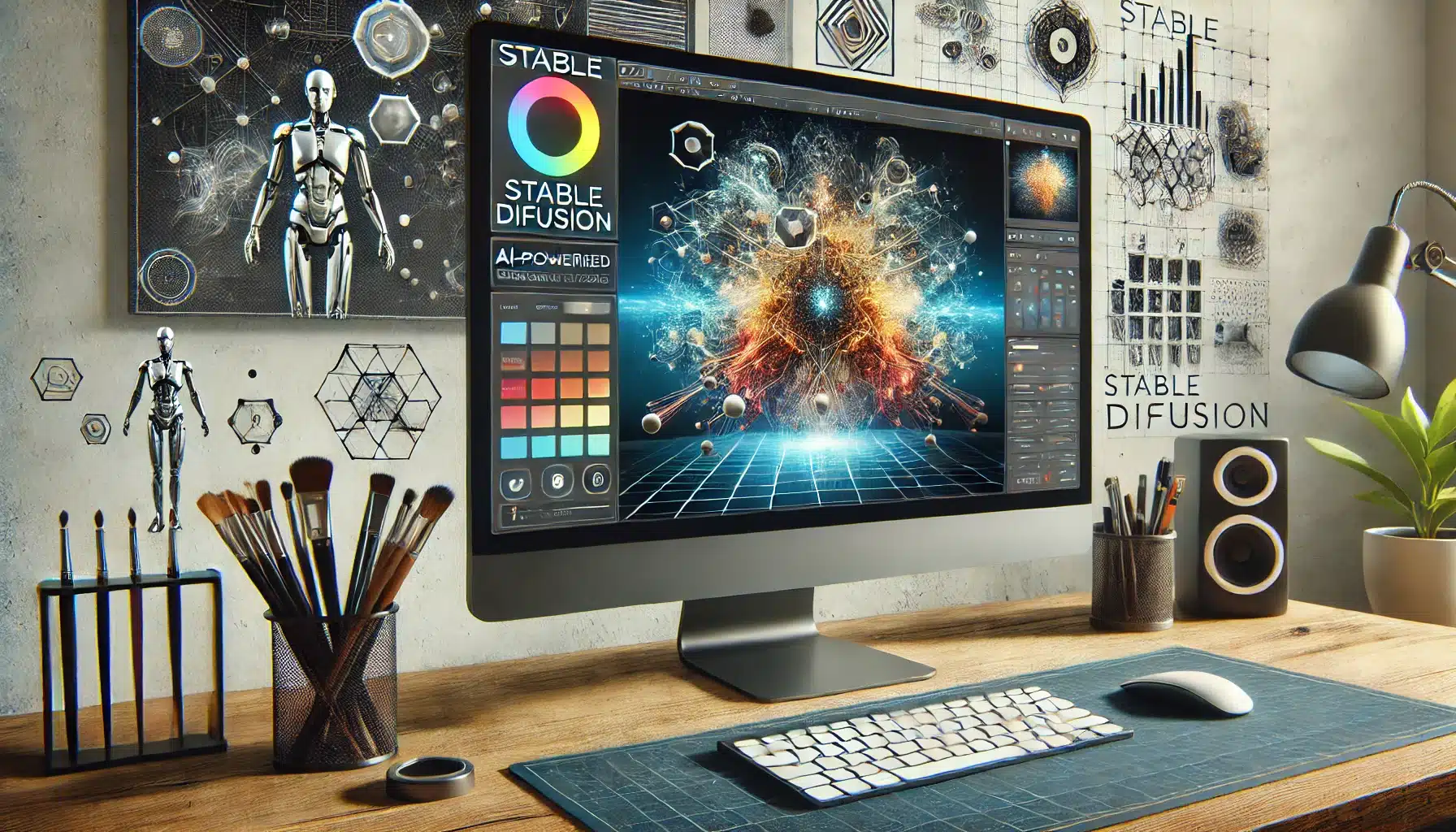
📌 In short: This is an open-source AI image generator that gives users full control over their AI-generated images. In contrast to Midjourney and DALL·E, which primarily run via cloud services, it can be installed locally on your own computer. That means you can create AI art without limitations, fine-tune settings precisely, and even train your own models for unique results.
🎨 How does it work?
How Stable Diffusion works:
- Enter a prompt — Write a description of the image you want.
- Choose parameters — Adjust style, resolution, and other technical settings.
- Generate the image — the AI creates the image based on your description.
- Refine the result — Use tools like "img2img" and "inpainting" to edit the image.
This AI image generator can run locally, which means you’re not dependent on an online service and can use your own hardware to generate images.
⚡ User experience and features
Stable Diffusion is ideal for users who want full creative freedom and the ability to experiment with AI image generation.
Key features:
- 🎨 Open-source and can run locally — No restrictions from cloud-based services.
- 🖌 Supports advanced customization — Tune the AI model to your needs.
- 🔄 Img2img & Inpainting — Enhance existing images with AI.
- 🚀 Train with your own datasets — Perfect for specialized artworks.
- 🖥️ Supports plugins and integrations — Compatible with Photoshop and other tools.
It’s a strong choice for digital artists, graphic designers, and AI enthusiasts who want complete control over their AI-generated images.
🛡️ Is Stable Diffusion reliable?
Stable Diffusion has both strengths and limitations:
✔ 100% open-source and free to use 🎨 ✔ Full creative freedom without limitations 🖌️ ✔ Supports advanced features like inpainting and img2img 🔄 ❌ Requires a powerful computer for optimal performance 🖥️ ❌ More technically demanding than Midjourney and DALL·E 🤖 ❌ Your own models can affect output quality 🧐
This option is best for users who want deep control over AI image generation, but it requires a more technical approach than cloud-based alternatives.
📊 The AI image generator vs. Midjourney vs. DALL·E
It competes with Midjourney and DALL·E. Here’s a comparison:
| Feature | Stable Diffusion | Midjourney | DALL·E |
|---|---|---|---|
| Open-source | ✅ Yes | ❌ No | ❌ No |
| Installation | ✅ Local | ❌ Cloud-based | ❌ Cloud-based |
| Creative freedom | ✅ Maximum | ✅ Strong | ⚠️ Limited |
| Ease of use | ⚠️ Requires technical knowledge | ✅ Easy | ✅ Very easy |
| Free version | ✅ Yes | ❌ No | ✅ Limited |
It’s best for advanced users, while Midjourney excels at artistic AI, and DALL·E is best for those who want a simple cloud solution.
📥 Download Stable Diffusion
Want to try this AI image generator? Download it here:
Top five tips for Stable Diffusion
1. Use the Automatic1111 web GUI for easy control
Install Automatic1111’s Stable Diffusion WebUI to make the experience visually intuitive. It gives you sliders, previews, checkpoints, styles, and more — without code.
🔧 Tip: Download via GitHub and follow step-by-step guides, e.g., from Reddit or YouTube.
2. Leverage “prompt engineering” to improve your images
Stable Diffusion responds strongly to precise prompt wording. The more detailed and well-structured your prompt, the better the output.
🔧 Example: Use adjectives like “high detail, ultra realistic, cinematic lighting” and constrain with “in the style of…” or aspect ratios (e.g., 16:9).
3. Use different models and checkpoints
You’re not limited to one visual style. There are hundreds of pretrained models (checkpoints) — e.g., for anime, fantasy, photorealism, pixel art, and more.
🔧 Tip: Use platforms like CivitAI.com or HuggingFace to find and download alternative models.
4. Combine with ControlNet for advanced guidance
With plugins like ControlNet, you can guide generation with sketches, depth maps, or poses for much more control and precision.
🔧 Tip: Install via WebUI → Extensions and use it to generate images from stick figures or reference images.
5. Save and reuse your prompts and seeds
When you find a great prompt or seed that produces strong results, save it. This ensures you can reproduce and iterate later.
🔧 Tip: Use prompt templates or tagging systems in the WebUI to organize your best ideas.
❓ Frequently asked questions (Q&A)
🔹 Is it free? Yes, it’s 100% open-source and free to use.
🔹 Does it require a powerful computer? Yes. For fast image generation, a strong graphics card is recommended.
🔹 How is it different from Midjourney? This generator gives you more control, while Midjourney is easier to use.
🔹 Can I use it without technical experience? There is a learning curve, but user-friendly interfaces are available.
🔹 Can I train my own AI model? Yes, you can train your own datasets for unique results.



