
 Martin Jørgensen
Find and replace text across files on your Windows PC. Download Text Crawler Free here.
TextCrawler is a search-and-replace tool that makes it possible to find and/or replace text and phrases across multiple files. The program supports simple keyword searches as well as advanced queries using regular expressions.
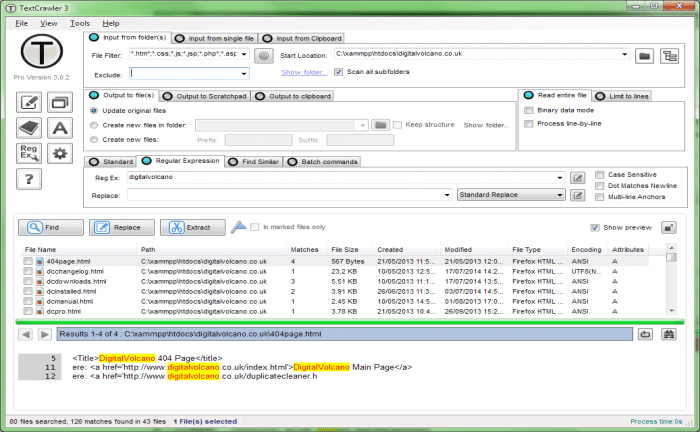
It also lets you extract matching text into a separate window, from which you can copy it for other purposes (for example, extracting email addresses, URLs, or similar patterns). In the preview window, you can view results in context and choose to exclude certain files from being replaced.
The program is easy to use and suited for programmers, web developers, or anyone who needs to process text.
There is a left-side menu that shows the program’s options with icon buttons.
Here are some of the features included: Find and replace text across files on your computer. Fast search, even on large files. Simple interface with preview. Flexible search parameters.
A solid program for tekstbehandling at scale.
Download Text Crawler


