
 Martin Jørgensen
Download Tux Paint for Mac for free, specifically designed for children ages 3 and up. You can also find a Windows version here.
Looking to spend some quality time with the kids? Why not show them this free, open-source drawing app called Tux Paint, which gets children creating simple shapes and pictures in no time. You can find both the Mac and Windows versions on this page, although Tux Paint crashed several times on our MacBook Pro running OS X Mavericks. Unfortunately, we don’t know why.
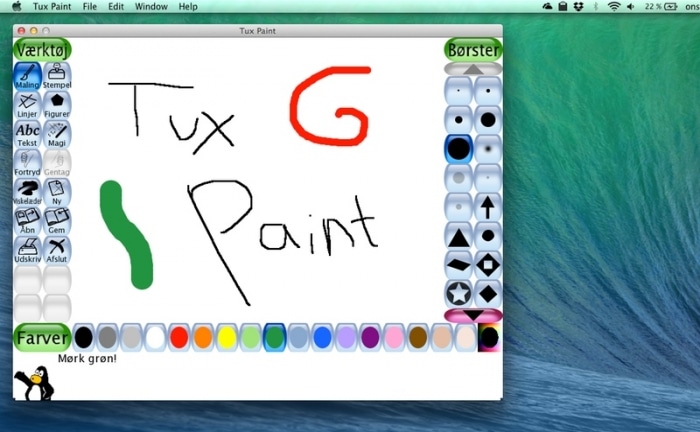
Because the interface is designed for kids, it’s very friendly and easy to use. You don’t need to worry about where drawings are saved on your computer, since Tux Paint stores everything within the app. An eraser, shapes, and other standard tools are included, and there’s also a tool called “Magic” that lets you draw with different effects. Fun!
Tux Paint also includes Tux Paint Config, a companion tool for changing the app’s settings. We haven’t used it much, but you can enable full-screen mode, adjust save options, switch languages, and more.
Tux Paint seems like a fantastic tool for kids. It’s a simple, kid-friendly program that’s fun to use.
Download Tux Paint for Mac


