
 Martin Jørgensen
VSDC Free Video Editor is an excellent alternative video editing program for Windows. It’s completely free, and you can download it here.
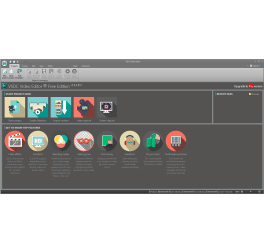
VSDC Free Video Editor is an alternative to earlier video editors and works much like you’d expect. If you’re experienced with cutting and editing, the program is a breeze to use since it looks and feels like many existing editors. But VSDC Free Video Editor has the key advantage of being completely free. Installation is painless, and the download size is modest.
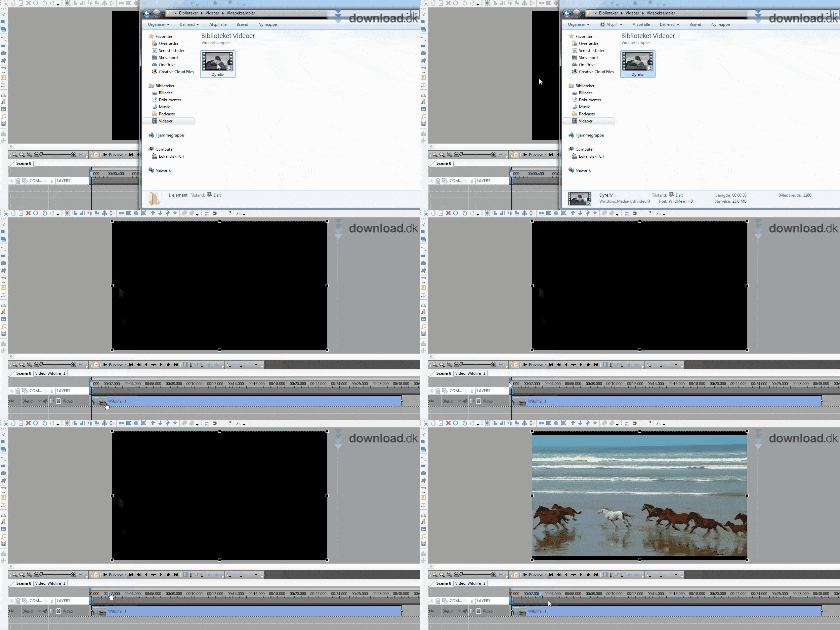
If you just want some light editing, VSDC Free Video Editor is perfect for you. The program includes all the basic features, and new ones keep being added. The latest version introduced 4K editing, which many alternative videoredigeringsprogrammer still don’t support.
For beginners and professionals
The core idea behind VSDC Free Video Editor is that everyone should be able to cut and edit their video clips. As soon as you open the program, you’re guided so you don’t get stuck.
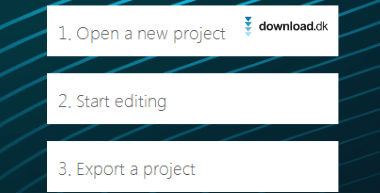
From the start screen, simply choose what you want to do—start a new project, begin editing, or export a project. If you click one of these options, you’re directed to the developer’s website, which offers a clear guide to help you get started.
When you feel ready, you can jump in and start editing or trimming.
Simple functions such as drag and drop are a big part of the program. They’re easy to use and improve overall usability, making it straightforward for almost anyone to import video files—regardless of experience.
Workflow
VSDC Free Video Editor can do everything you’d expect from an alternative video editor.
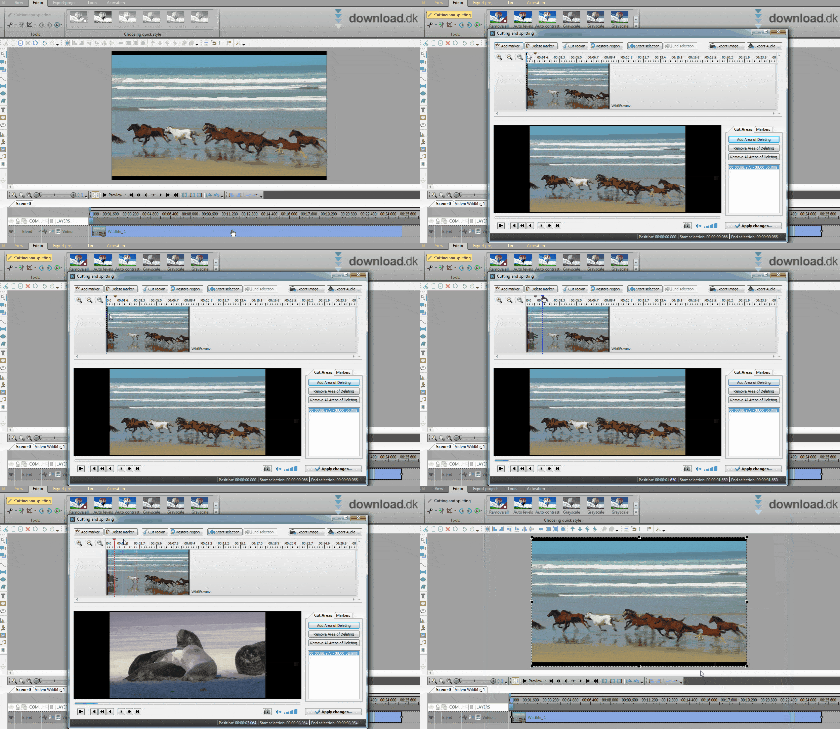
Unlike similar editors, trimming happens in a separate video window within the program. That’s a welcome touch, as it gives you a much clearer overview of what you’re doing. Then just save your changes and your clip is updated.
You can also adjust the look of your clips with simple filter tools.
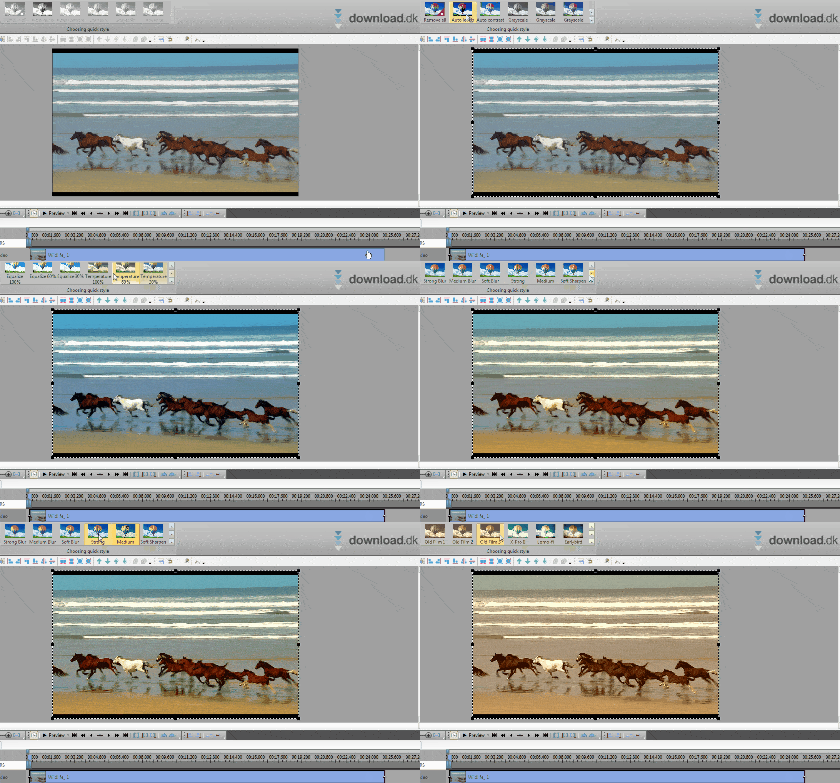
As shown above, it’s incredibly easy to navigate the filters and quickly make the visual adjustments you want. You can pick a filter and then fine-tune it—e.g., if it makes the image too dark. The feature is clearly designed for beginners, making it hard not to end up with a great-looking edit.
When you’re completely done editing, export the project to a video format that can be read by different videoafspilningsprogrammer.
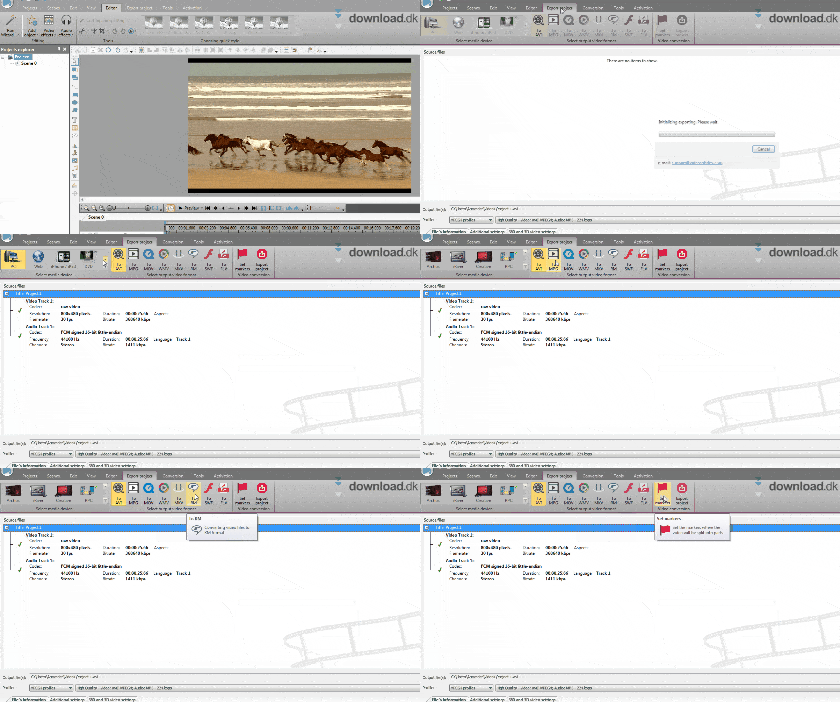
Exporting a video project is often frustrating because you have to figure out which formats will play on your device. Here, the export process is extremely user-friendly—just like the rest of the program. For example, if you want your video to play on an iPhone, simply choose the iPhone option under the export project tab. There are also 20 different templates tailored to various devices.

If you need specific video formats, you can select them as well.
Design & ease of use
In our experience, design and usability go hand in hand. VSDC Free Video Editor takes pride in being accessible to everyone, and we’d say they’ve succeeded.
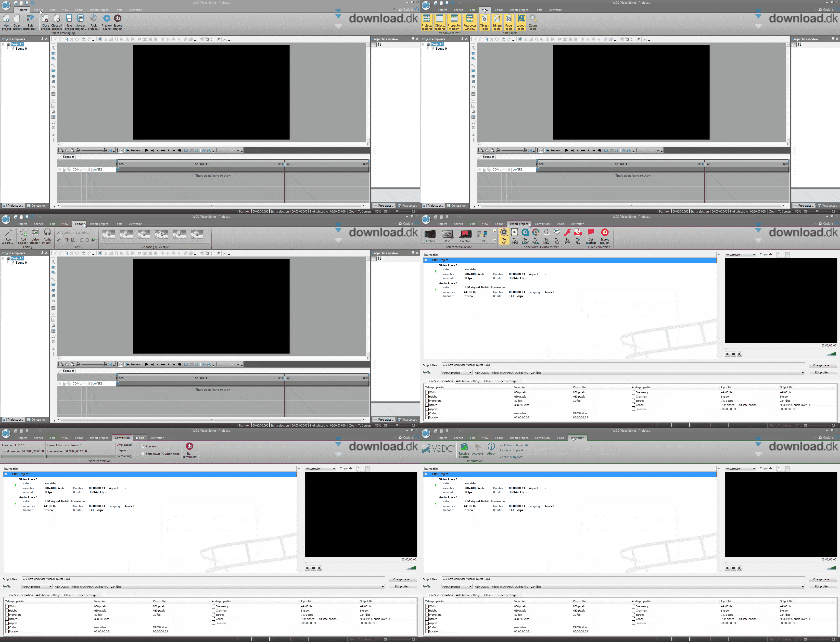
VSDC Free Video Editor features a simple, minimalist design that looks great on most PCs. The clean interface boosts usability, making it easy to navigate the many features without getting overwhelmed. Functions are clearly named, so you know exactly what you’re about to do.
Alternative video editors
Even though VSDC Free Video Editor is a fantastic piece of software for beginners and hobbyists, it might not be exactly what you’re after. If so, here are a couple of other solid options:
Adobe Premiere Pro CC is currently the most popular video editor and is used by professional Hollywood film editors. However, it can be overwhelming to learn, and it’s fairly expensive. You can download a free trial.
VideoPad, like VSDC Free Video Editor, is free to download and use. VideoPad is relatively simple to navigate, and whether you prefer it over VSDC Free Video Editor is a matter of taste.
Conclusion
We’ve used many different editors, and the biggest hurdle is often price. Alternatives like Sony Vegas and Adobe Premiere Pro can get expensive quickly. We’re pleasantly surprised that VSDC Free Video Editor is free, especially considering all the features and options it offers. It’s not the most user-friendly editor out there, but if you get stuck, there are plenty of YouTube guides to help you along.
Download VSDC Free Video Editor


