
 Martin Jørgensen
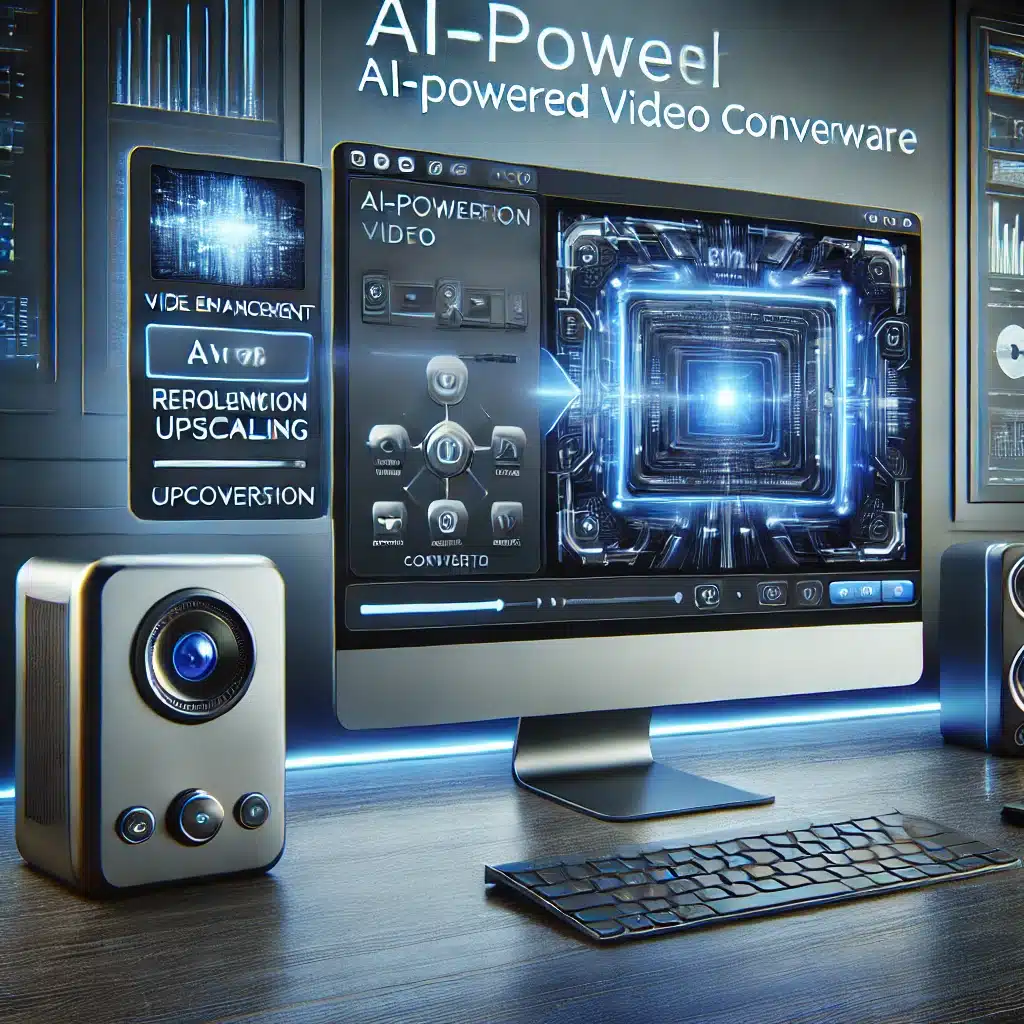
Winxvideo AI – The next-generation AI-powered video converter.
Winxvideo AI is the latest generation of video conversion software from WinX, formerly known as WinX HD Video Converter Deluxe. With advanced AI technology it lets you convert, compress, enhance, and edit videos with outstanding speed and quality. It supports more than 370 input formats and 420 output formats, including 8K, 4K, and HEVC/H.265, making it one of the most versatile video solutions on the market.

Beyond conversion and editing, Winxvideo AI also includes powerful tools for upscaling and optimizing videos. Using AI-driven algorithms, it can improve low-resolution footage, reduce noise and softening, and optimize color reproduction. This makes it an ideal tool for both professional video producers and everyday users who want to enhance old recordings or optimize videos for social media.

High quality with fast processing times
One of the most impressive aspects of Winxvideo AI is its ability to balance high quality with fast processing times. By leveraging GPU acceleration, the program can convert videos up to 47 times faster than traditional video converters while preserving the original quality as much as possible. That means even large video files can be handled quickly without unnecessarily taxing your system.
Winxvideo AI also makes it easy to download videos from more than 300 platforms, including YouTube, Vimeo, Facebook, and TikTok. You can save videos in different formats and resolutions, making it easier to archive content or reuse clips in your own productions. This feature is especially useful for content creators who often work with video from multiple sources.

Combining advanced technology, fast performance, and a user-friendly design, Winxvideo AI isn’t just an update of the previous version—it’s a revolution in video processing. Whether you’re working on large film projects or simply want to optimize your personal footage, the program offers a flexible, powerful solution that can cover all your needs.
Powerful features in Winxvideo AI

- AI-powered video enhancement – Make your videos sharper, remove noise, and automatically improve color reproduction.
- Fast and efficient conversion – GPU acceleration ensures lightning-fast video conversion without quality loss.
- Supports 8K/4K/HD videos – Preserve maximum quality during compression or conversion.
- Video editing – Trim, crop, merge, and add subtitles directly in the program.
- Support for over 300 platforms – Download videos from YouTube, Vimeo, Facebook, and many more.
- DVD conversion – Rip DVDs and convert them to digital formats for playback on any device.
Easy installation and a user-friendly interface

Winxvideo AI is designed for both beginners and experienced users. Installation is quick, and the program offers an intuitive interface that makes it easy to navigate the many features. In just a few clicks, you can convert a video to any format or optimize it with AI-powered image enhancement.
Is Winxvideo AI right for you?

If you’re looking for an all-in-one solution for video conversion, editing, and enhancement, Winxvideo AI is an obvious choice. With powerful AI optimization and support for the newest video formats, it’s ideal for content creators, video producers, and everyday users who want a seamless conversion experience.
Download Winxvideo AI
Get the latest version of Winxvideo AI and experience the benefits of AI-powered video conversion. Click the link below to download the program:
➡ Download Winxvideo AI her
Top 10 tips for Winxvideo AI – Become an expert in video conversion and editing

1. Use AI upscaling to revive old videos 🎞️
Have low-resolution clips you want to improve? Winxvideo AI’s AI-powered upscaling can take a low-quality video and make it sharper by adding detail and reducing blur. This is especially useful if you’re working with old family videos, security camera recordings, or DVD rips that look washed out on modern screens.
Tip: Try upscaling an old 480p video to 1080p or even 4K and see the difference in sharpness and color!
2. Optimize file size without losing quality 📉
Some videos take up a lot of space, especially those shot at high resolutions. Winxvideo AI lets you compress videos so they’re smaller without visible quality loss—perfect for social media or email.
Tip: When compressing a video, choose HEVC/H.265 as the codec—it offers a much better balance between quality and file size than older codecs like H.264.
3. Use GPU acceleration for faster conversions ⚡
Video conversion can be heavy on your computer, but Winxvideo AI uses GPU acceleration, which lets your graphics card process videos much faster.
Tip: If you have a dedicated graphics card (NVIDIA or AMD), enable GPU acceleration in settings—it can reduce conversion time by up to 47x!
4. Batch conversion – Save time by processing multiple videos at once ⏳
If you have a lot of videos to convert, you don’t need to do it one by one. With batch conversion, you can add everything to a queue and let Winxvideo AI do the work automatically.
Tip: Use batch conversion to quickly convert an entire library—e.g., from AVI to MP4 or from MKV to HEVC to save space.
5. Use AI to remove noise and improve quality 🔎
Many videos—especially those shot in poor lighting—have noticeable noise. Winxvideo AI can automatically reduce noise and improve video quality so your footage looks sharper and more professional.
Tip: If you have a dark or grainy video, try AI noise reduction and compare before and after—you’ll be surprised!

6. Convert old surveillance files from DAV to common formats 📹
Many security cameras record in DAV format, which isn’t compatible with most players. Winxvideo AI lets you convert DAV files to AVI, MP4, or other popular formats so they’re easier to play and share.
Tip: If you work with surveillance footage, use the AI features to improve clarity and surface more detail in the video.
7. Download videos from over 300 platforms 🌍
Winxvideo AI isn’t just a video converter—it’s also a video downloader. You can download videos from YouTube, Facebook, TikTok, Vimeo, and many other sites.
Tip: If you want to download a YouTube video in the highest quality, choose 4K HEVC as the output format for the best balance between size and image quality.
8. Fine-tune settings for the perfect output ⚙️
Not all videos need the same settings—some require a higher bitrate to preserve quality, while others should be optimized for quick sharing. With Winxvideo AI, you can adjust bitrate, frame rate, codec, and other parameters to get the ideal balance between quality and file size.
Tip: Creating social content? Use a high frame rate (60 fps) for smoother playback and a lower bitrate for faster uploads.
9. Add subtitles directly to your video 📝
If you’re working with foreign-language videos or want to create a tutorial, you can add your own subtitles or import SRT files directly in Winxvideo AI.
Tip: Use subtitles to make videos more accessible or to translate content for an international audience.
10. Use Winxvideo AI as an all-in-one editing tool 🎬
Winxvideo AI isn’t just a converter—it’s a complete video editor. You can crop, cut, merge, add effects, and optimize your videos before exporting them to your preferred format.
Tip: If you’re editing a video but don’t want to use heavy programs like Adobe Premiere, Winxvideo AI can handle most simple tasks in no time.
With these 10 tips, you can get the most out of Winxvideo AI and improve your videos in every possible way. Whether you want to convert old footage, download content from the web, remove noise, or compress files without losing quality, the program has the tools you need. 🚀🎥



