

 Martin Jørgensen
Artificial intelligence (AI) is becoming an ever-larger part of everyday life and is revolutionizing how we work, communicate, and stay organized. As AI technologies evolve, they are not only more accurate but also more intuitive and user-friendly, making them an indispensable resource for both individuals and businesses.
Imagine writing emails faster, automating repetitive tasks, or generating complex reports in seconds—all with AI. Whether you work in content creation, creative design, or project management, there are intelligent solutions that can elevate your work to a whole new level. AI can analyze large amounts of data in a flash, suggest improvements to your content, and optimize your workflows so you have more time for what truly matters.
But AI isn’t just for companies and tech experts. Today, anyone can benefit from the many AI-powered tools developed to simplify everyday life and boost productivity. From smart chatbots that can answer your emails to AI-driven design software that generates unique images, the possibilities are nearly endless.
In this article, we review 7 AI tools that can help you with everything from writing and planning to image and video editing. These tools are designed to make your work more efficient, so you can focus on the most important tasks and get the most out of your time.
1. ChatGPT – AI assistant for text and ideas
What can it do?
ChatGPT is one of the most effective AI tools for text generation, ideation, and fast information lookups. Use it to write emails, reports, blog posts, or even code. Its many capabilities make it a versatile tool that can save you hours during the workday. It can also generate creative copy, summarize long documents, and even assist with technical tasks like programming and data analysis. With its ability to understand context and produce human-like responses, ChatGPT is invaluable for anyone working with written communication.
Automation and workflow optimization with ChatGPT
Beyond text generation, ChatGPT can help automate and optimize workflows. For example, it can help write macros and scripts, generate templates for repetitive tasks, and provide guidance on improving your processes. Many companies use ChatGPT as a virtual assistant that can answer customer inquiries, help with data analysis, or even support ideation for new products and services.
Personal learning and knowledge building with ChatGPT
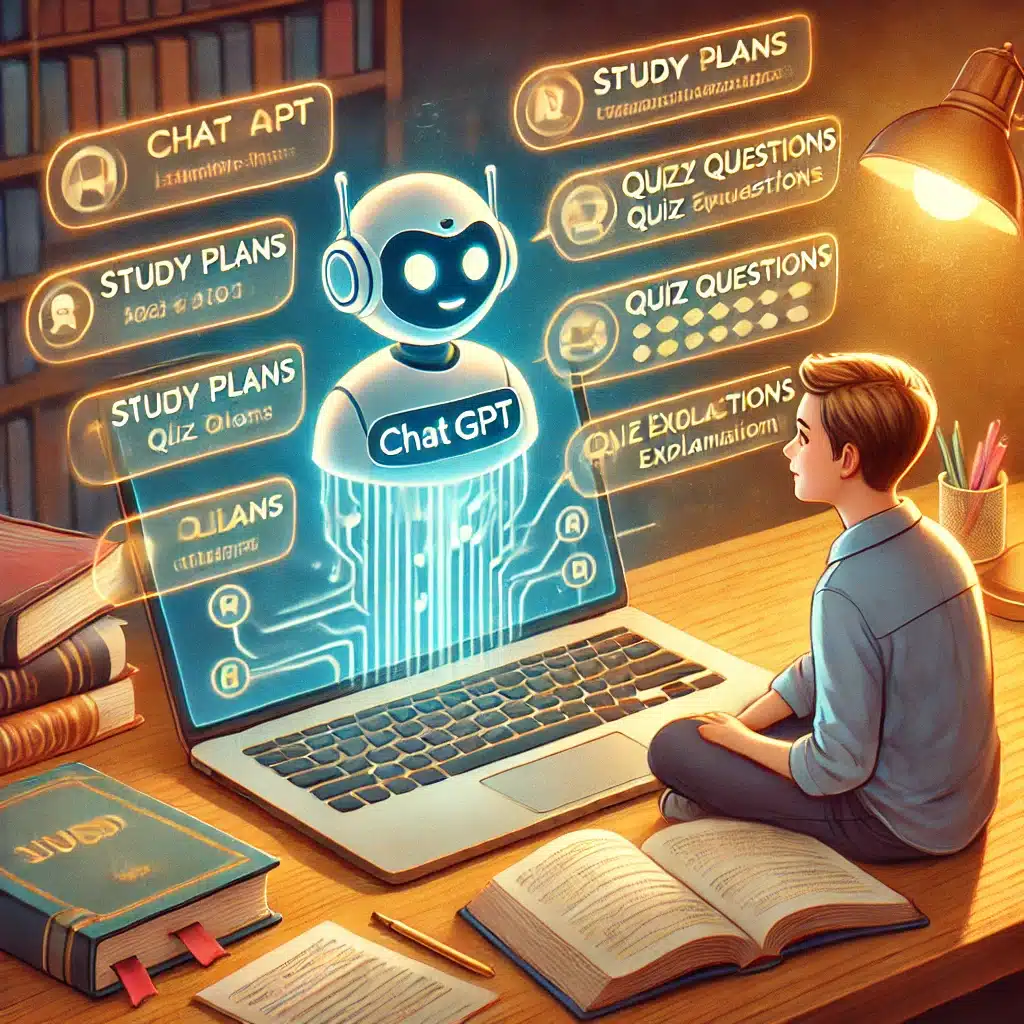
ChatGPT isn’t just a writing tool—it’s also a powerful learning partner. Whether you want to learn a new programming language, improve academic writing, or understand complex concepts, ChatGPT can explain topics in clear, accessible language. It can suggest study plans, create quizzes, and even provide personalized explanations based on your understanding of a given subject. Used well, ChatGPT can act as a private tutor that’s always ready to answer questions and guide you forward.
Pros and cons of ChatGPT
Pros:
✔️ Generates fast, coherent text
✔️ Great for brainstorming and research
✔️ Available with a free plan and optional premium upgrades
✔️ Supports multiple languages and industries
✔️ Dramatically boosts productivity for repetitive writing tasks
Cons:
❌ May occasionally produce inaccurate answers
❌ Requires an internet connection
❌ Not always ideal for niche topics
❌ Free plan limits the number of requests
2. Grammarly – Perfect grammar and tone adjustment
What can it do?
Grammarly is an AI-powered writing assistant that corrects grammar and spelling mistakes while suggesting better word choices and tone. It analyzes your text in real time and provides feedback on grammar, spelling, and sentence clarity. It also helps adjust your tone so you can communicate more precisely and effectively, whether you’re writing an email, an academic essay, or a professional document. Grammarly is ideal for students, professionals, and anyone who wants to improve their written communication.
The tool can also detect plagiarism, making it especially useful for students and academics. With advanced AI, Grammarly can identify stylistic improvements and suggest synonyms to make your text more fluent. It also works across browsers, Microsoft Word, and Google Docs, making it easy to integrate into daily use.
Pros and cons of Grammarly
Pros:
✔️ Real-time automatic proofreading
✔️ Tone adjustment (formal, friendly, neutral)
✔️ Works across browsers and apps
✔️ Advanced AI analysis for more precise suggestions
✔️ Plagiarism checker in the premium plan
✔️ Helps you write more naturally and fluently
Cons:
❌ The free plan is limited compared to premium
❌ Can’t always catch context-specific errors
❌ Sometimes too conservative in its corrections
❌ Plagiarism checking requires a paid subscription
3. DALL·E – Create AI-generated images in seconds
What can it do?
DALL·E generates images from text prompts and is perfect when you need quick illustrations, posters, or social media graphics. Developed by OpenAI, DALL·E can create everything from hyper-realistic images to stylized artwork based on simple or complex text input. Describe an idea in words and the AI will visualize it in seconds.
Built for marketers and more
The tool is especially useful for marketers, content creators, and designers who need unique visuals without spending time on manual editing. DALL·E can generate everything from logos and product images to artistic illustrations, making it a powerful alternative to traditional design tools. It also helps teams produce visually engaging content for campaigns without needing a professional designer.
Pros:
✔️ Creates original images from text
✔️ Perfect for branding and creative projects
✔️ No design skills required
✔️ Generates both realistic and artistic visuals
✔️ Fast image generation without complex editing
✔️ Helps visualize concepts and ideas in seconds
Cons:
❌ Results can be unpredictable
❌ High-resolution images may require premium access
❌ Not always suited for precise graphic tasks
❌ Can struggle with highly detailed human faces
4. Notion AI – Your AI-powered planner
What can it do?
Notion AI combines note-taking, task management, and AI-powered summaries in one tool. It can generate text suggestions, organize notes, and help structure projects, making it ideal for both personal and professional tasks.
The AI can summarize long notes, suggest follow-up tasks, and even automate parts of your planning. If you often work with large amounts of information, Notion AI can save time by surfacing what matters most. It’s especially useful for students, project managers, and teams that need to track multiple tasks and collaborate more efficiently.
Notion integrations
Notion AI also integrates with a wide range of productivity tools like Google Drive, Slack, and Trello, making it easy to implement in your daily workflow. With AI, you can quickly organize information and ensure important tasks never slip through the cracks.
Pros:
✔️ Efficient task management and planning
✔️ AI-generated notes and summaries
✔️ Integrates with many other tools
✔️ Can automate repetitive tasks
✔️ User-friendly interface with powerful features
✔️ Brings structure to large information sets
Cons:
❌ Requires a learning curve for new users
❌ Not all features are available in the free plan
❌ Can feel overwhelming at first due to many features
❌ Some AI suggestions require manual tweaking for accuracy
5. Otter.ai – AI transcription for meetings and interviews
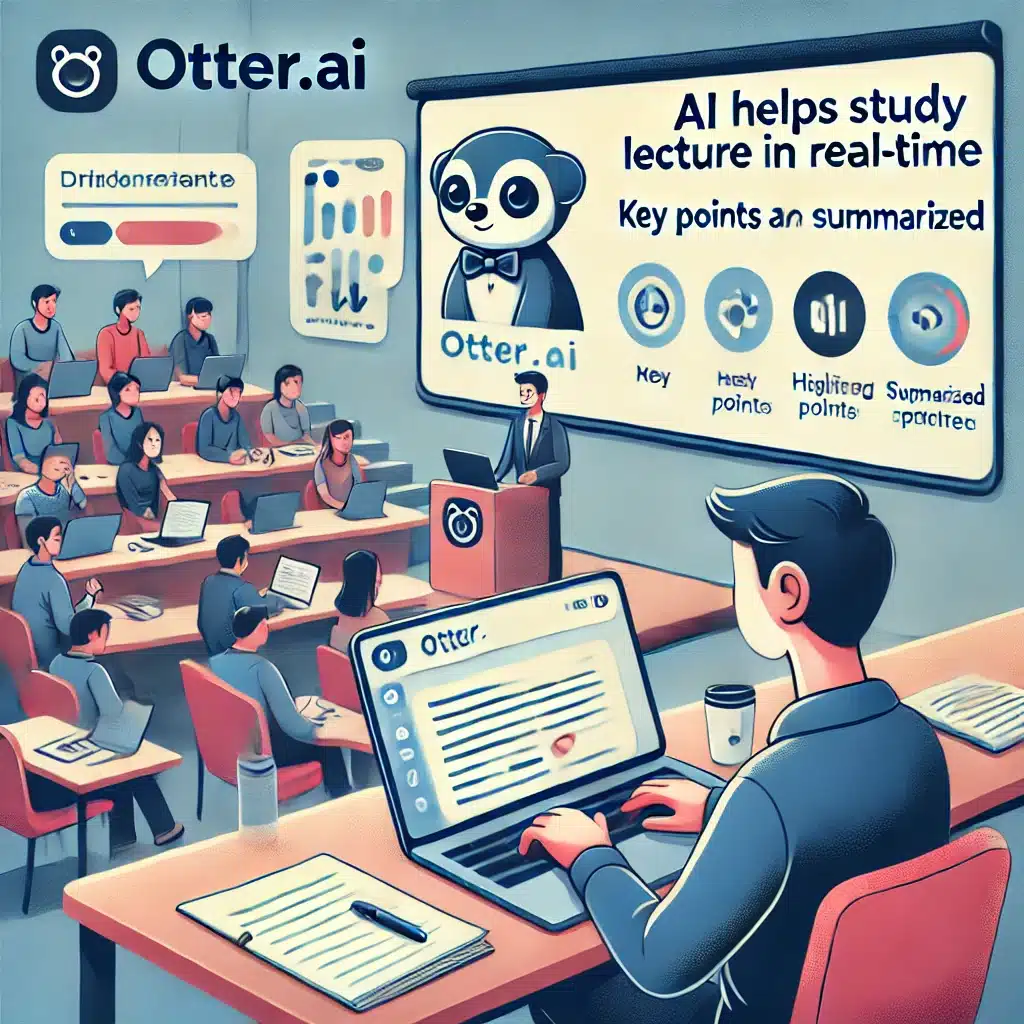
Otter.ai – AI-powered transcription for meetings and interviews
What can it do?
Otter.ai transcribes your conversations in real time and is ideal for students, journalists, and professionals who need accurate notes. It uses advanced AI to recognize speech, transcribe content, and even distinguish between different speakers.
The tool is especially valuable if you attend many meetings, as it integrates with Zoom, Google Meet, and Microsoft Teams, so transcription happens automatically while the meeting runs. You can search your transcripts, edit them manually, and export in multiple formats.
Great for students
Otter.ai also helps students record lectures and create notes automatically, making it easier to review material later. Journalists can use it for interviews and quickly find quotes without replaying entire recordings.
Another big advantage is Otter.ai’s automatic summarization, where the AI highlights key points from the conversation and summarizes them for you. This makes it easier to get a quick overview of decisions and action items.
Pros:
✔️ High transcription accuracy
✔️ Integrates with Zoom and Google Meet
✔️ Makes it easy to revisit and find key points
✔️ Identifies multiple speakers in a conversation
✔️ Automatic summaries for quick review
✔️ Ability to edit and export transcripts
Cons:
❌ May struggle with strong accents and dialects
❌ Advanced features require a premium plan
❌ Free plan limits monthly transcription minutes
❌ Speaker identification can fail in complex conversations
6. Descript – AI editing for audio and video
What can it do?
Descript lets you edit audio and video in a revolutionary way—by editing text. That makes it ideal for podcasters, YouTubers, journalists, and anyone working with audio or video.
Instead of cutting a waveform manually, Descript transcribes your audio or video to text and lets you edit directly. Delete a word in the transcript and it disappears from the media file as well. This makes editing much faster than in traditional video editors.
AI-powered voice generation
Descript also offers AI-driven voice cloning, allowing you to clone your voice and generate speech from text. It’s useful when you want to tweak a word in a recording without re-recording the whole sentence, and it enables professional voiceovers without hiring voice actors.
For video editing, Descript can automatically remove filler words like “uh” and “um,” improving the flow of your recordings. It also supports screen recording, making it perfect for educators, course creators, and content creators producing tutorials.
Descript is especially popular among podcast producers because it simplifies the entire editing process and makes collaboration easy via cloud sharing.
Pros:
✔️ Automatic transcription of audio and video
✔️ Edit by editing text instead of cutting clips
✔️ AI voice generation for voiceovers
✔️ Automatically removes filler words for better flow
✔️ Perfect for podcasters, YouTubers, and educators
✔️ Supports screen recording
Cons:
❌ Can be resource-intensive on older computers
❌ Advanced features require a paid plan
❌ AI voices aren’t always 100% natural
❌ Transcription can struggle with strong accents or heavy background noise
7. Tome – AI-powered presentation tool
What can it do?
Tome is an AI-powered presentation tool that automatically generates slides with text, images, and layout suggestions based on your input. It’s a perfect solution for students, businesses, and educators who need to create presentations quickly and efficiently.
Unlike traditional presentation software like PowerPoint and Google Slides, Tome focuses on automation and AI-generated content, which means you don’t have to format each slide manually. The AI suggests structures, relevant images, and a coherent narrative so you can focus on the content instead of the design.
Interactive elements in Tome
One of Tome’s biggest advantages is its interactive elements, which let you embed videos, animations, and live data directly in your presentations. This delivers a more dynamic experience for your audience compared to static slideshows.
For businesses, Tome can be a game-changer, helping you quickly create pitch decks, business reports, and strategic presentations, where the AI automatically suggests content based on your data and input.
Pros:
✔️ Rapid slide creation with AI-generated content
✔️ Automatic layout suggestions that save design time
✔️ User-friendly interface with minimal learning curve
✔️ Supports interactive elements like video and animations
✔️ Ideal for pitch decks, academic presentations, and business meetings
✔️ Integrates with other productivity tools
Cons:
❌ Less design freedom than PowerPoint
❌ AI-generated slides may require manual fine-tuning
❌ The free plan has some export limitations
AI is the future – make your everyday more efficient
These 7 AI tools can optimize your day—whether you want to write faster, organize tasks, edit video, or build great presentations. AI is no longer futuristic; it’s practical technology that students, freelancers, businesses, and creatives can all benefit from.
By embracing AI, you can save time, reduce repetitive work, and free up energy for what matters most. In a world where efficiency is key to success, these tools can give you a competitive edge, whether you work solo or on a team.
AI technology is evolving constantly, and the difference between Copy.ai vs. Copysmith shows how quickly new solutions emerge and adapt to users’ needs. Some tools specialize in text generation, while others focus on automating creative processes. Whatever your field, there’s an AI solution that can help you become more productive and effective.
So why not take the next step? Try one of these AI tools today and see how they can improve your workday, reduce stress, and maximize your productivity! 🚀



