Martin Jørgensen
There are many antivirus programs, and it can be hard to know which one best fits your needs. Some want a free option, others want maximum security, and many wonder whether antivirus is even necessary today.
In this guide, we help you choose the right antivirus software based on how you use your computer. It’s based on our own tests and experience here on Holyfile.com — with the goal of helping you make a safe, well-informed choice.
How to choose the right antivirus software

The best antivirus isn’t the same for everyone. Your choice should depend on:
- What you use your computer for (work, gaming, school, family use)
- Whether you have one or multiple devices
- How much control and how many extra features you want
- Whether you prefer free or paid software
Modern antivirus doesn’t just block classic viruses — it also helps stop phishing, ransomware, malicious downloads, and fake websites. That’s why it’s important to pick a solution that fits today’s threat landscape.
Free vs. paid antivirus – what’s the difference?
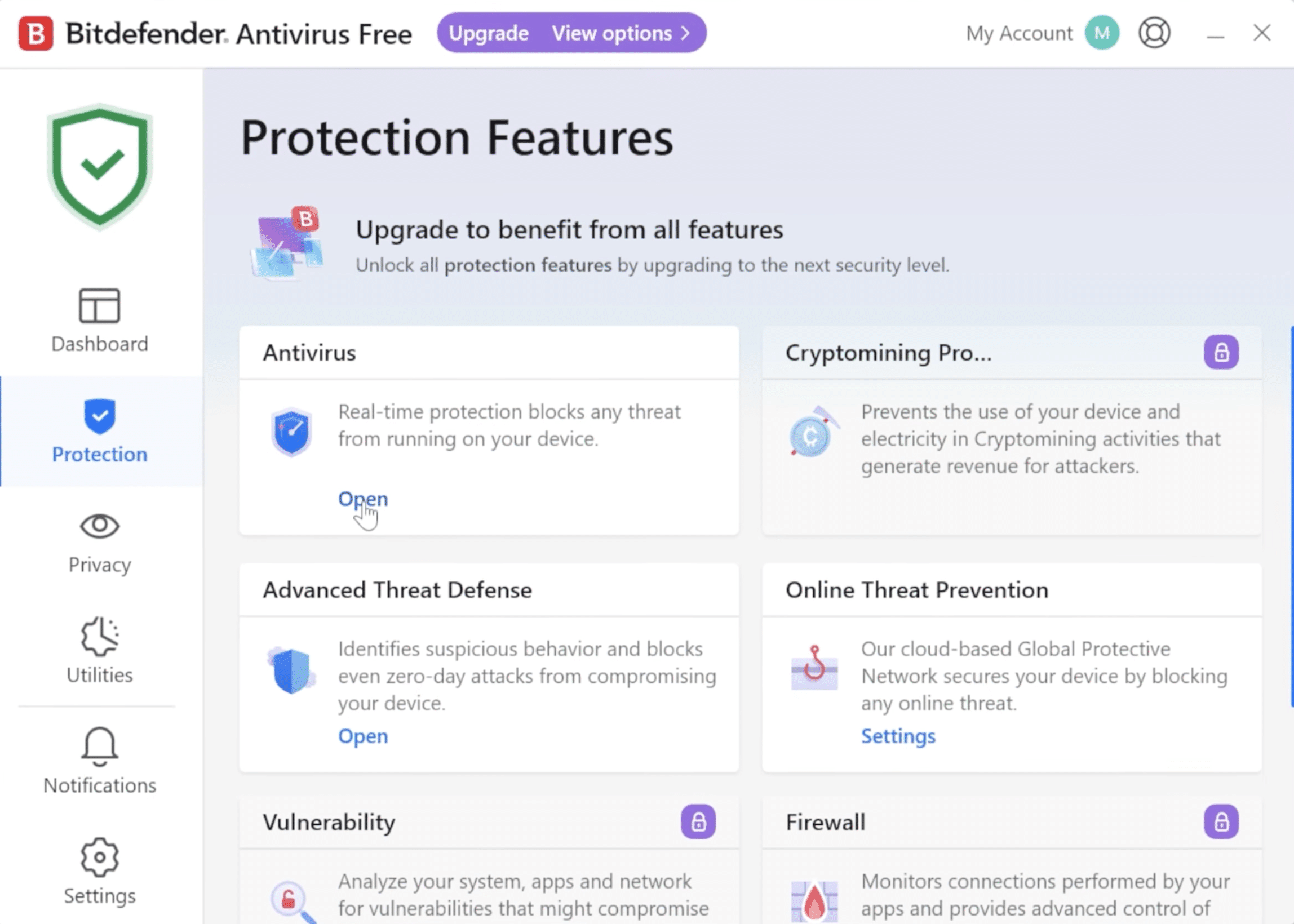
Free antivirus tools have improved a lot in recent years and can be a fine choice for light use. They typically offer basic protection against known malware and viruses.
Free antivirus can be enough for very basic use — but it often lacks advanced phishing and ransomware protection.
Typical limitations of free antivirus:
- Limited phishing and ransomware protection
- Fewer automatic security features
- No or limited support
- Ads or frequent upgrade prompts
Paid antivirus products, on the other hand, provide:
- More advanced real-time protection
- Better defense against new and unknown threats
- Extras like a firewall, parental controls, and identity protection
- Better performance optimization
For typical home use, free antivirus can be sufficient, but if you shop online, use online banking, or keep important data on your PC, a paid solution is usually the safer choice.
When might antivirus not be necessary?

In some situations, a dedicated antivirus app may be less necessary — especially if your usage is very limited and you already follow solid security practices.
You can sometimes get by without extra antivirus if you:
- only use your computer for very basic browsing and email
- primarily visit well-known sites and services
- never install software from unknown sources
- are diligent about updates and security settings
In these cases, your operating system’s built-in protections can provide an acceptable baseline.
When is antivirus clearly recommended?
For most users, an antivirus program is still a good idea — and in many cases, downright necessary.
Antivirus is especially recommended if you:
- download programs or files from the web
- shop online or use online banking
- click links in emails or on social media
- share a computer with others in your household
- have important documents or photos you don’t want to lose
Here, antivirus adds another layer of defense against both known and emerging threats — including phishing, ransomware, and malicious downloads.
Quick summary
If you use your computer very lightly and carefully, built-in protection may be enough.
But for most people, a dedicated antivirus program offers more peace of mind, stronger protection, and fewer everyday worries.
Overview: Which antivirus fits your needs?
Everyday home use
Daily use
Best for: Browsing, email, streaming, and light work.
Key features: Real-time protection, automatic scans, low system impact.
Examples: Bitdefender Antivirus Plus, 1.
Family and multiple devices
Multiple users
Best for: Households with several computers and mobile devices.
Key features: Multi-device licenses, central management, parental controls.
Examples: Bitdefender Total Security, 1.
Older or slow PC
Low impact
Best for: Older hardware with limited resources.
Key features: Low CPU and RAM usage.
Examples: Bitdefender Antivirus Plus, 1 Antivirus.
Maximum security
Extra protection
Best for: Online shopping and working with sensitive data.
Key features: Ransomware protection, phishing filter, extra security layers.
Examples: Bitdefender Total Security, McAfee Total Protection.
Recommendations: Which antivirus fits your needs?
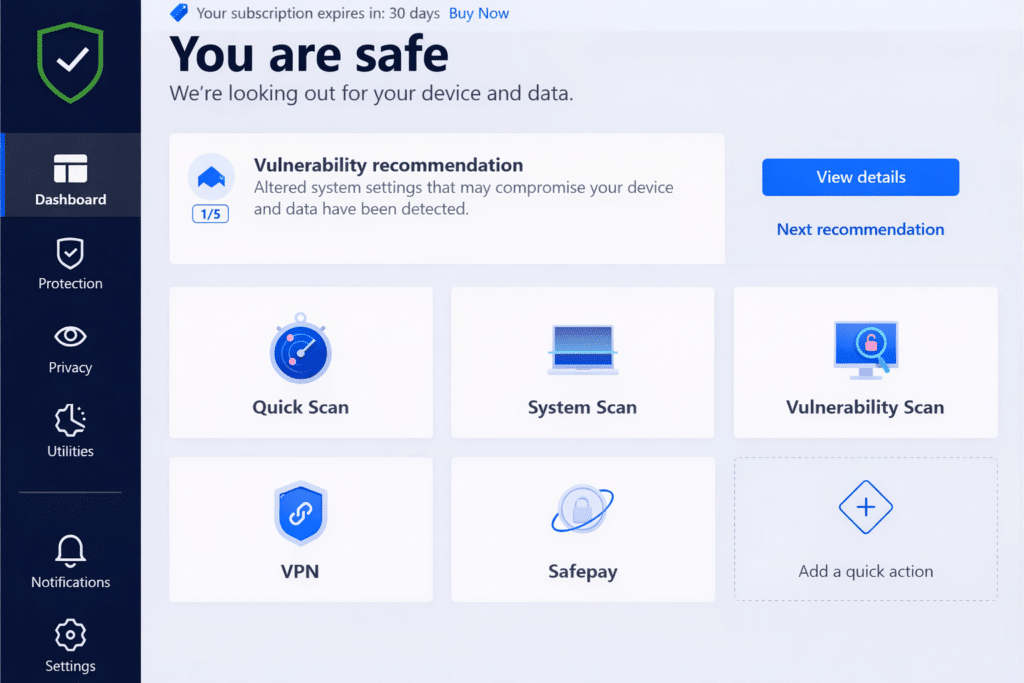
The best antivirus depends on how you use your computer. Below are concrete examples of solutions that fit different needs, based on our tests and hands-on experience.
Antivirus for everyday home use
Recommended if you want solid protection without dealing with technical settings.
For everyday browsing, email, streaming, and light work, we recommend antivirus that largely runs itself and delivers strong protection without requiring technical know-how.
Good options include:
- Bitdefender Antivirus Plus – known for high protection and low system impact
- McAfee Antivirus – easy to use and great for daily protection
These choices are ideal if you want peace of mind without tweaking lots of settings.
Antivirus for families and multiple devices
Recommended for families who want unified protection across devices with simple management.
If you need to protect multiple computers — and possibly phones and tablets — choose a plan that can cover the whole household.
Look for antivirus suites with:
- Licenses that cover multiple devices
- Centralized management
- Extras like parental controls
Examples:
- Bitdefender Total Security
- McAfee Total Protection
These solutions work well for families that value both security and easy oversight.
Antivirus for older or slow PCs
Recommended if you want protection that won’t slow your computer down.
On older machines, heavy antivirus can drag the system down. Pick a lightweight option that still offers strong protection.
Lightweight options:
- Bitdefender Antivirus Plus
- Avast Free Antivirus
These are known for low resource usage and are good fits for older hardware.
Antivirus for maximum security
Recommended if you have high security demands for online shopping or sensitive work.
If you handle sensitive data, shop frequently online, or simply want the highest level of protection, choose a more advanced security suite.
We recommend suites with:
- Advanced ransomware protection
- Effective phishing and web protection
- Additional layers beyond standard antivirus
Examples:
- Bitdefender Total Security
- McAfee Total Protection
These provide a high level of security and suit users with stricter requirements — especially if you work with sensitive information or often install new software.
Is antivirus still necessary today?
Yes. Even though operating systems are more secure than before, threats keep evolving. Today’s viruses, malware, and phishing attacks are more advanced and targeted.
A good antivirus acts as an extra layer of defense and helps protect you from:
- Fake or unsafe downloads
- Malicious or compromised websites
- Harmful software your browser alone might not catch
Treat antivirus as one part of a complete security setup — alongside safe browsing habits.
Frequently asked questions about antivirus
Is Windows’ built-in protection enough?
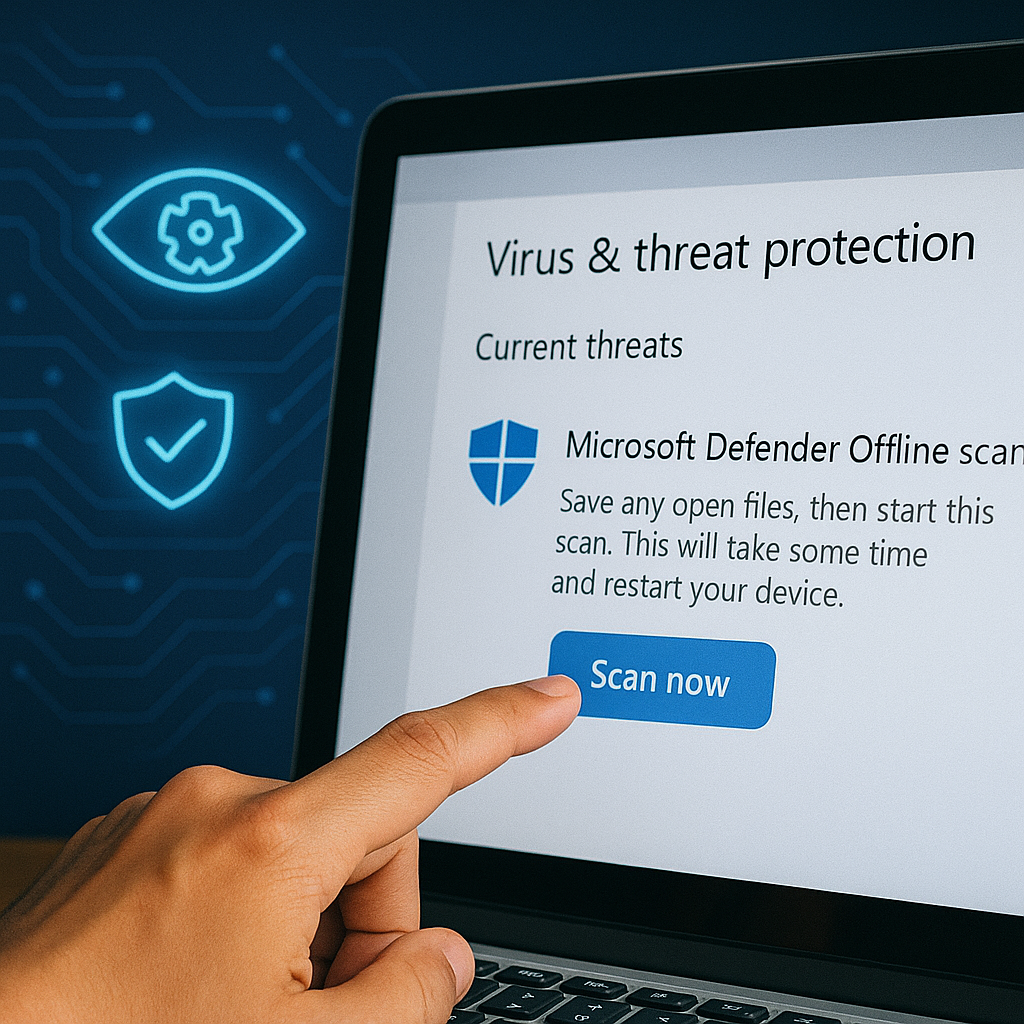
For many users it can be sufficient, but it often lacks advanced features like strong anti-phishing and extra security layers that paid solutions include.
Can you install multiple antivirus programs?
No. You should only run one antivirus at a time — multiple products can conflict and reduce overall protection.
Does antivirus slow down your computer?
Modern antivirus is generally optimized to run in the background with little to no noticeable impact. On older PCs, choosing a lightweight option can be crucial.
Is free antivirus safe?
Free antivirus can be safe for basic use, but it doesn’t offer the same level of protection as paid suites.
Do you need antivirus on Mac?
Mac computers are generally less targeted than Windows, but they’re not immune. An antivirus can be a helpful extra safeguard — especially if you’re online a lot.
How to choose the right antivirus software
The right antivirus depends on your needs. Free antivirus may be enough for light use, while paid options deliver broader and stronger protection.
Consider:
- How important your data security is
- How many devices you need to protect
- Whether you want extra features and support
If you’re still unsure, check out our individual guides and reviews of specific antivirus products here on Holyfile.com.
Frequently asked questions about antivirus
For many users, Windows’ built-in protection can be sufficient, but it often lacks advanced features like anti-phishing and extra security layers that paid antivirus suites provide.
No. You should only have one antivirus program installed at a time, as multiple products can cause conflicts and, in the worst case, reduce security.
Modern antivirus is usually optimized to run quietly in the background with minimal impact. On older computers, it’s important to choose a lightweight solution.
Free antivirus can be safe for basic use, but it typically doesn’t match paid products for phishing, ransomware, and emerging threat protection.
Macs are generally less targeted than Windows PCs, but they’re not immune. Antivirus can be a valuable extra layer, especially with frequent internet use.
Related antivirus questions
What’s the best antivirus for Mac?
Macs are generally well protected, but antivirus can be useful if you download software, rely on many online services, or want an extra layer of security.
How does antivirus affect computer speed?
Modern antivirus is optimized to run in the background, but on older computers a lightweight option can make a big difference.
Is free antivirus good enough?
Free antivirus can be sufficient for very basic use, but it often lacks protection against phishing, ransomware, and newer threats.
Do you need antivirus on Windows 11?
Windows 11 includes built-in protection, but many users choose additional antivirus for better control and stronger, layered security.