
 Martin Jørgensen
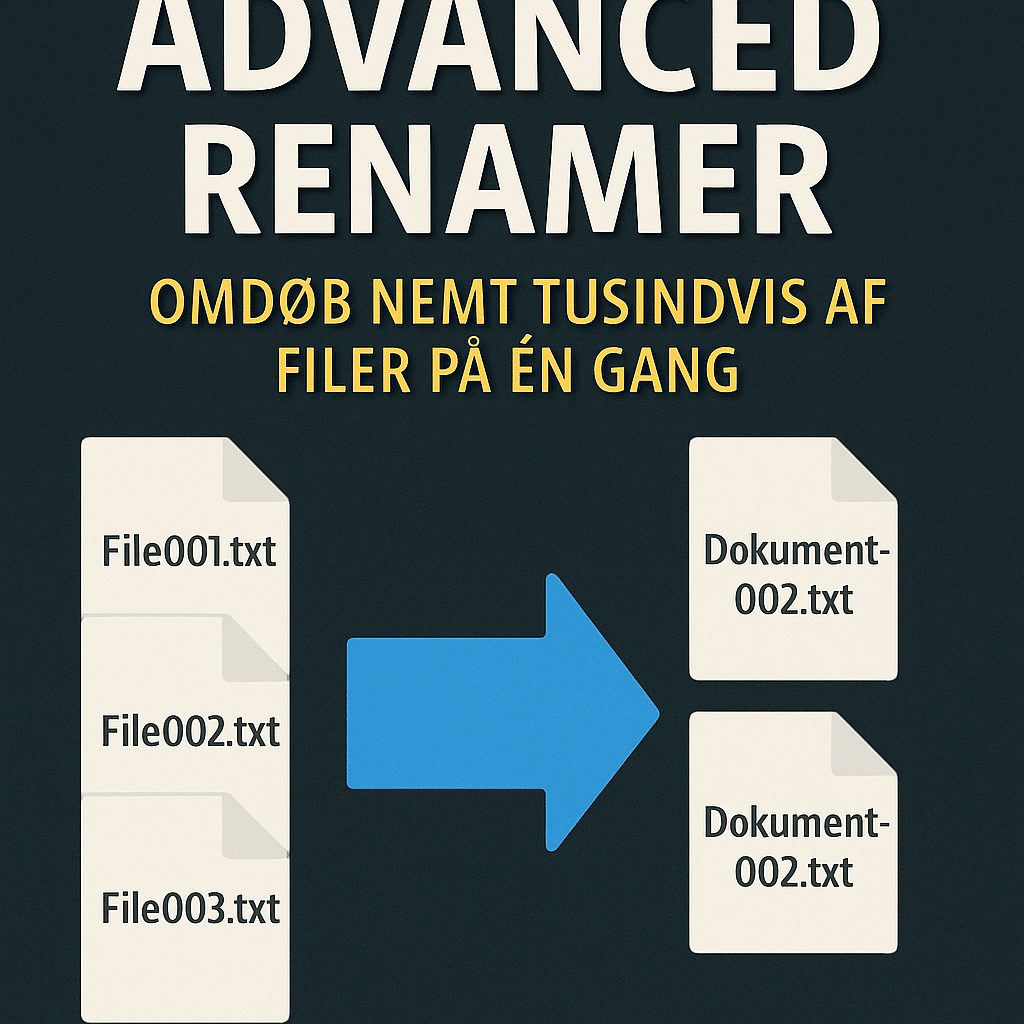
Advanced Renamer – Easily rename thousands of files at once.
Advanced Renamer is a free, powerful Windows tool that lets you quickly and efficiently rename large numbers of files and folders in one go. Formerly known as ARen, it’s ideal if you work with lots of photos, music files, or documents and want to clean up filenames once and for all.
Features and usage
With 1, you first add all the files you want to rename to a list. Then choose one or more methods (“renaming methods”) that define how the renaming should work. Once you’ve set up the rules, a single click lets you omdøbe hundredvis – eller tusindvis – af filer in seconds.
The program supports:
- Adding, removing, and replacing text in filenames
- Automatic numbering and sequencing
- Date- and time-based naming
- Use of file metadata, e.g., EXIF for photos and ID3 tags for MP3 files
- Batch renaming of both files and mapper
Ease of use and flexibility
The interface may look technical at first glance, but it’s logically structured and easy to work with once you understand the basics. You can always preview how filenames will look before confirming changes, which makes the program safe and predictable to use.
Advanced Renamer is great for both beginners and power users. If you manage large photo libraries from a camera, MP3 files with messy filenames, or folders with mixed file types, this tool is invaluable.
Strengths and weaknesses
Advanced Renamer is one of the most complete and flexible batch rename tools available—and it’s free for personal use. It handles almost any renaming scenario you can imagine, though there is a bit of a learning curve, especially if you set up very complex rules.
Top five tips and tricks for Advanced Renamer
1. Use the Preview feature before you click “Start”
Before you run a rename job, always use the Preview button. It shows how your files will be renamed without applying any changes. It’s a safe way to catch rule mistakes before you risk breaking a large folder structure.
2. Combine multiple methods for maximum control
Advanced Renamer lets you stack several methods in one job. For example, remove unwanted characters, add numbering, and pull info from metadata like dates or MP3 tags—all in a single pass.
3. Save your setups as presets
If you often rename files the same way (e.g., camera photos or downloaded music), save your method setups as presets. It saves time the next time you process similar files.
4. Use EXIF or ID3 tags for smarter naming
When renaming photos or music, pull metadata into the filename. Your vacation photos can automatically include date and time, and music files can use artist and song title directly from the MP3 tag.
5. Drag and drop files directly into the program
Make file handling easier by dragging files straight from File Explorer into Advanced Renamer. It’s faster than using dialog boxes and also works with entire folders.



