
 Martin Jørgensen
Antenna Web Design Studio is a classic yet still relevant web design program that lets you build complete websites without writing HTML, CSS, or JavaScript. The software is ideal for individuals, small businesses, and clubs or nonprofits that want to get online fast with a professional-looking site—without subscriptions or cloud lock-ins.
Unlike many modern website builders, Antenna Web Design Studio runs as a traditional desktop application. You own your website 100%, and you can publish it online, locally, or even to a CD/DVD as an interactive presentation.
How Antenna Web Design Studio works in practice
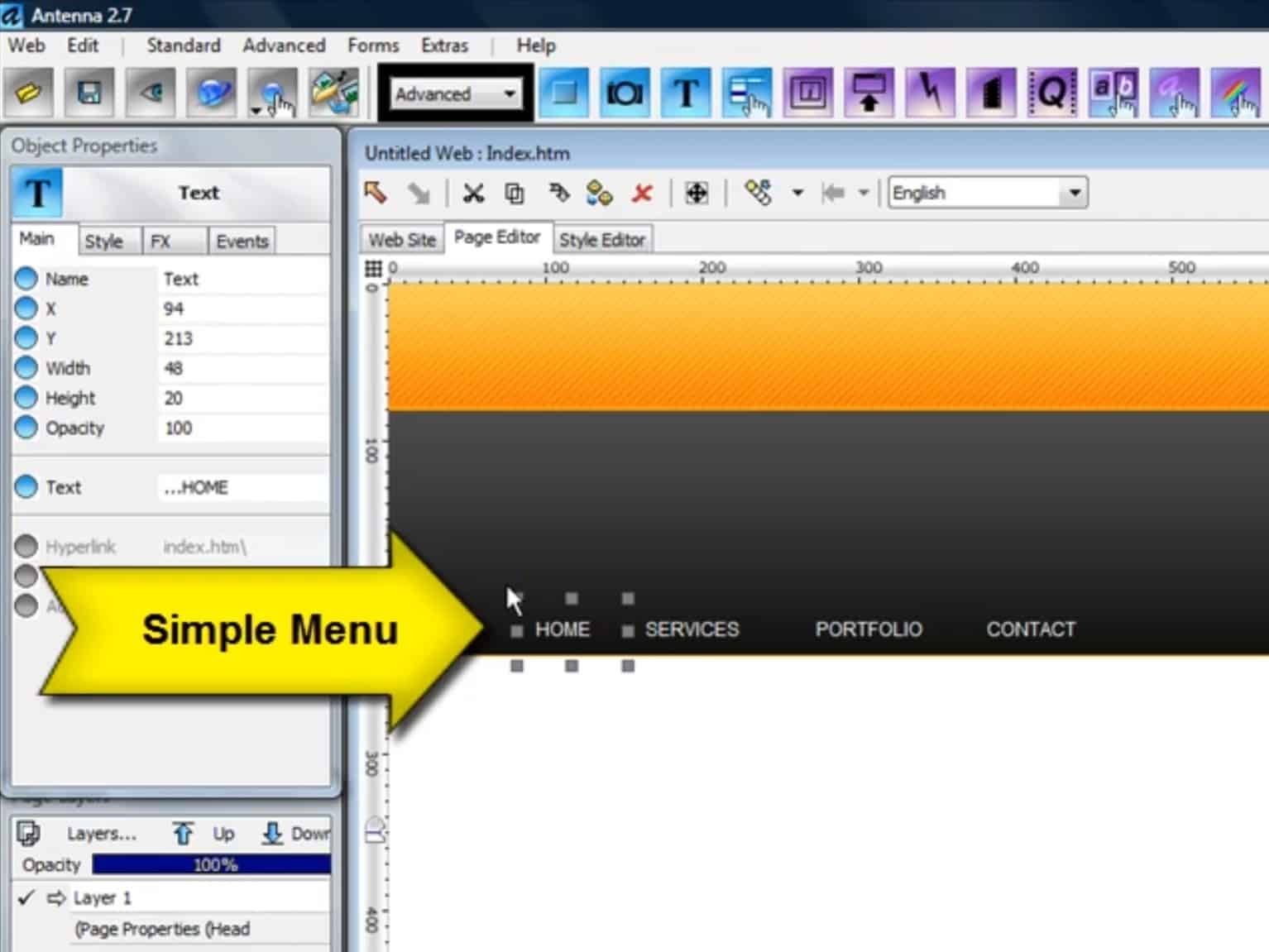
We tested Antenna Web Design Studio on a standard Windows 11 PC, and installation was quick and trouble-free. The program opens with a visual editor where pages are built using text boxes, images, menus, and layout elements. Everything is controlled with the mouse, and changes appear instantly—no code required.
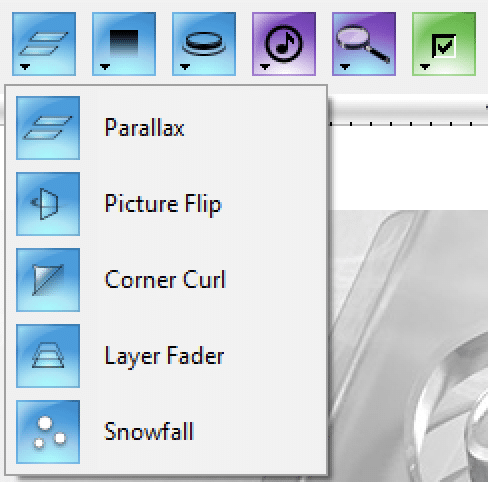
It includes a set of templates to help you get started, but you can also begin from scratch. The program is particularly well suited for personal sites, resumes, portfolios, presentation sites, and small business side projects.
Websites without coding or lock-in
One of the biggest advantages of Antenna Web Design Studio is that there are no ongoing costs. Once installed, you can build and publish websites as you like. Files are saved locally and uploaded via 1 to your web host—just as many users still prefer.
The software also works for offline projects, where the site is published to USB, CD, or a local drive as an interactive presentation. That makes it a great fit for a digital resume or a presentation for trade shows and exhibitions.
Who is Antenna Web Design Studio best for?
Antenna Web Design Studio is not aimed at advanced web developers or large dynamic websites. Instead, it hits the sweet spot for users who want full control, prefer working offline, and want to avoid subscriptions.
In the United States, it’s especially popular with freelancers, older users, clubs and nonprofits, and education projects where simplicity and ownership matter more than cutting-edge effects and CMS features.
A solid tool for simple websites
Antenna Web Design Studio does exactly what it promises: it helps you quickly and easily create a good-looking website without technical headaches. It’s not the most modern web design tool on the market, but it’s stable, straightforward, and surprisingly effective for simple projects.



