
 Martin Jørgensen
Avast Premium Security – Avast’s most complete security suite
Avast Premium Security is Avast’s most comprehensive security solution, made for users who want more than a basic antivirus. It combines powerful malware protection with a firewall, ransomware protection, and advanced web and network security in one package.
We tested Avast Premium Security on a typical Windows 11 PC used daily for work, online banking, downloads, and streaming. Installation took only a few minutes, and the program was ready to use almost immediately—no technical setup required.
Everyday protection and security
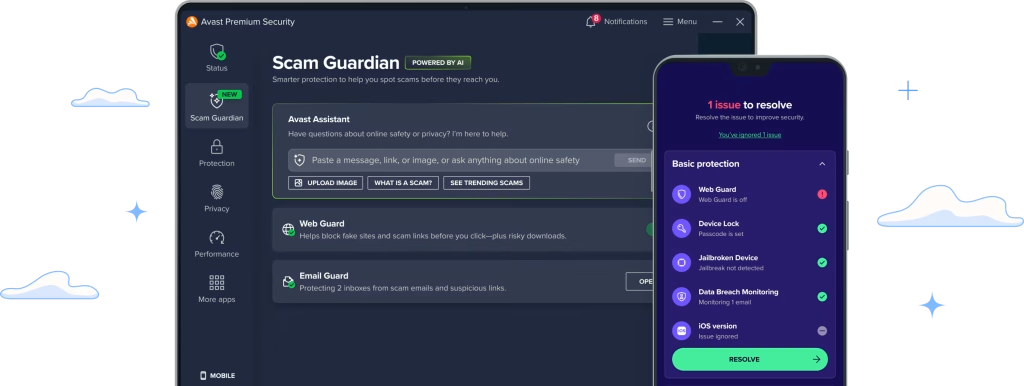
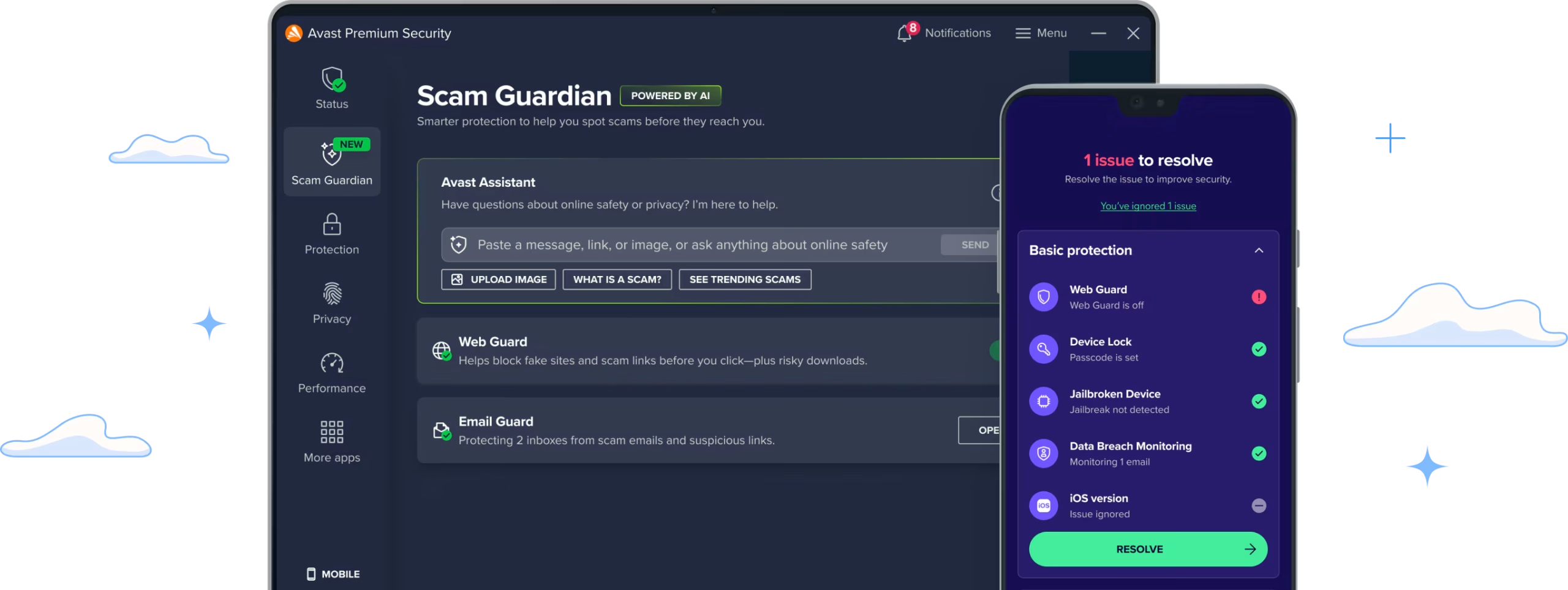
Avast Premium Security works quietly in the background, monitoring files, apps, and network traffic in real time. The antivirus engine reacts quickly to suspicious behavior, and in our tests, potentially unwanted files were blocked before they could do any harm.
The ransomware shield is one of the clearest differences from the free version. You can control which folders apps are allowed to modify, adding extra peace of mind for documents, photos, and backups. The feature ran smoothly without annoying alerts in everyday use.
The firewall component provides more control over inbound and outbound traffic than Windows’ built-in firewall. We especially valued the automatic handling, where Avast suggests safe rules without requiring technical know-how.
Web, email, and online shopping
When it comes to online protection, Avast Premium Security does a solid job. It blocks access to fake websites and phishing attempts before pages even load in your browser, giving extra peace of mind for online banking, shopping, and signing in to sensitive services.
Email protection scans both attachments and links, and we found that suspicious messages were clearly flagged without generating false positives. Webcam protection is a small but important extra that stops apps from accessing your camera without permission.
Performance and resource usage
Avast once had a reputation for being heavy, but Premium Security was a pleasant surprise. It runs quietly in the background and didn’t noticeably affect startup time or everyday performance. Even during full scans, the PC remained usable.
Do Not Disturb mode is especially worth mentioning. When you game, watch movies, or work in full screen, notifications are automatically muted—something many U.S. users will appreciate.
Interface and setup
The interface is clean and easy to navigate. Features are grouped logically, and most users can handle setup and daily use without digging through advanced menus.
We did notice that some of the more technical settings take a little getting used to. That’s not a problem for experienced users, but brand-new users are better off leaving the default settings as they are.
Who is Avast Premium Security best for?
Avast Premium Security is ideal for:
– Users who shop, work, and sign in across many sites
– Families with multiple PCs who want consistent protection
– Anyone who wants firewall and ransomware protection in one place
If you only need basic virus protection, the free version may be sufficient. But if you want an extra layer of security without making things complicated, the Premium edition makes a lot of sense.
Avast Premium Security FAQ
Top 5 tips for Avast Premium Security
How to get the most from ransomware protection
The ransomware protection in Avast Premium Security is effective, but it delivers the most value if you review the protected folders yourself. By default, Documents, Pictures, and Desktop are covered, but we recommend manually adding folders with work files, backups, or folders used by third-party apps. In our tests we saw fewer false alerts when folders were clearly defined, and we had much better control over which apps were allowed to modify files.
Let the firewall run automatically
Avast’s firewall is designed to work best in automatic mode, where it decides which connections are safe. For most people, manual setup offers no real benefit and can even cause issues if apps lose internet access. We let the firewall handle everything and experienced stable operation without pop-ups or unnecessary questions—even with online banking, games, and remote work.
Run Smart Scan regularly
Smart Scan is more than a quick virus check. It also looks for outdated programs, weak security settings, and potential privacy issues. We recommend running Smart Scan about once a week, as it often catches small problems you might otherwise miss. During testing, it flagged outdated browser extensions and apps that could pose a security risk.
Enable webcam protection
Webcam protection might seem like a niche feature, but it’s more relevant than many think. Plenty of apps try to access the camera without a clear reason. With webcam protection enabled, you’re automatically shielded from unauthorized access without having to manage it daily. The feature runs quietly in the background and needed no adjustments in our tests.
Use Do Not Disturb mode
Do Not Disturb mode is a feature you’ll quickly learn to appreciate. When you play games, watch movies, or join online meetings, Avast automatically silences notifications so you avoid interruptions. Especially for gaming and full-screen work, it makes for a much smoother experience. We found it worked reliably without hiding important security alerts.



