
 Martin Jørgensen
Download the Apache OpenOffice suite for Windows, Mac, and Linux — free!
Almost everyone needs office software to some extent, but many office suites can be expensive. Fortunately, Apache OpenOffice is a powerful, completely free alternative.
You might worry that the quality is poor because it’s free and ad-free, but in fact the suite is very similar to Microsoft Office in many areas.
The main difference is where toolbar shortcuts are placed and how they look. You quickly get used to it, and after a short time you barely notice the difference.
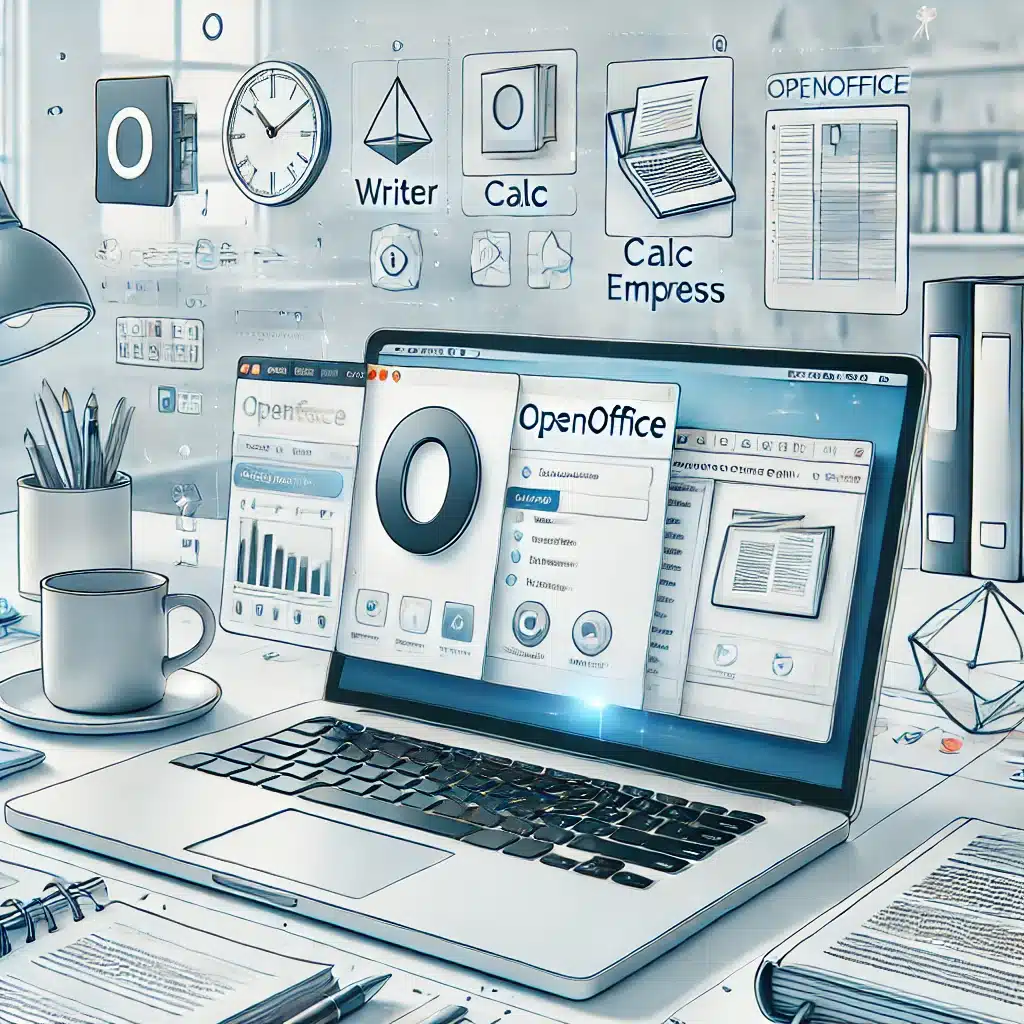
1 includes a wide range of apps that you also find in the Office suite. There’s a word processor that works much like Microsoft Word, an alternative to Excel, a presentation tool like PowerPoint, plus modules for drawing, databases, and website editing.
There’s no shortage of classic office tools in this suite, and their quality is close to what you’d find in the Microsoft Office suite.
It’s no surprise the software feels familiar if you come from Microsoft Office, as parts of it were developed by people who previously worked at Microsoft.
Supported formats in OpenOffice
You also don’t have to worry whether work created in OpenOffice will play nicely with Microsoft Office users. For example, if you write a document, you can save it as a Microsoft Office file so people using Microsoft Office can easily open your Apache OpenOffice software file. In addition, you can save your work in a wide variety of alternative formats — formats that Microsoft Office can also handle.
This applies not only to the word processor but also to files from the Presentation, Spreadsheet, Drawing, Database, and Web page editing modules. They can all be saved in exactly the format you need.
Language packs and versions
Apache OpenOffice has been around since October 2001, so the Apache Software Foundation has many years of experience developing office software. Its long lifespan also means there are numerous language packs — including Danish. That Danish version is available here, and if you prefer other languages, you can find them via the download link further down the page.
Over time, many different versions of Apache OpenOffice have been released. The suite is available for Windows, Mac, and Linux.
Updates and future development
As mentioned, Apache OpenOffice has been around for many years, and throughout its life it has seen many releases. If history is any guide, OpenOffice will continue to receive updates in the future — something that’s always important when choosing software.
New requirements and file formats appear all the time, and your office suite should support them. Thanks to OpenOffice’s regular updates, you won’t be stuck with a format you can’t open or edit.
A great alternative to Microsoft Office
OpenOffice is an excellent choice if you don’t want to pay for an office suite but still prefer a full desktop program instead of a purely cloud-based option like Google Docs. Microsoft Office is undeniably powerful, but it also comes at a price.
There’s a small learning curve when switching to Apache OpenOffice, but after a few hours we barely noticed we were using an alternative.

Maybe you have multiple computers in your household and one of them doesn’t have office tools installed. OpenOffice is a good option here too: you can easily work on your laptop and send files to a desktop, then continue without issues — even if your desktop runs Windows and your laptop is an Apple computer with macOS.
The wide range of language packs also shows the developer’s passion for the product and its users. The translations cover many languages, and the quality is excellent. We used both the English and Danish packs, and it’s clear a lot of effort went into perfecting them.
Apache OpenOffice is blazing fast, too! We were pleasantly surprised — you might expect an alternative to Microsoft Office to be slower, but we found the opposite.
OpenOffice launches and is ready to use within seconds, whether you’re opening local files or ones from external sources. It even feels a bit more responsive when typing.
Installation is smooth and takes only a few minutes from the moment you download it from Download.dk to being ready to use OpenOffice. If you need a free, capable office suite that can match or even beat aspects of Microsoft Office, we can confidently recommend Apache OpenOffice. If you don’t already have antivirus software, consider pairing OpenOffice with AVG’s free antivirus.
Top 5 tips for Apache OpenOffice
- Change the default format
Under Settings → Load/Save you can choose to save in Microsoft formats (.docx, .xlsx) by default — helpful when sharing files with others. - Install the English dictionary
Enable English spell check by installing the relevant dictionary via the Extension Manager. - Use templates
OpenOffice offers many free templates online (e.g., resumes, invoices, budgets) via templates.openoffice.org. - Automate with macros
If you repeat the same tasks, learn to record and run macros — especially in Calc. - Use Draw for simple PDF edits
Draw can open and edit simple PDFs — a handy, often overlooked feature.
Q&A
What is it?
A free, ad-free office suite that works as an alternative to Microsoft Office, with tools for word processing, spreadsheets, presentations, and more.
How much does it cost?
Apache OpenOffice is completely free to download and use.
Which platforms are supported?
The suite is compatible with Windows, macOS, and Linux.
Is it compatible with Microsoft Office files?
Yes, you can open and save files in Microsoft Office formats, making collaboration with Office users seamless.
Is it available in Danish?
Yes, the program supports Danish and many other languages.
When was Apache OpenOffice released?
Apache OpenOffice released its first version in 2012, after the Apache Software Foundation took over development from Oracle.
How does it differ from Microsoft Office?
The biggest differences are the interface and shortcut layout. Some advanced Microsoft Office features aren’t available in OpenOffice.
How do I install it?
Installation is quick and straightforward. You can be up and running within minutes after downloading.
Does OpenOffice offer cloud integration?
No, OpenOffice doesn’t include cloud features like Google Docs or Microsoft 365.
Who develops it?
It’s developed by the Apache Software Foundation and is open source.
How many downloads does it have?
It has been downloaded over 385 million times since its original launch in 2001.



