
 Martin Jørgensen
Ashampoo Home Design – Design your home in 3D risk-free
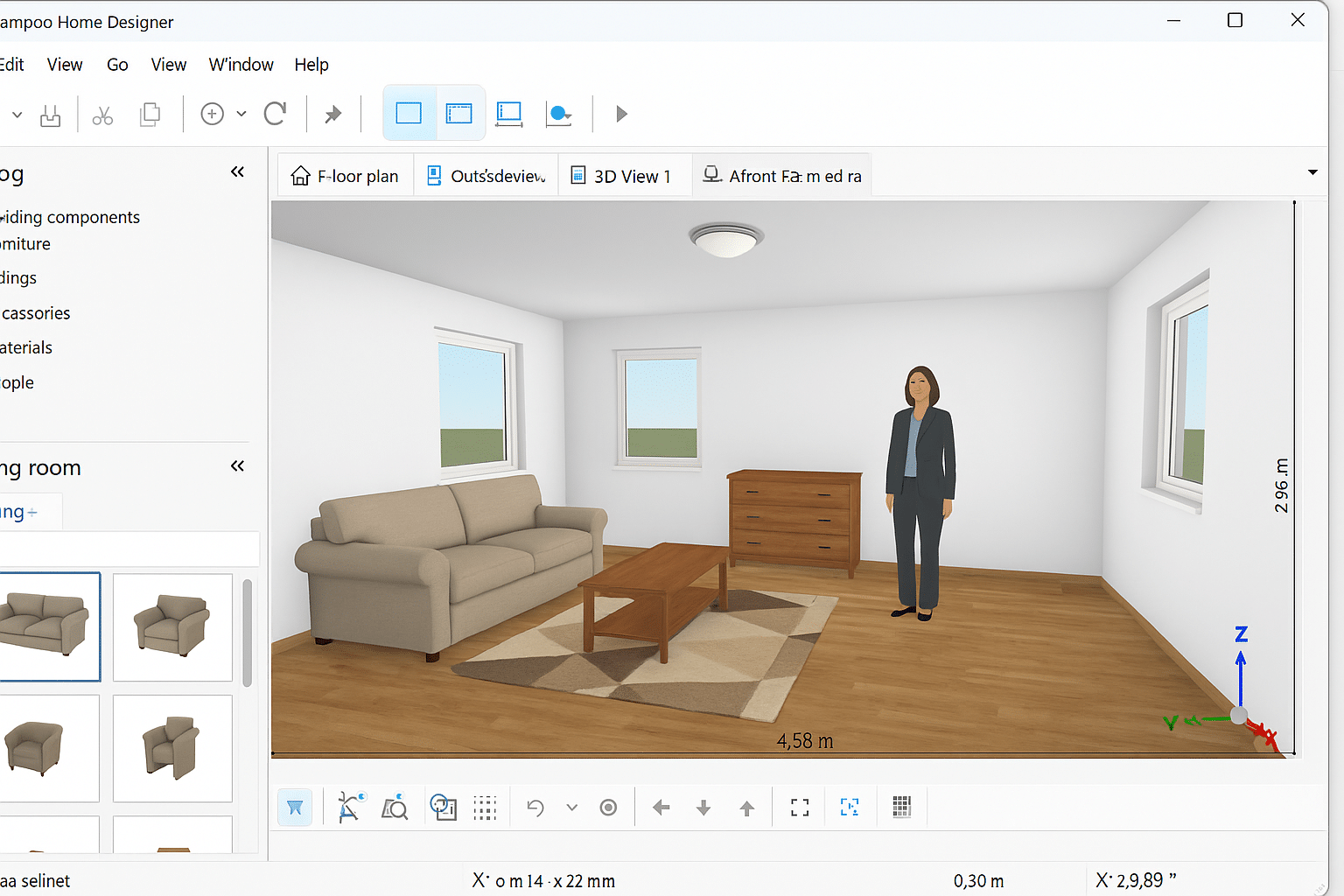
Ashampoo Home Design is a powerful yet user-friendly 3D interior design app that lets you design and visualize your home before you spend money on materials or furniture. You can plan everything from apartments to entire houses — completely free and in realistic 3D.
We tested the app on a standard Windows 11 PC and found it ran smoothly even with large projects and many elements on screen. It’s suitable for both professionals and homeowners who want to experiment with floor plans, colors, furnishings, and lighting — without spending a cent.
Features and capabilities
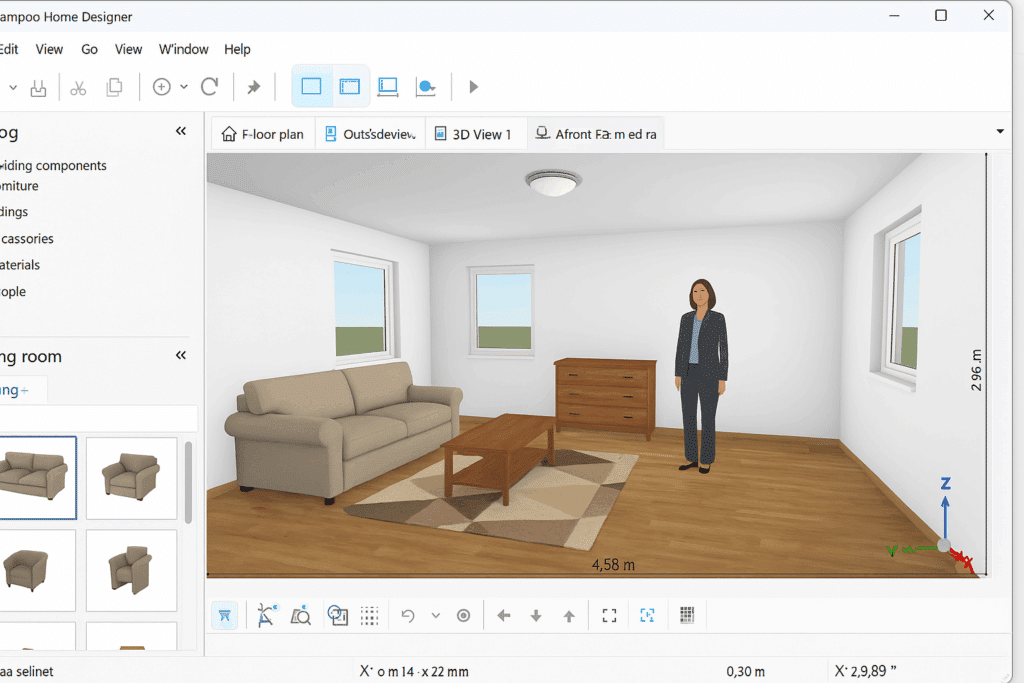
Ashampoo Home Design impresses with its blend of simplicity and depth. It’s clear the app is built to be easy to understand yet professional enough to deliver precise and realistic results.
✅ Drag-and-drop decorating — move furniture, walls, windows, and doors directly in 3D
✅ Large furnishing database with furniture, building materials, and decorative elements
✅ Realistic 3D views from inside, outside, and top-down — full control over angles
✅ Zoom, rotate, and pan with the mouse
✅ Fast dimensioning — click and drag to add measurements
✅ Option to import your own images as backgrounds
✅ Supports exporting 3D objects and images in high resolution
✅ Professional material lists can be saved as PDF, XML, or RTF
✅ Client database for designers working with customers
Ease of use and performance
During testing, installation took under two minutes and the app was ready to use without registration. The interface is similar to other Ashampoo products: clean, logical, and easy to navigate. We could rotate, zoom, and move around the design with no lag.
Despite its simplicity, the software offers advanced features such as importing 3D objects from the Ashampoo 3D CAD series — perfect for anyone ready to take a step toward professional use.
Realistic visualization of your home
The biggest advantage of Ashampoo Home Design is seeing your ideas come to life in realistic 3D. It makes it easier to catch design mistakes, poor furniture placement, or bad lighting — before you start in the real world. Many users will feel like they’re walking around their future home.
Top 5 tips for Ashampoo Home Design
1. Start with a simple room
Begin with one room before designing the entire house — you’ll learn the tools faster.
2. Use natural light
Try different window placements and lighting to see how daylight affects the space.
3. Save your projects often
Large files can get heavy — save regularly so you don’t lose progress.
4. Leverage the 3D view
Click the "camera" icon to switch between interior and exterior views — it gives you a better overview.
5. Export your designs
Save your finished project as an image file (bitmap) and share it with friends or contractors.
Who should use Ashampoo Home Design?
The app targets both private users and semi-professionals. If you’re dreaming of a new home or renovating a room, it’s a fantastic way to test ideas and visualize results before you decide. It’s also ideal for design students or contractors who want to present proposals to clients.



