
 Martin Jørgensen
AudioRelay – Stream audio from Android to PC, Mac and Linux over Wi‑Fi
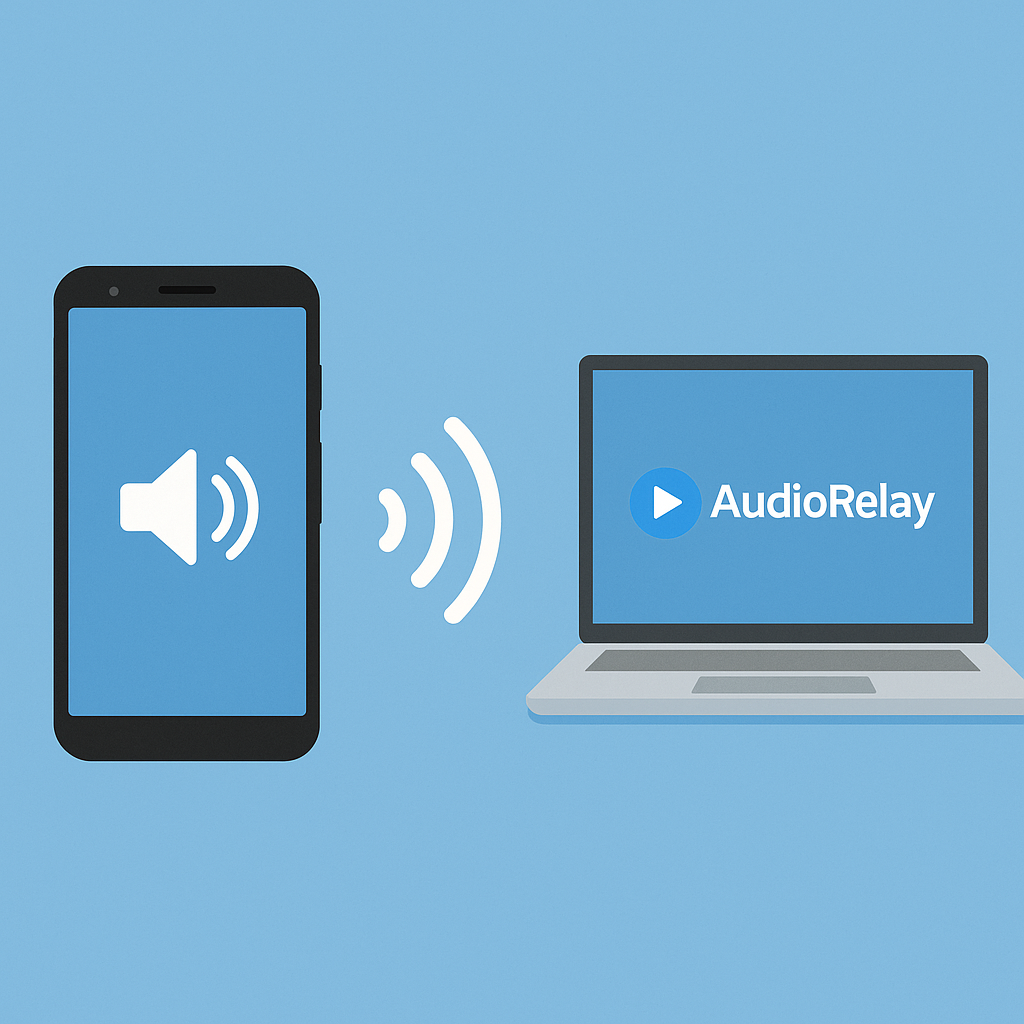
AudioRelay is a smart app that lets you stream audio from your Android phone directly to your computer speakers over Wi‑Fi—perfect for apps like Mofibo, Storytel, and Podimo when you want better sound without using wireless earbuds.
Top five tips for AudioRelay
Wi‑Fi works well, but USB delivers even lower latency and better stability—especially for music and audiobooks.
This ensures the app automatically resumes playback if you get a call or pause temporarily.
In Settings, you can balance audio quality and latency—especially helpful on slower networks.
Have a PC connected to your TV or big speakers? AudioRelay works like a free Chromecast Audio alternative.
A direct shortcut on your Android home screen lets you start the connection with one tap, making it super fast for everyday use.
Stream from phone to PC in seconds
AudioRelay acts as a bridge between your phone and your computer. Install the program on your Windows PC and the app on your Android phone. When both devices are on the same Wi‑Fi, you can send all audio from the phone to your PC—in real time.
This is ideal if you:
- Want to listen to audiobooks from 1 on your desktop computer
- Use a phone with better apps than your PC
- Have powerful speakers connected to your PC
- Want to avoid Bluetooth hassles, which often don’t support the reverse direction
Features and setup
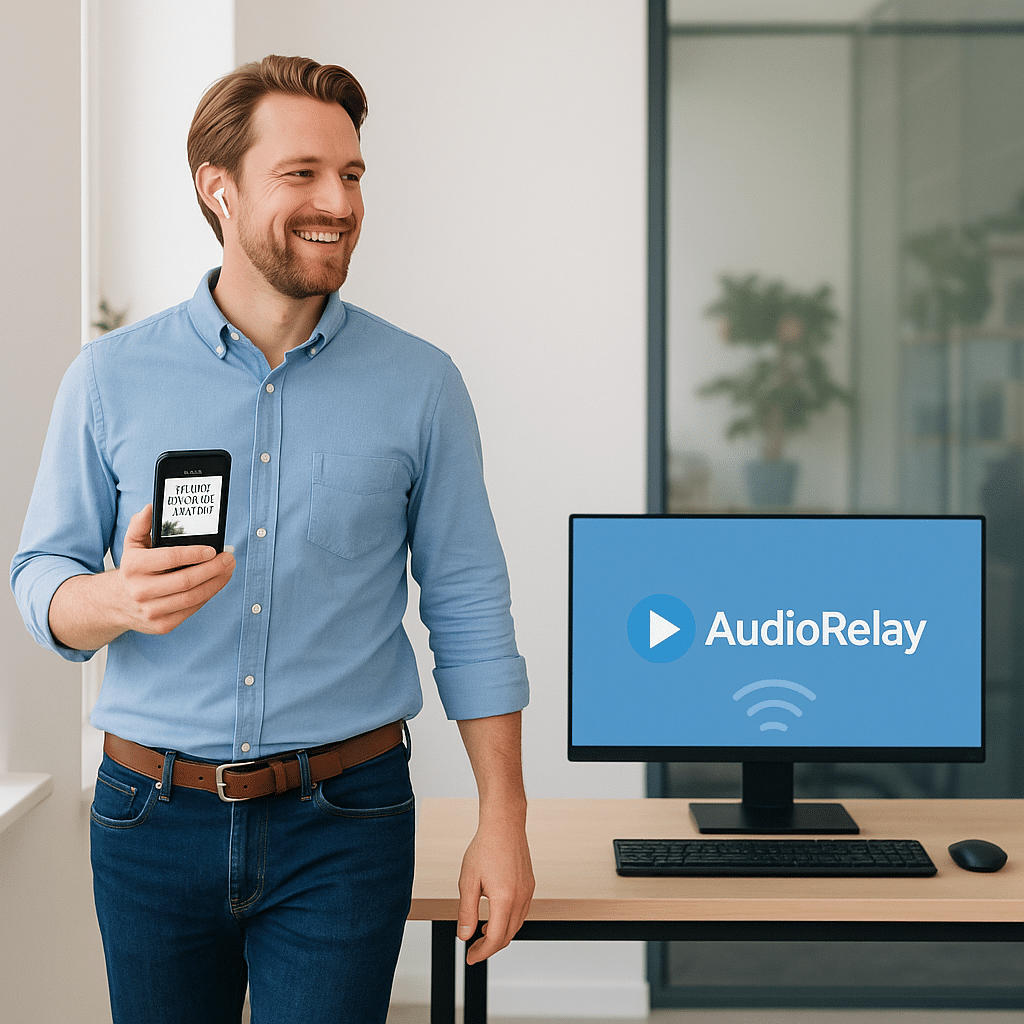
- Supports audio streaming over Wi‑Fi and USB
- Low latency and a stable connection
- Can be used as a home audio system
- Option to redirect audio from specific apps, not the whole system
- Works with Mofibo, Storytel, YouTube, Spotify, and more
- Also offers streaming from PC to phone if you want to go the other way
Setup is simple:
- Install AudioRelay for Windows on your computer.
- Get the AudioRelay app on Android.
- Make sure both devices are on the same network.
- Open the app and connect to the computer—the audio stream starts immediately.
Limitations and caveats
- Android only (not iOS)—because Apple restricts audio streaming between apps and devices.
- No Bluetooth support—Wi‑Fi or USB connection only.
- The free version has a limited session time and ads, but it still works well for daily use.
A truly useful tool for audiobook listeners
AudioRelay solves a real problem for many—the fact that apps like Mofibo and Storytel don’t exist for Windows. That often means settling for your phone’s small speakers or trying clumsy workarounds. Instead of fiddling with Bluetooth solutions that rarely work in this direction, AudioRelay offers a stable, user‑friendly, wireless solution over Wi‑Fi. It’s especially ideal if you want to listen to audiobooks, podcasts, or music from your phone—but with your PC’s much better sound system. We highly recommend it to anyone who wants better sound, more flexibility, and a simple setup that just works.



