
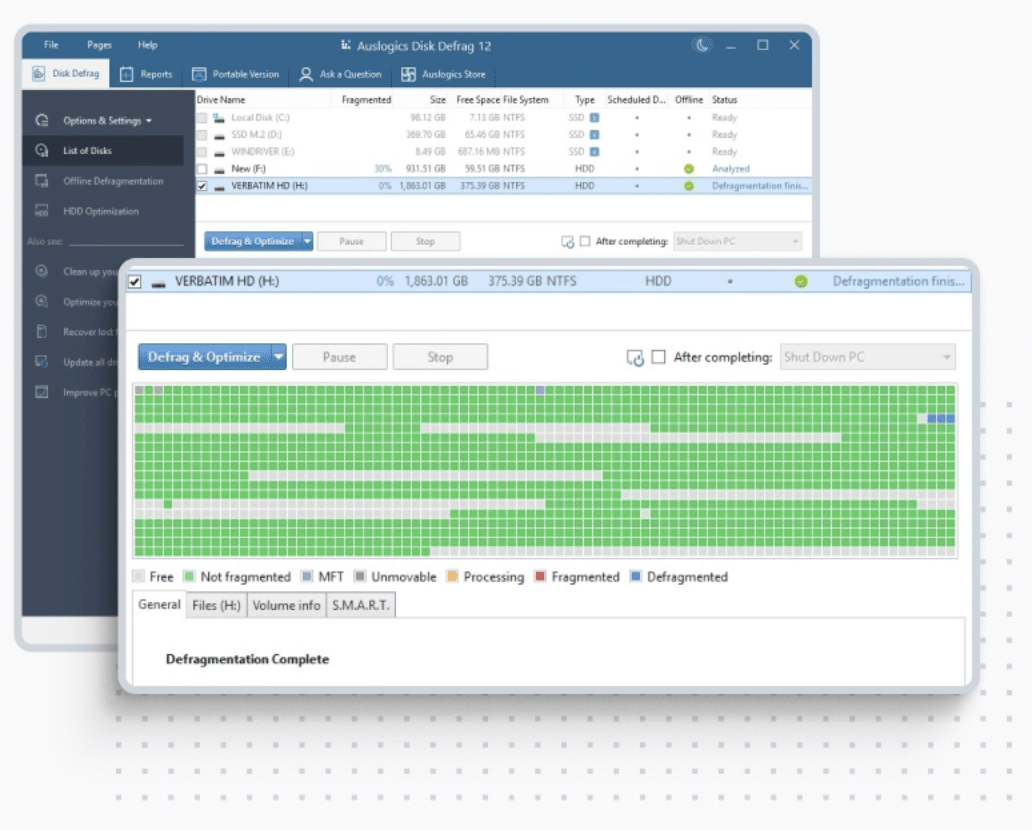
 Martin Jørgensen
Speed up your PC with Auslogics Disk Defrag
Auslogics Disk Defrag Free is a fast, effective, and free Windows tool that defragments your hard drive and optimizes how your system accesses files. That means shorter load times, faster app launches, and more stable performance—especially on older PCs with mechanical hard drives (HDDs).
Top 5 tips for Auslogics Disk Defrag
Use the built-in scheduler to defragment automatically once a week—e.g., every Sunday night—so your PC always stays optimized and free of fragmented files.
Choose the advanced method, which both defragmenterer og omarrangerer dine filer strategically, delivering better performance and quicker access to your most‑used files.
The program automatically detects SSDs and recommends that you don’t defragmentere them, as it can shorten their lifespan. Instead, use TRIM or Windows’ built‑in SSD optimization.
Click “Analyze” to see an overview of fragmentation before you start. This helps you decide whether cleanup is necessary and how big the impact will be.
You don’t need to defragment everything—focus on the C: drive and folders with large files such as videos, games, and backups, where fragmentation matters most.
What does the program do?
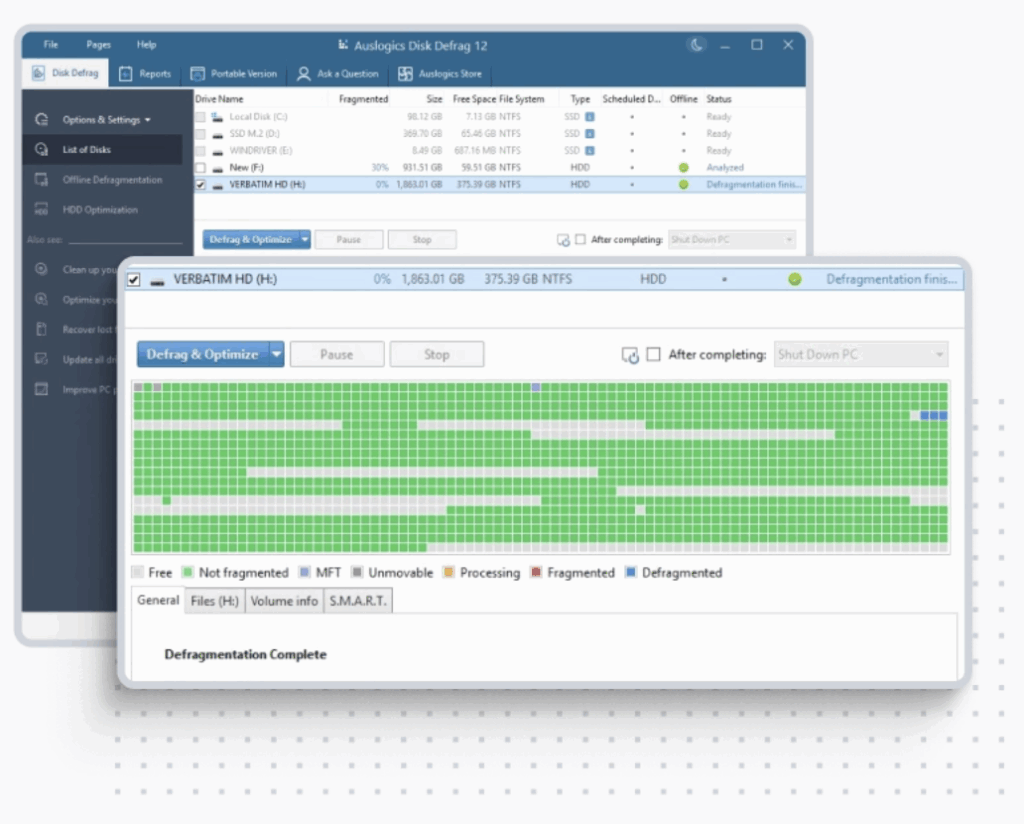
When files are saved in fragments across your hard drive, it takes longer for the system to fetch them. Auslogics Disk Defrag consolidates these files so they’re contiguous, resulting in a faster, more responsive PC.
The program can also:
- Optimize boot time by prioritizing system files
- Run automatically or manually, depending on your needs
- Defragment individual files or folders
- Display a graphical overview of disk status
Ideal for both beginners and power users
The program is easy to use yet offers advanced scheduling, SSD detection (automatically skips defragmentation), and detailed reports.



