
 Martin Jørgensen
Avast Secure Browser – A secure, private web browser focused on protection
Avast Secure Browser is a free web browser built with a clear goal: to give you a safer, more private experience online. It’s based on Chromium, so it feels very similar to Google Chrome in both look and use, but with significantly more security features enabled by default.
We tested Avast Secure Browser on a standard Windows 11 PC and quickly realized it’s designed for users who want extra protection without having to tweak advanced settings themselves.
Security and privacy first
One of the first things you notice is how aggressively Avast Secure Browser protects you. Trackers, phishing sites, and malicious downloads are blocked automatically, and you get clear warnings if you’re about to visit a suspicious website.
A standout feature is Bank Mode, which opens an isolated browser window when you log in to online banking or shop online. Other programs can’t capture keystrokes or screen content here, which gives you extra peace of mind.
The browser also includes built-in ad blocking, HTTPS encryption, and protection against browser fingerprinting, which is often used to track you across websites.
Ease of use and design
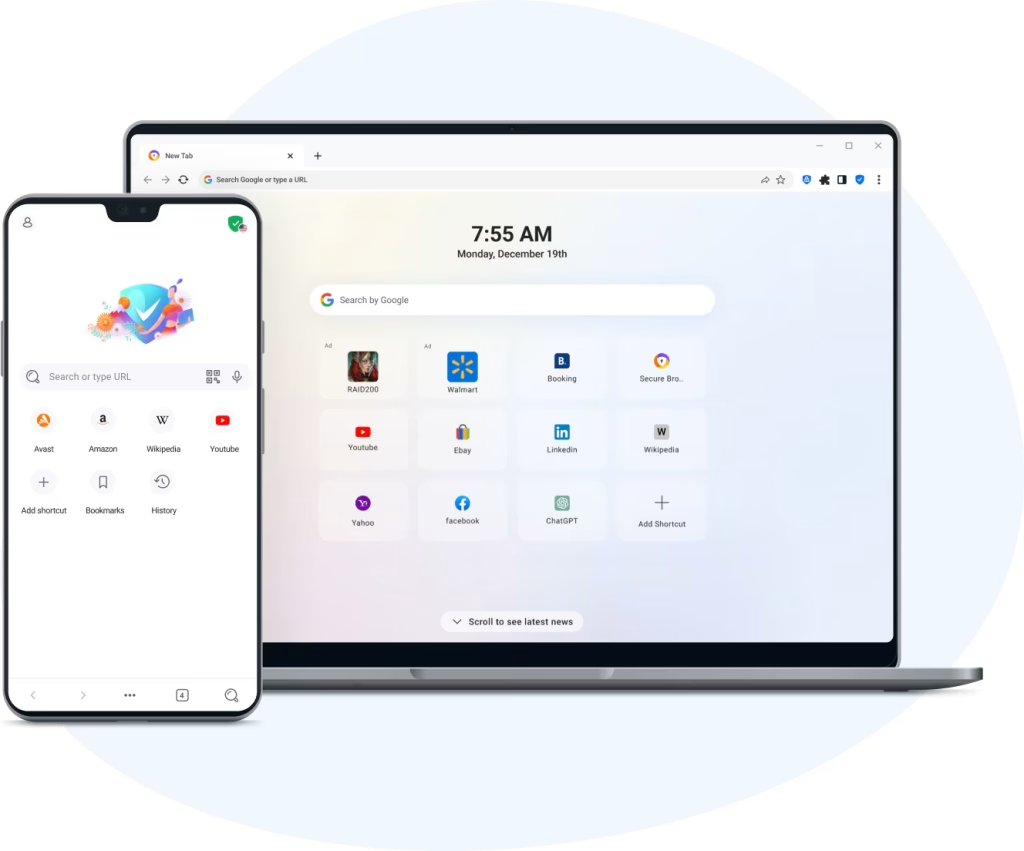
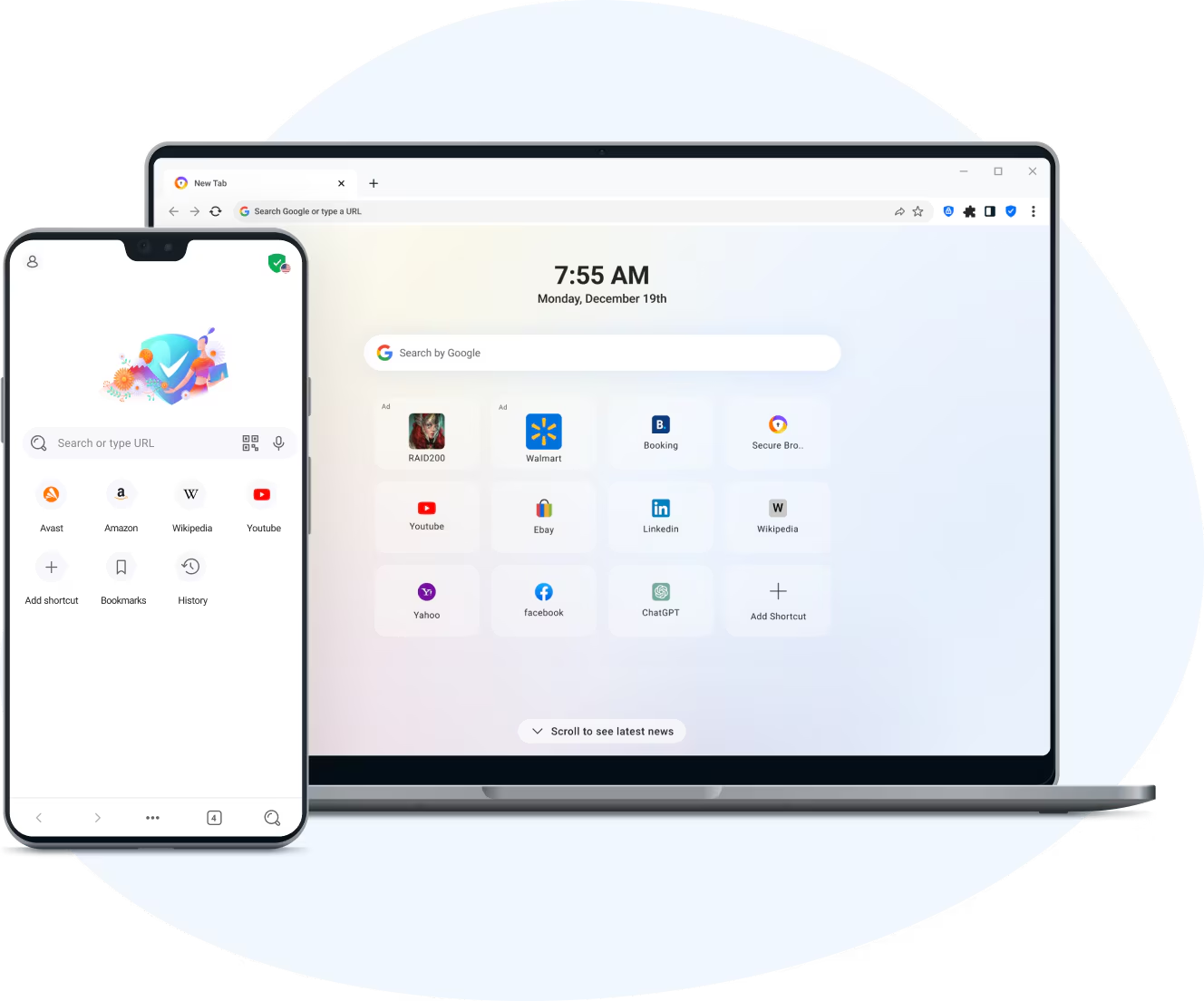
Design-wise, Avast Secure Browser is very close to Chrome, which is a plus for most users. Menus, tabs, and settings feel familiar, and you can easily install extensions directly from the Chrome Web Store.
In our testing, the browser ran smoothly and quickly — even with many tabs open. There are also handy shortcuts to private browsing, clearing data, and a security dashboard that makes it easy to see what’s being blocked in real time.
Performance and everyday use
In daily use, Avast Secure Browser performs very well. Pages load fast, and the extra security doesn’t feel heavy or slow. The built-in ad blocker reduces clutter on many US and international websites, which actually improves the browsing experience.
Some users may notice occasional promotions for other Avast products, especially the antivirus suite. It’s not excessive, but worth mentioning.
Comparison with other secure browsers
Compared to privacy-focused options like Brave and Firefox, Avast Secure Browser stands out for being more “plug and play.” Many security features are enabled from the start, which is especially helpful for less technical users.
On the other hand, Firefox offers greater flexibility, and Brave has a stricter focus on ad-free browsing. Avast lands in the middle: strong security without changing the classic browser experience too much.
Avast Secure Browser FAQ
Avast Secure Browser is a free web browser focused on security and privacy. It’s based on Chromium and includes built-in protection against phishing, trackers, and malicious websites.
Yes, Avast Secure Browser is completely free to use. There’s no charge for the browser itself, though it may suggest other Avast security products.
Avast Secure Browser feels similar to Google Chrome but differs by having more security features enabled by default, including tracker blocking and phishing protection.
Bank Mode is an isolated browsing mode that protects your keystrokes and screen content when you use online banking or shop online. It adds extra protection against malware and keyloggers.
Yes. Since Avast Secure Browser is Chromium-based, you can install extensions directly from the Chrome Web Store without issues.
Top 5 tips for Avast Secure Browser
Use Bank Mode the right way
Open Bank Mode from the address bar whenever you use online banking or shop online. It adds extra protection against keyloggers and screen capture.
Fine-tune ad blocking
Go to Settings and choose how aggressive the ad blocker should be. On some US sites, a milder setting can help avoid issues.
Use the Security Dashboard
Check the browser’s security dashboard regularly to see which threats have been blocked — it gives you a clear overview.
Sync your data securely
Create an Avast account to sync bookmarks and settings across devices with encryption.
Disable unnecessary notifications
For a calmer experience, turn off product suggestions and notifications in Advanced Settings.
Video: Testing Avast Secure Browser
Here, Avast Secure Browser is put to the test by opening a large batch of malware to see how it handles real threats.



