
 Martin Jørgensen
AVG Internet Security – Protect your PC effectively in 2026
AVG Internet Security is a popular antivirus solution in the United States for good reason. It delivers reliable protection against viruses, ransomware, phishing, and many other online threats—without slowing down your PC.
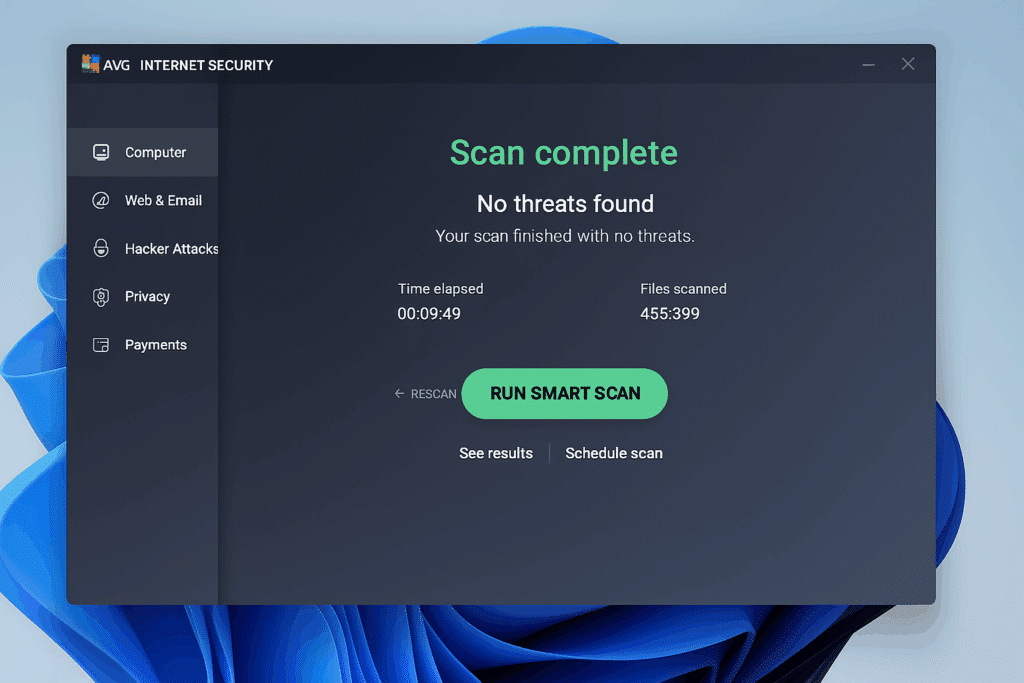
We tested the latest version of AVG Internet Security on a standard Windows 11 PC and found that installation was quick, the interface was straightforward, and scans ran smoothly in the background.
Powerful protection against viruses and malware
AVG Internet Security protects both against traditional viruses and more advanced threats such as spyware, trojans, and ransomware. Real-time scanning is impressively fast, and we could keep working, streaming, and browsing without noticeable lag.
The software also blocks unsafe websites and email attachments to help you avoid phishing and malicious downloads—especially important in 2026, as many cyberattacks still arrive via email and social media.
AVG’s built-in Firewall adds another layer of protection against hackers, and Web Shield scans all connections for suspicious activity—something we found particularly effective on public Wi‑Fi networks.
Privacy tools and extra features
AVG Internet Security includes several smart features many competitors don’t offer in the standard package:
- Webcam Protection prevents apps from accessing your camera without permission.
- Wi‑Fi Inspector scans your network for vulnerabilities and unwanted devices.
- Data Shredder lets you permanently delete sensitive files.
AVG also integrates with 1 VPN (sold separately), which encrypts your internet connection and protects your identity online.
Performance and ease of use
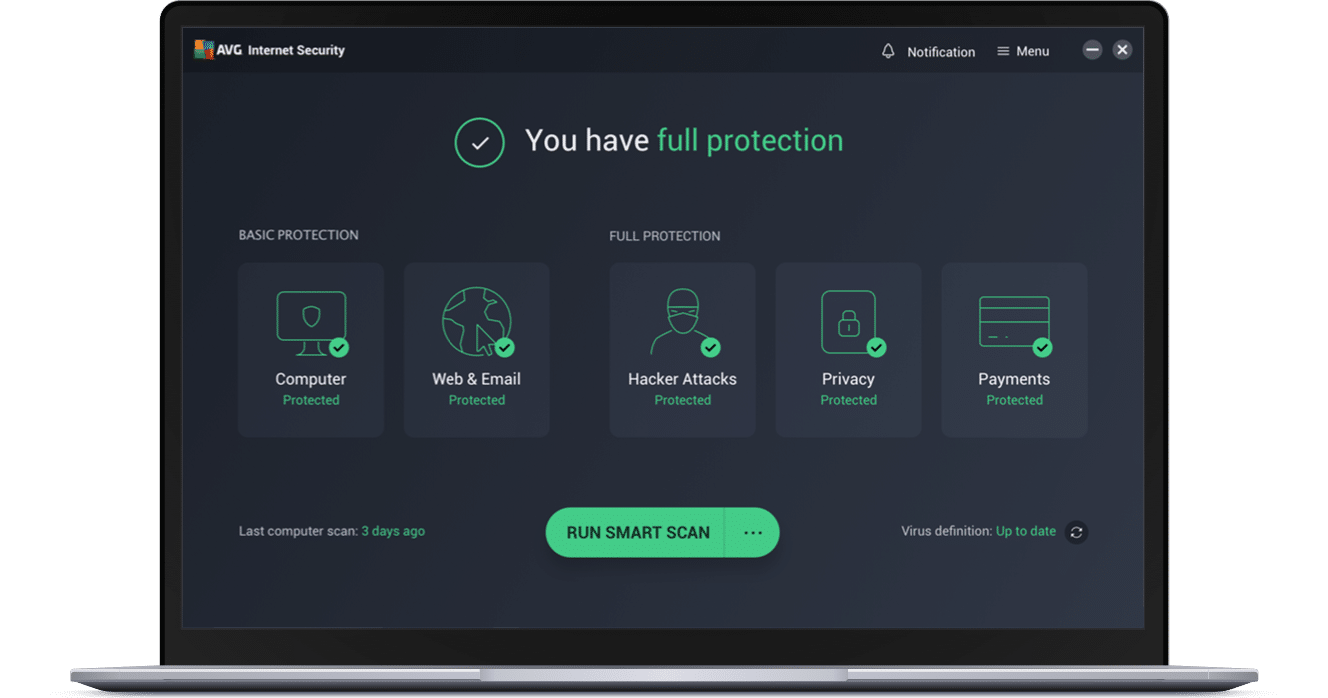
The interface is clean, modern, and available in English. We could easily start scans, enable features, and view security status from a unified dashboard.
Unlike many heavyweight antivirus suites, AVG is very light on system resources. During our tests, we noticed no slowdown while gaming, streaming, or editing.
The app offers automatic updates, scheduled scans, and notifications about security events—without being intrusive.
Pricing and licensing
AVG Internet Security comes with a 30‑day free trial, followed by a paid version with licenses for multiple devices.
Pricing is competitive compared to Bitdefender, Norton, and Avast—and it’s worth noting that AVG and Avast now share the same core technology while offering different user experiences.



