
 Martin Jørgensen
Virtual DJ Free – Mix your own music like a pro
Virtual DJ Free is a popular DJ app that lets both beginners and experienced users mix music, scratch, add effects, and even play karaoke and video. It works like a virtual DJ booth, and even in the free version you get access to many professional features.
Features and capabilities of Virtual DJ Free
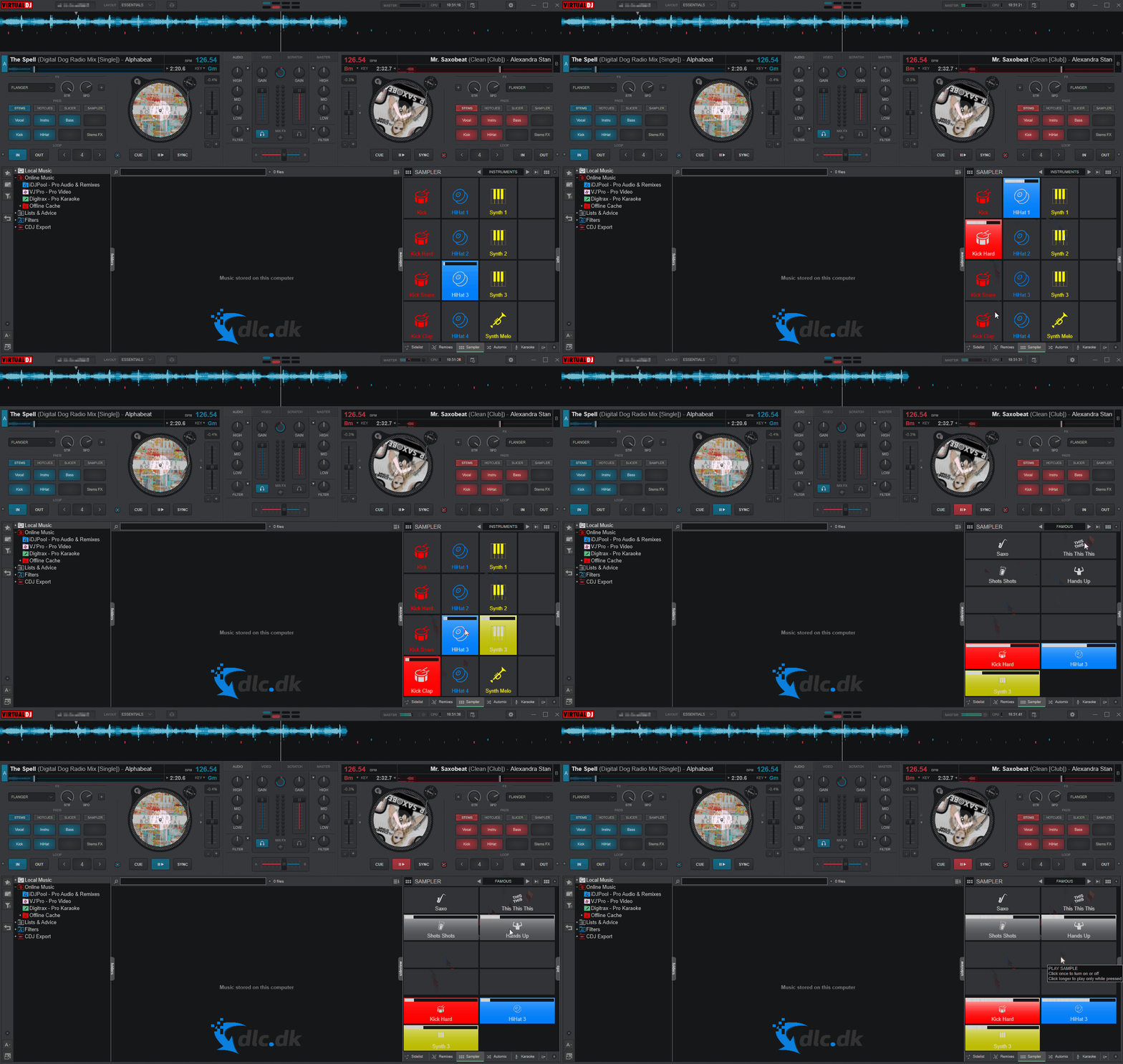
Virtual DJ Free is more than just a music app. It’s a complete DJ toolkit with:
- Two virtual turntables (decks)
- Loops, hot cues, and beatmatching
- Built-in effects and samples
- Ability to mix both audio and video
- Support for karaoke playback
- Smart Sync and automatic beat detection
- Browser with drag-and-drop file handling
- Support for external DJ hardware (with limitations in the free version)
With the software, you can create your own sets and remixes—perfect for private parties and larger events.
User interface and controls
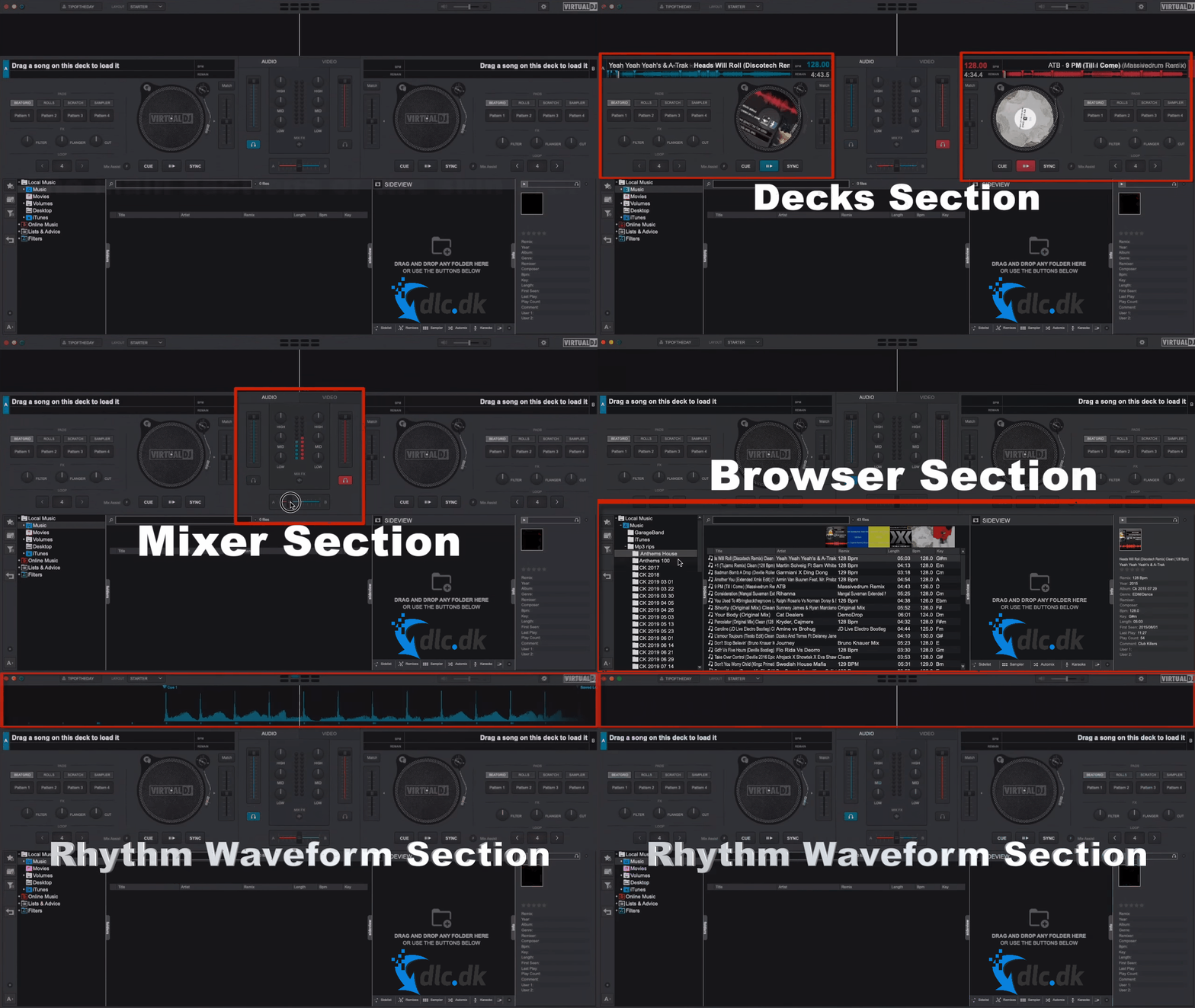
The interface is intuitive and adapts to your level—whether you’re a beginner or an experienced DJ. Quickly drag in your music files, adjust tempo, use the crossfader, add effects, and save your mixes. The software supports most file formats and gives fast access to folders and libraries.
Free vs. paid version
Virtual DJ Free packs a lot of features, but some professional tools require a license—such as advanced DJ hardware support, broadcasting, and access to online music services. For hobby use, the free edition is more than enough and competes with many paid alternatives.
Virtual DJ for parties, karaoke, and video
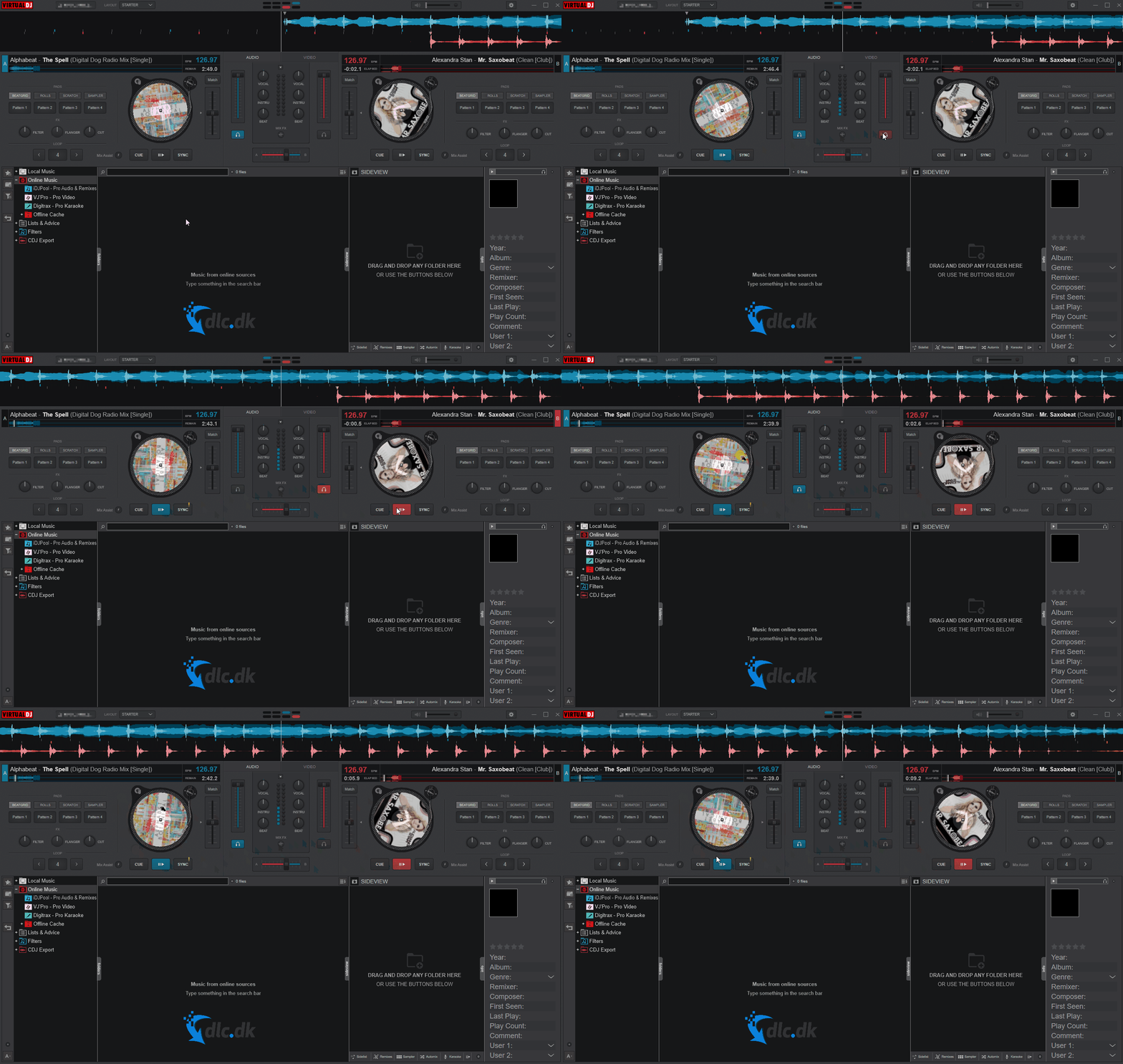
The software is ideal for mobile DJ gigs, weddings, karaoke parties, and theme nights. Add video files, show music videos, or display karaoke lyrics on an external screen—making it a complete solution if you want to run the entertainment yourself.
Is Virtual DJ Free the right choice?
If you want to start DJing without investing in expensive gear or software, Virtual DJ Free is a great place to begin. The free version covers most needs for beginners and semi-pros—across music, video, and karaoke.
Top 5 tips for Virtual DJ Free
Make your mixes smoother by turning on beatmatch so tempo changes between tracks happen automatically.
Save the effects and filters you use most so you can trigger them quickly on the fly.
Short clips and jingles can give your mix a unique identity fast.
Sync folders with your music library so new tracks appear in the software automatically.
Connect a display and host karaoke with on-screen lyrics—perfect for parties.



