
 Martin Jørgensen
Bitdefender Premium Security – when the VPN is the deciding factor
Bitdefender Premium Security is Bitdefender’s most complete security suite for home users, designed for anyone who wants powerful antivirus protection and unlimited VPN in one package. While Total Security covers most needs, Premium Security targets users who frequently use public networks or care extra about online privacy.
We tested Bitdefender Premium Security on a almindelig Windows 11-PC and an Android phone over the course of a week, focusing on the VPN’s stability, performance, and how it integrates with Bitdefender’s other security features.
Antivirus and real-time protection in practice
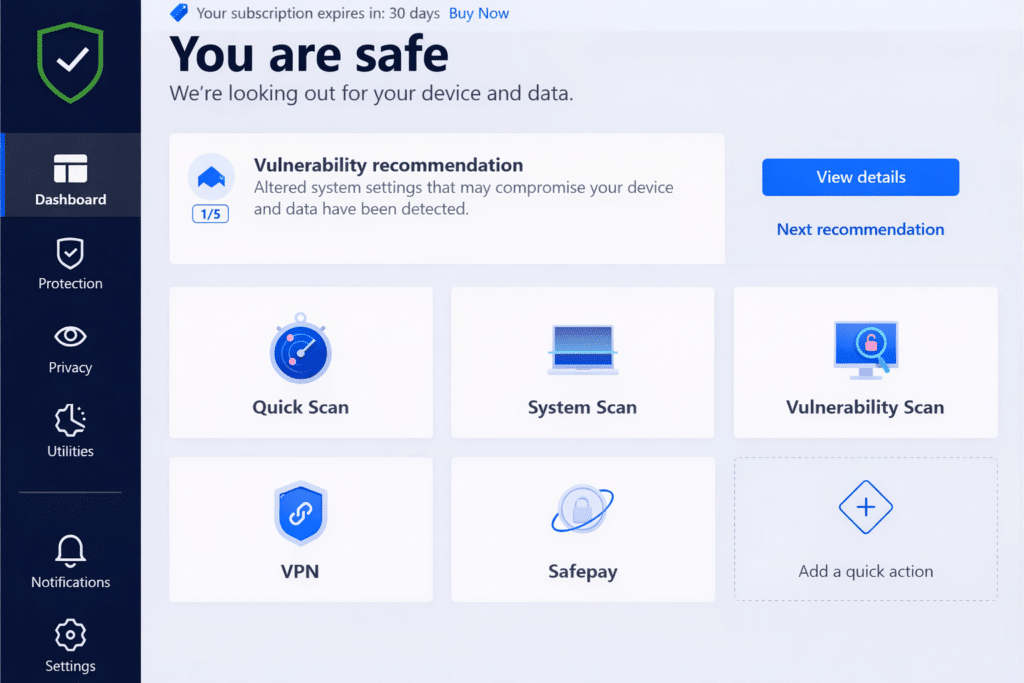
The core of Bitdefender Premium Security is the same advanced antivirus engine Bitdefender is known for. Real-time protection continuously monitors files, downloads, apps, and web traffic. In our test it reacted quickly to suspicious behavior without being overly sensitive.
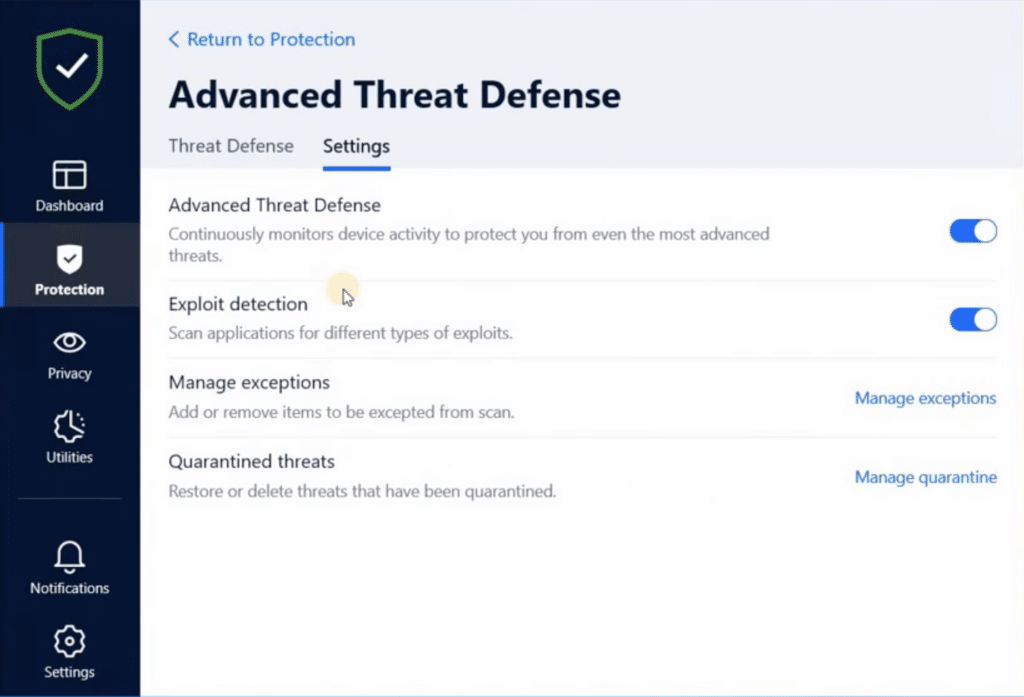
Advanced Threat Defense was especially impressive. Instead of only looking for known virus signatures, the system analyzes app behavior, which makes it effective against ransomware and zero‑day attacks. We noticed no meaningful slowdown during everyday use, even while background scans were running.
Unlimited VPN – the big difference from Total Security
The biggest and most important difference between Premium Security and Total Security is the VPN. Where Total Security includes a limited VPN, here you get unlimited traffic with no daily caps.
In practice, that means you can actually keep the VPN on all the time—for streaming, work, and everyday browsing. The connection was stable in our testing, and speeds were surprisingly high on nearby US servers. For everyday tasks like online banking, email, and browsing on public Wi‑Fi, the VPN worked flawlessly.
The VPN can automatically turn on when you connect to unsecured networks, which is a clear advantage for commuters, students, and travelers.
Centralized control of security across devices
1 functions as the control panel for the entire suite. From here, you can:
- Check the status of all your devices
- Turn the VPN on or off
- Start scans remotely
- Manage licenses
Central is capable and stable, but it takes a little getting used to. During testing, it wasn’t always obvious which settings applied to which devices—especially if you have both a phone and a computer connected to the same account.
Privacy, protection, and extra features
Beyond antivirus and VPN, Bitdefender Premium Security adds several extra layers of protection:
- Webbeskyttelse mod phishing and malicious links
- Webcam and microphone protection
- Ransomware protection for selected folders
- Secure browser for online banking and payments
Everything works tightly together, and this layered approach makes the suite a strong choice for users who want to minimize risk—even with slightly more adventurous online behavior.
Top 5 tips for Bitdefender Premium Security
Enable automatic VPN on public networks
When you enable automatic VPN, Bitdefender connects as soon as you join unsecured networks like coffee shops, hotels, airports, or trains. That means your traffic is always encrypted—even when you just quickly check email or online banking. In practice, this is one of the features that makes Bitdefender Premium Security worry‑free day to day.
Use automatic server selection for the best speeds
Bitdefender’s automatic server selection typically picks the nearest, least‑loaded server. In our testing, it provided the most stable connection in the US, especially on cellular networks and public Wi‑Fi. Unless you specifically need a certain location, automatic selection is both faster and more seamless.
Combine VPN with web protection
VPN encrypts your connection but doesn’t block phishing or malicious sites by itself. When you combine the VPN with Bitdefender’s web protection, you get both encryption and active blocking of dangerous links. This is especially effective against phishing emails and fake login pages, which remain among the most common threats.
Turn off the VPN for very large downloads
For very large downloads, like games or major updates, you may get higher speeds without the VPN. It’s easy to temporarily turn the VPN off in the Bitdefender client and switch it back on afterward. For everyday browsing and streaming, the difference is usually minimal.
Consider your actual needs
Bitdefender Premium Security delivers the most value if you use the VPN daily or almost daily. If VPN is something you only turn on occasionally, Total Security will often be sufficient. Consider whether VPN should be a built‑in part of your online routine—that’s exactly where Premium Security stands out.
Is Bitdefender Premium Security worth it?
Bitdefender Premium Security isn’t for everyone—but for the right user it makes a lot of sense. If you often use public Wi‑Fi, work on the go, or simply want maximum privacy without juggling a separate VPN, Premium Security is a strong choice.
For typical home use, Total Security will be enough for most people, but Premium Security stands out by making the VPN part of everyday life—not just a bonus feature.



