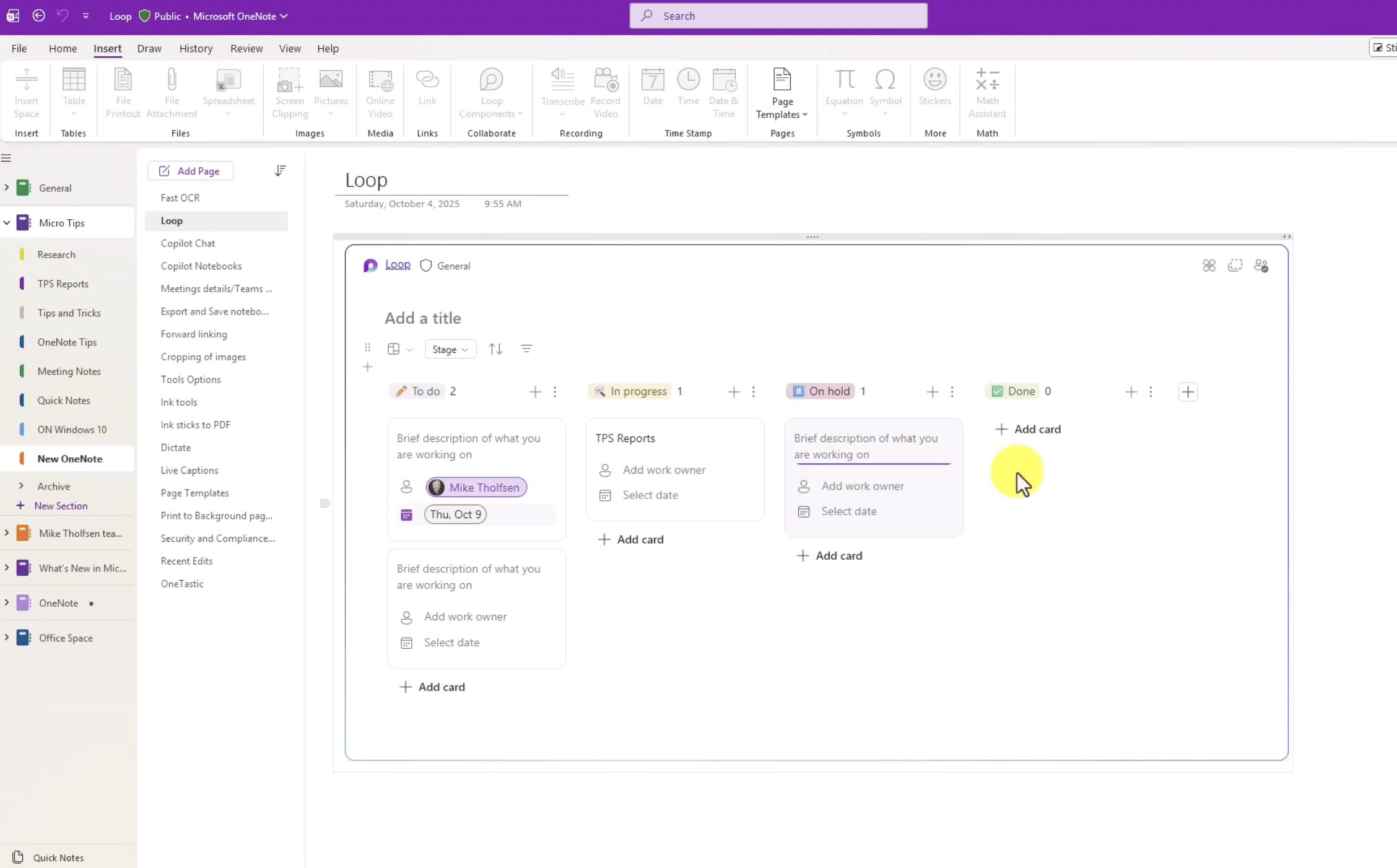
Microsoft OneNote is a free digital notebook for Windows, Mac, iPhone, iPad, Android, and the web, where you can keep notes, images, documents, handwriting, and tasks in one place.
🍏 iOS apps and software – find and download the best apps for iPhone and iPad
Welcome to the iOS category on Holyfile.com – your Danish overview of the most useful and popular apps for iPhone and iPad. Here you’ll find both free apps, handy tools, and inspiring apps for entertainment, productivity, and security – all selected with a focus on Danish users’ needs and preferences.
What can you find in the iOS category?
Whether you use an iPhone or an iPad, you have access to a sea of apps. We help you find the right ones – without ad-heavy apps, hidden payments, or useless copies. Here you’ll find, among other things:
🧠 Productivity apps – notes, calendar, to-do lists, document management
🎮 Games for iOS – both casual games and strategic or graphics-intensive games
📱 System tools – e.g., battery optimization, network scanning, and security
🔒 Privacy and security – VPN, antivirus, two-factor authentication
🎵 Media apps – streaming services, podcast players, and music editing
📷 Creative apps – photo editing, photo effects and video editing
All apps are evaluated and reviewed with a focus on user-friendliness, ad level, Danish availability, platform support (iPhone/iPad), and whether they work offline.
Why choose iOS apps from Holyfile.com?
We make it easy to find relevant and safe apps for your Apple devices – without having to sift through thousands of mediocre apps in the App Store. We test and filter for you, so you get:
✅ Well-tested apps with Danish user focus
✅ Focus on free iPhone and iPad apps
✅ Easy-to-understand reviews and useful tips
✅ Clear info about the app’s functionality and requirements
✅ Direct links to the official App Store – no shady downloads
We continuously update with new recommendations, popular apps in Denmark, and niche apps you would otherwise overlook.
Frequently asked questions
Are all the apps here free?Most of the apps we recommend are free to use. If there are in-app purchases or premium versions, we make that clear.
Do these apps work on both iPhone and iPad?Yes – we indicate whether an app is optimized for both devices or is best suited to one of them.
How do I install an app on my iPhone?All apps here link to the App Store. Just tap “Get” and follow the instructions on your iPhone or iPad.
RustDesk is a free, open-source remote desktop app and an interesting alternative to TeamViewer and AnyDesk. You can use it for remote support, working from home, file transfers, and accessing your own computer when...
LocalSend is a free app for quickly transferring files between computers, phones, and tablets on the same local network. It works a bit like Apple’s AirDrop, but the big difference is that LocalSend can also…