
 Martin Jørgensen
Easily rip your old CDs with CDex
Still have a stack of music CDs you want to digitize? CDex for Windows is the perfect free tool. It’s fast, efficient, and easy to use—even for beginners.
Top 5 tips for CDex
1. Enable CDDB for automatic track information
The first time you open CDex, press F4, go to the "Remote CDDB" tab, and enter your email address. This enables automatic retrieval of track titles and album names from the online database—so you don’t have to name every track manually.
2. Choose the LAME MP3 encoder for the best quality
CDex supports multiple encoders, but LAME MP3 typically delivers the best balance of audio quality and file size. You’ll find the option under "Encoder Options" in the settings.
3. Use batch ripping for full albums
Want to rip an entire CD at once? Select all tracks in the list and click the "Extract CD tracks to compressed audio file" icon. CDex takes care of the rest quickly and efficiently.
4. Set a default output folder
To keep your files organized, choose a specific output folder in the settings. It makes it easier to find your ripped songs later—especially for batch rips.
5. Save metadata (ID3 tags) automatically
Enable this feature to automatically save artist, album, and track info as ID3 tags in your MP3 files. It makes it easier to organize and find music in your medieafspiller.
What can CDex do?

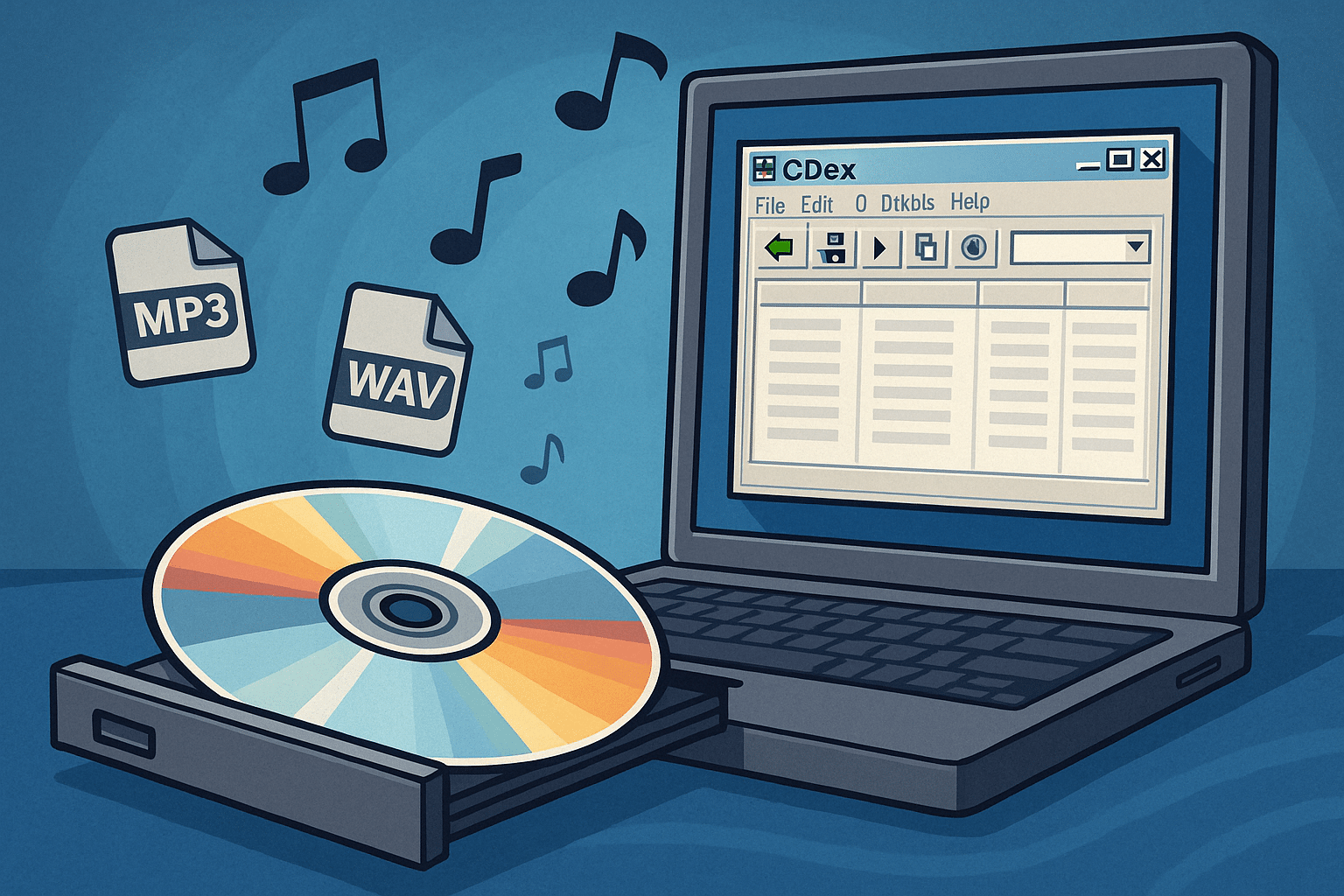
CDex (CD Extractor) is a classic and popular app that lets you rip audio CDs and save them as MP3 or WAV files on your computer. It also supports konvertering mellem MP3 og WAV and can automatically fetch track titles and album information via CDDB (freedb).
That makes CDex ideal if you want to:
- Digitize your CD collection
- Save album info in the files (ID3 tags)
- Convert between audio formats
Features and benefits

CDex is built with simplicity in mind, yet it offers a range of features that make it suitable for both beginners and power users:
- Rip CD’er til MP3 og WAV with high quality
- Automatic CDDB lookup for track titles and albums
- Convert between WAV and MP3
- Supports multiple languages—including Danish
- Batch rip multiple tracks at once
- Save ID3 tags automatically
- Compatible with Windows XP, Vista, 7, 8, 10, and 11
User experience and design

The interface is old-school and straightforward, reminiscent of classic Windows programs. It’s easy to navigate even if you’re not technical. The visuals aren’t modern—but the functionality is rock-solid.
On first run, enable the CDDB feature by pressing F4, choosing Remote CDDB, and entering your email to automatically retrieve information about your CDs.
Is CDex safe?
CDex is open source and free, but we recommend downloading it from a trustworthy source—like here with us. Older versions bundled optional toolbars, but current releases are clean and free of bloatware.
Best alternatives to CDex
If you’re looking for more options, here are some great alternatives:
EZ CD Audio Converter – Paid option with broad format support
fre:ac – Open source CD-ripper og lydkonverter with a modern interface
Exact Audio Copy – For enthusiasts who want full control over their rips



