
 Martin Jørgensen
A fast, modern operating system for old and new computers
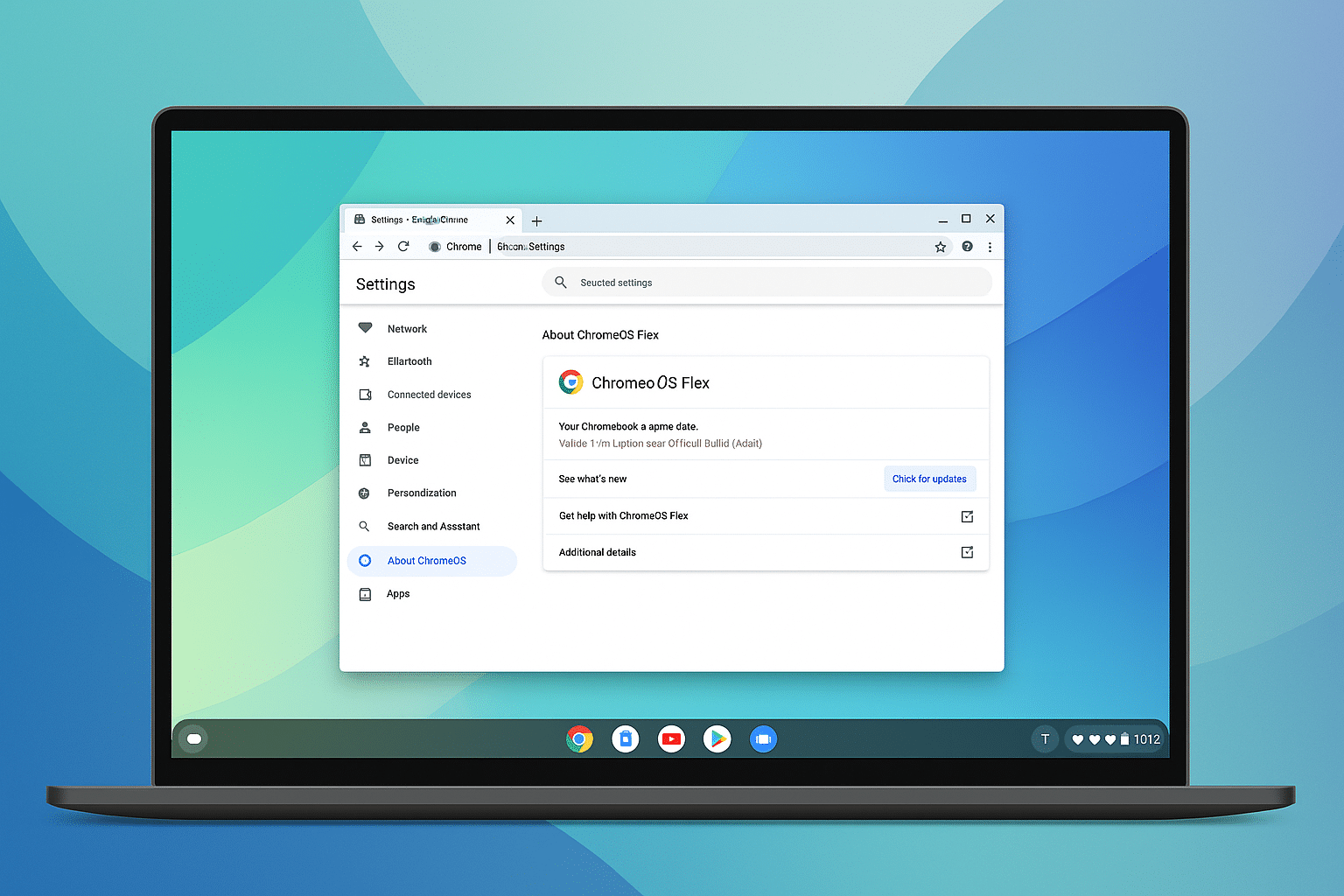
ChromeOS Flex is Google’s lightweight operating system that can breathe new life into older PCs and Mac computers. We tested the installation on a standard Windows 11 laptop, and the speed in particular was a pleasant surprise—even machines with a slow hard drive feel fast when ChromeOS Flex is running.
Features and experience
ChromeOS Flex is built on the same platform as regular Chromebooks: a simple, cloud‑based system with Google Chrome at its core. The interface is clean and minimalist, and it feels more like Android and modern Linux distributions than Windows.
During testing, we especially noticed:
• Lightning‑fast boot times
• Automatic system updates with no user intervention
• Deep Google ecosystem (Drive, Docs, Photos, Chrome Sync)
• Easy multi‑user setup
It’s a system well‑suited for school, office work, and everyday use—but not for heavy gaming or advanced software.
Compatibility and capabilities
ChromeOS Flex can be installed on hundreds of models, and Google offers a complete compatibility list. We experienced no issues with the keyboard, Wi‑Fi, or display—but features like the light sensor, Bluetooth, and sleep can vary from machine to machine.
Because Flex doesn’t support Android apps (unlike true Chromebooks), you’re limited to web apps and the Linux Terminal (for technical users). On the plus side, it’s incredibly stable.
Speed, security, and everyday use
The system feels extremely fast in the browser—and thanks to Google’s sandboxing, Verified Boot, and automatic updates, ChromeOS Flex is one of the most secure free operating systems available.
In our tests, Flex handled 10–15 open tabs without issues. The machine never got warm, and battery life increased significantly compared to Windows.
Top 5 tips for ChromeOS Flex
Use Linux mode
Enable Linux in Settings to access a large selection of apps.
Customize the shelf (taskbar)
Right‑click to pin your most‑used web apps.
Use web apps like native apps
In Chrome, you can install web apps and open them in their own windows.
Enable sync
Let Chrome automatically sync tabs, passwords, extensions, and bookmarks.
Make the system faster
Disable unnecessary Chrome extensions for maximum performance.
ChromeOS Flex FAQ
ChromeOS Flex is Google’s free, lightweight operating system that can be installed on standard PCs and Mac computers to make them faster and more secure.
Yes, ChromeOS Flex is designed for older and slower computers. As long as the machine can boot from USB and has a reasonably modern processor, you can usually install it without issues.
No, ChromeOS Flex does not support Android apps. Instead, you can use web apps in Chrome and optionally Linux apps if you enable Linux mode in Settings.
Yes, ChromeOS Flex uses the same security model as Chromebooks with sandboxing, Verified Boot, and automatic system updates, providing a very high security level for everyday use.
Yes, ChromeOS Flex is 100% free to download and install. All you need is a USB drive and a little time to create the installation media.



