

 Martin Jørgensen
Download Cleaner One Pro for free here
Is it that time of year when your computer needs a good dust-off in all the digital corners? As annoying as it can be, it has to be done if you want your PC to run smoothly and fast. And honestly, that’s what we all want.
If you let a computer go for years without a cleanup, you’ll typically find it gets slower and slower. That’s why it can be smart to grab a program like Cleaner One Pro.
A deep clean in the truest sense
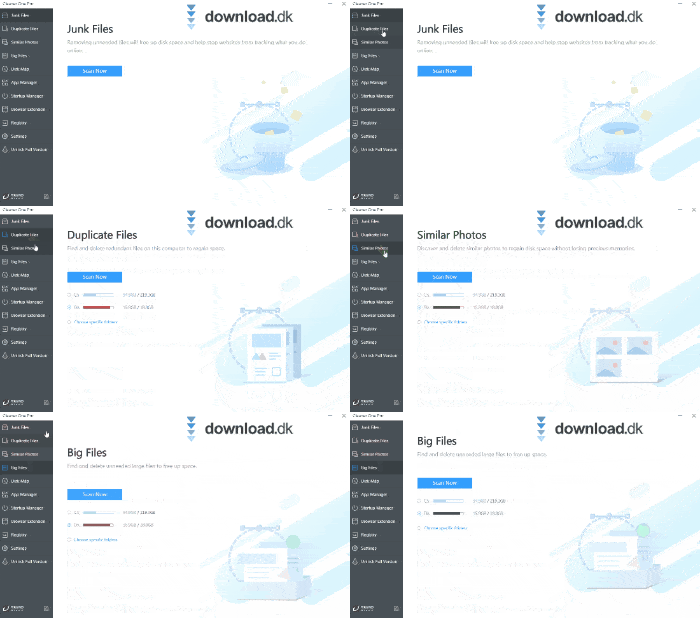
Cleaner One Pro is best described as an all-in-one cleanup suite for removing unnecessary files. Its many tools give you broad control over exactly what you want to tidy up.
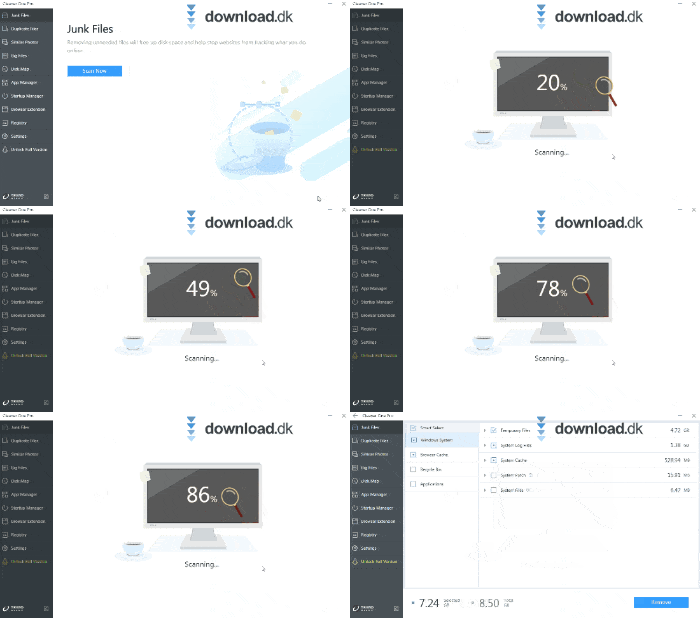
You can start by scanning for junk files. Junk files are typically leftovers from old programs and web trackers. Removing them can free up significant space on your computer.
Sometimes files get duplicated on your system. It’s a smaller issue, but it happens. You can scan for duplicates and remove them to keep things tidy.
Do you take a lot of photos? Then you probably know they can take up a lot of space. Cleaner One Pro can scan for similar photos and delete near-duplicates. That way, you keep your important memories and free up storage.
You can also create what’s called a Disk Map. Cleaner One Pro scans your drives and builds a visual map of your files, so you can easily pick out what you don’t want to keep.
App Manager and Startup Manager
If you want to remove multiple programs at once, simply use Cleaner One Pro’s App Manager. It uninstalls apps along with their associated files quickly and easily. That’s smarter than removing programs manually, which often leaves behind leftover files that just take up space. Use the App Manager and be rid of them for good.
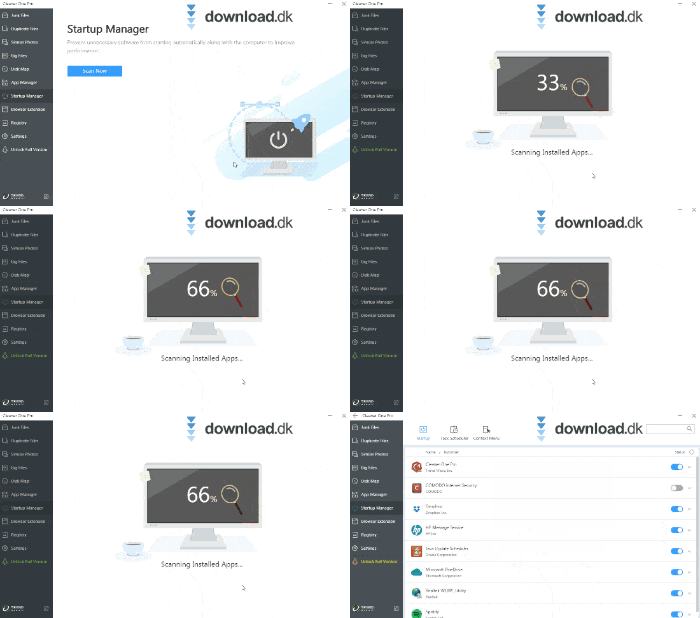
The Startup Manager is also very handy. When you install new programs, many set themselves to run at startup. The more that do, the slower your computer boots. It’s smart to limit which apps are allowed to launch with Windows.
The design you probably expected
Many optimization tools share similar interfaces and designs. There’s nothing wrong with that—most of the time they work exactly as they should. Whether it feels a bit uninspiring is up to you.
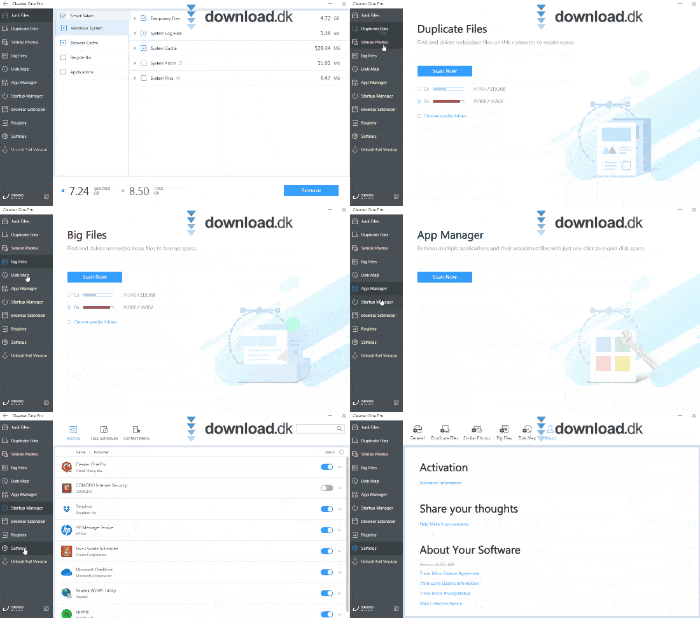
Cleaner One Pro keeps its tools menu on the far left. Click any function and the interface switches to the relevant view, so you can get started with just one click. It doesn’t get any easier.
Alternative software
A lot of cleanup software is tough to compare—they often do the same things with similar effectiveness. If Cleaner One Pro isn’t exactly to your taste, it might be worth trying ZookaWare Free.
ZookaWare Free has a slightly more engaging interface and a few features that stand out from Cleaner One Pro.
Conclusion
A computer is one of our most important everyday tools. Without it, not much gets done. That’s why it’s important to take care of it and make sure it runs as it should. With a program like Cleaner One Pro, you’re off to a great start, so we can confidently recommend it to anyone with a desktop or laptop.



