
 Martin Jørgensen
Clicktrace – automatically capture screenshots when the screen changes.
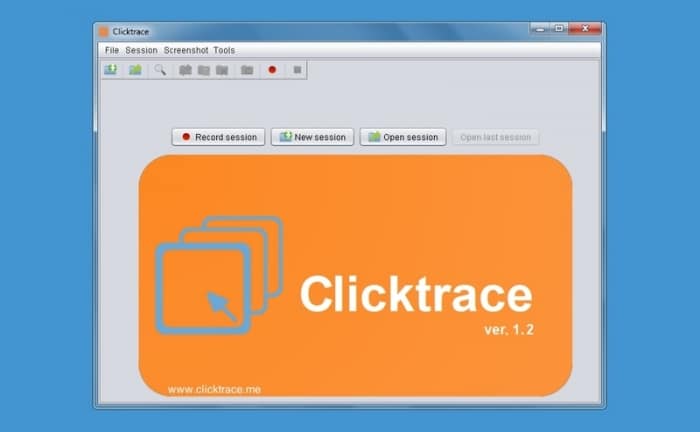
Clicktrace is a smart, lightweight tool for automatically taking screenshots whenever your screen changes. The app is free and works on Windows, Mac, and Linux—as long as Java is installed. It’s especially useful for documentation, bug reporting, user testing, or monitoring user interfaces.
How it works
When Clicktrace is active, it monitors your screen and automatically captures an image whenever it detects a visual change—for example, a window moving, an animation starting, or new content appearing. This happens without mouse movements triggering a capture, which makes the tool more precise.
Getting started is easy:
- Download and unzip the program
- Run
clicktrace.jar(requires Java) - Press the red record button to start
Features and settings
- Automatic screenshots on any visual change
- Ability to limit the monitored area of the screen
- Choose the output folder for saved images
- Support for an external image editor
- Clean, easy-to-use interface
- Cross-platform (Java-based)
Tips for Clicktrace
Remember that Java must be installed on your computer.
Use the area limiter if you only want to track a specific application window.
Combine Clicktrace with an editor like GIMP to annotate screenshots.



