
 Martin Jørgensen
Coollector – Organize your movie collection with style and precision.
Coollector is the ideal tool for movie lovers who want full control over their physical and digital collections. Whether you have shelves full of DVDs and Blu-rays, or a hard drive packed with MKV files, Coollector helps you keep track of it all—no subscription and no streaming services required.
All-in-one solution for movie lovers
Coollector stands out as one of the most versatile media organizers for Windows and Mac. It’s not just a catalog—it’s a smart system that:
- Keeps track of what you own and what you’ve watched
- Records your personal ratings and favorites
- Builds recommendations based on your preferences
- Works offline with a huge database, with online updates
Over 50,000 movies and 100,000 actors are included from the start—so you won’t spend time adding them manually.
Features and strengths
Coollector is packed with features that make it indispensable for anyone with a large or growing collection:
- 📀 Organization: Categorize your movies and series by format, ownership status, location, and much more.
- 🔍 Advanced search: Filter by genre, actor, rating, length, year, and more.
- 📌 Lists: Create wishlists and “already watched” lists with one click.
- 💬 Personal ratings: Give star ratings and tags to movies, series, and people.
- 💡 Recommendations: Get suggestions based on your own ratings.
- 🛒 Shopping suggestions: See prices and where to buy missing titles.
Interface and experience
Coollector has a slightly old-school yet functional interface reminiscent of IMDb—with the ability to edit everything yourself. The big advantage is freedom: you control all the content, and everything is saved locally. For collectors who don’t need streaming, that’s a huge plus.
Who should use Coollector?
Coollector is especially well-suited for:
- 🎬 Collectors with physical media who want order and a clear overview.
- 🧠 Movie lovers who want a database of everything they’ve watched and loved.
- 👪 Families who share a collection and want to track who has watched what.
- 💾 Users who prefer offline software and full ownership of their data.
Download Coollector
Top 5 tips and tricks for Coollector
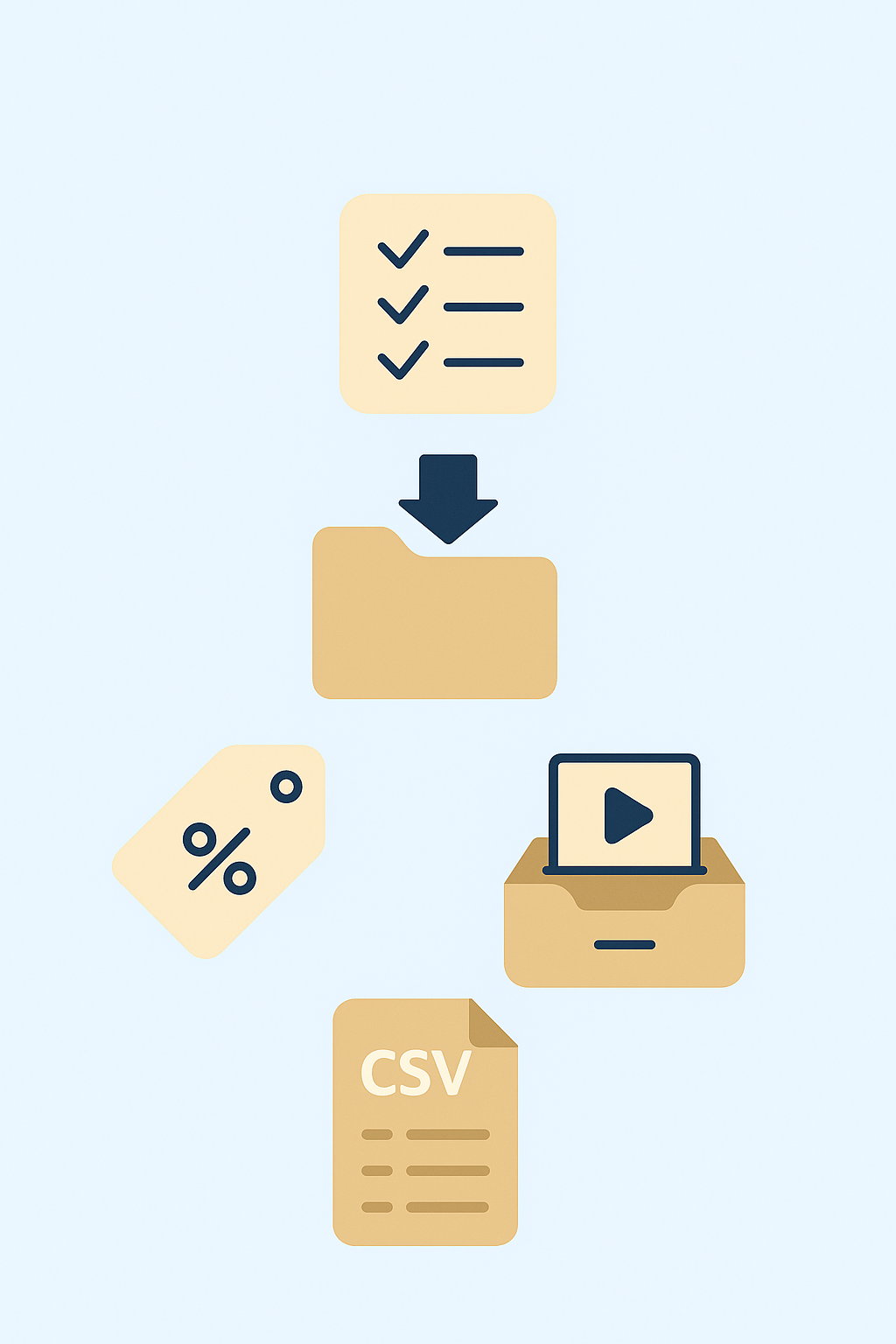
💡 Use the wishlist for gift ideas or to track upcoming deals
When you spot a movie you want to own—but not right now—add it to your wishlist. Coollector makes it easy to track your “must‑haves,” and the list is gold for both holiday gifts and Black Friday. You can also note whether you prefer DVD, Blu‑ray, or a digital version.
📁 Auto‑import folders with digital files for easy adding
Coollector can scan your folders and automatically recognize your digital movies based on file names. It saves time and makes it quick to build a digital collection without entering each title by hand. Got a folder of old MKV files, for example? Connect it, and Coollector takes care of the rest.
🏷️ Use tagging to find movies with a “rainy‑day vibe” or “family‑friendly”
Create your own tags for moods, occasions, or themes. That gives you instant access to, say, “movies that give you goosebumps” or “movies for a romantic night.” You can also create tags like “set in Denmark” or “with Mads Mikkelsen”—ideal for niche picks or themed evenings.
📂 Create personal collections, like “Sunday night movies” or “Dad’s favorites”
Build thematic lists or collections—maybe a set of “Oscar‑nominated dramas” or “time‑travel movies.” It makes it easier to find exactly what you’re in the mood for. Collections can be sorted and filtered, and you can add notes to each title, e.g., when you last watched it.
📤 Export your collection as CSV or HTML—perfect for backup
With Coollector, you can export your entire collection as a file you can store locally, print, or share with others. This is especially useful if you switch computers or want to give a friend an overview for gift ideas. The HTML version can serve as an offline “mini site” of your movie collection.



