
 Martin Jørgensen
Dia Browser makes AI a natural part of your browsing
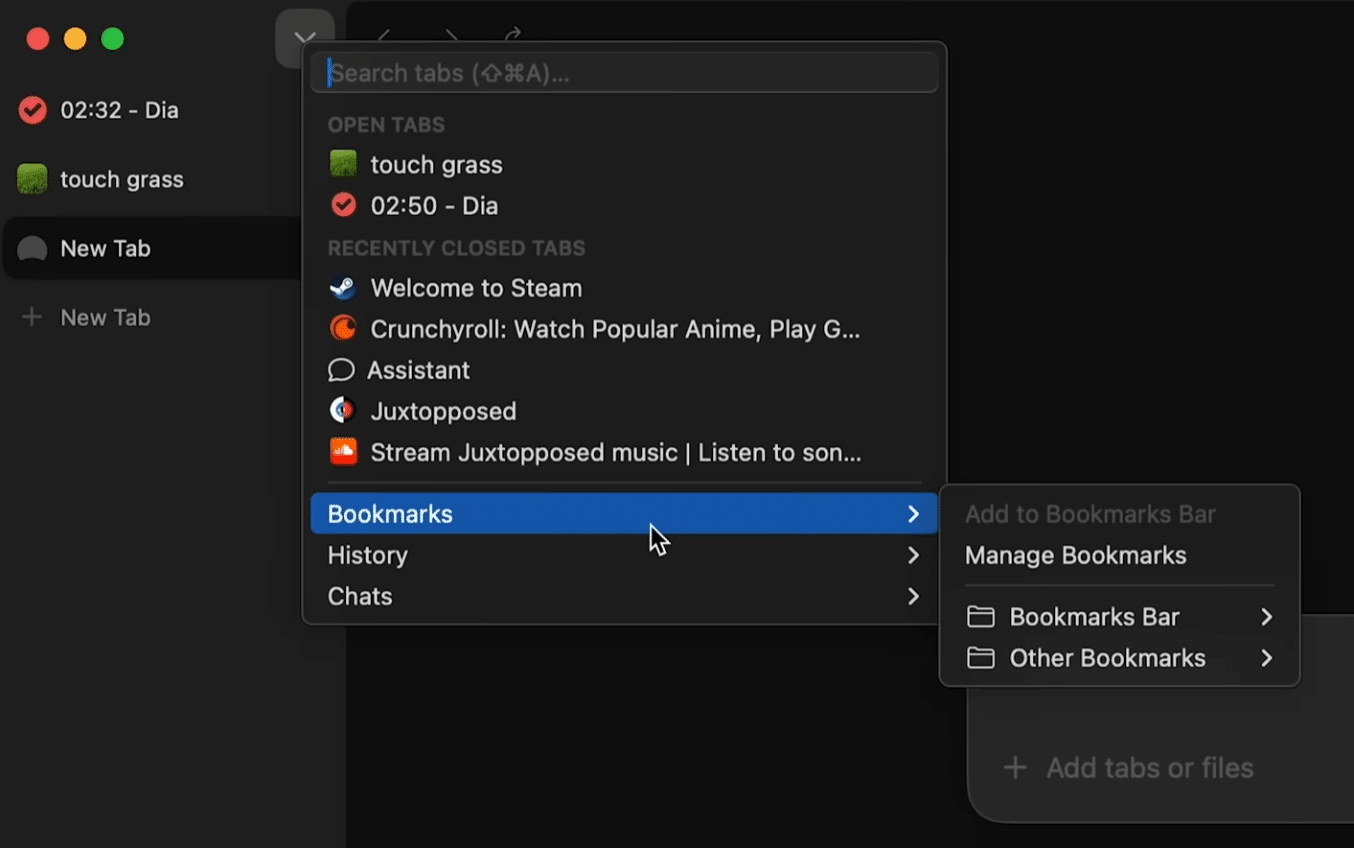
Dia Browser is a modern AI browser from The Browser Company that blends everyday browsing, workflows, and artificial intelligence directly into the browser. It’s especially appealing if you often work with lots of tabs, research, email, documents, and web tools at the same time.
While Chrome, Safari, and Edge mostly feel like classic browsers with AI features bolted on, Dia flips the model: AI isn’t just an extra button—it’s part of how you use the browser. The browser is built by the team behind Arc, and you can tell. Dia is polished, fast, and far simpler in its interface than Arc, yet it still carries the more ambitious take on browsing The Browser Company is known for.
During our review on Mac, Dia was most convincing when used for real work: cross-tab research, content summaries, organizing tasks, and quick AI questions—without jumping back and forth between the browser and a chatbot. For casual browsing, the difference is less obvious, but if you spend many hours a day in your browser, Dia quickly starts to make sense.
Dia is currently most relevant for Mac users, while Windows users should watch the official Windows page, where The Browser Company is working on a version for Windows.
An AI browser built for modern work
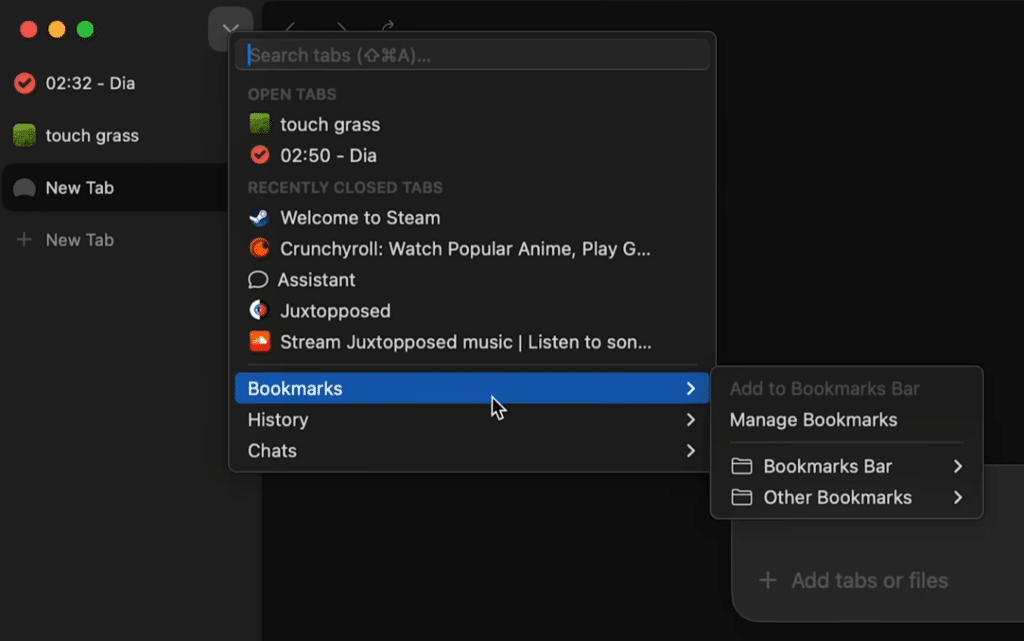
What really sets Dia Browser apart is that it understands the context of your tabs. You can work with multiple pages open and ask Dia to compare, summarize, or highlight the most important points without having to kopiere tekst into a separate AI tool.
That makes Dia especially useful for tasks like:
✅ Research for school, college, or work
✅ Comparing products, prices, and information
✅ Drafting emails, notes, and text
✅ Quickly understanding long articles or documents
✅ Working across web apps like email, calendar, documents, and project tools
Dia isn’t a browser for everyone—yet. But it hits a clear target user: someone already using AI i hverdagen and who wants it woven more naturally into the browser.
Simpler than Arc — but still different
The Browser Company made a name with Arc Browser, which took a very different approach to tabs, spaces, and work areas. Dia is more restrained in many ways. It doesn’t try to reinvent the entire browser experience at once, but focuses i stedet on AI as the centerpiece.
That makes Dia easier to adopt. The learning curve isn’t as steep as with Arc, and the UI feels familiar if you’re coming from Chrome or Safari. At the same time, there’s enough new here that the browser feels fresh.
In our testing, it was a plus that Dia didn’t feel cluttered. The AI features sit close to what you’re working on but don’t take over the whole screen, making the browser comfortable to use for long stretches.
Dia Browser for Mac and Windows
Dia Browser launched with a primary focus on Mac, and that’s where it currently feels most mature. On Mac, it looks right at home and the experience feels smooth and modern.
For Windows users, things are more wait-and-see. Dia has an official Windows page, but it isn’t as widely available on Windows as it is on Mac yet. That doesn’t make the Windows version uninteresting—on the contrary, Dia could become one of the more compelling AI browsers for Windows once a broader release is ready.
Privacy and AI require careful consideration

When a browser uses AI and context from your tabs, privacy matters. Dia can be very convenient, but you should still be mindful of which information you allow the browser’s AI features to analyze.
This is especially true if you work with customer data, internal documents, credentials, or sensitive personal information. Always review the current terms and privacy settings before adopting Dia as your primary work browser.
For almindelig brug, research, and writing, though, Dia is an exciting glimpse at what the future of browsing might look like.
Best alternatives to Dia Browser
Dia Browser doesn’t just compete with Chrome and Safari—it also goes up against newer browsers trying to make browsing smarter.
Arc is the most obvious alternative, especially if you like The Browser Company’s design philosophy but want a more established experience. Brave is strong if privacy and built-in ad blocking are priorities. Microsoft Edge is relevant if you want AI through Copilot while using a browser that already works broadly on Windows. Opera is also worth a look, as it has long experimented with built-in AI features.
Dia stands out by making AI an integrated part of the browser itself—not just a sidebar.
Top 5 Dia Browser tips
1Use Dia on text-heavy tabs
Dia shines when you’re working with long articles, documentation, news, or product pages. Open the pages you want to understand and use AI to get the gist before reading every detail.
2Compare information across tabs
When you have multiple sources open, Dia helps surface differences, common points, and key takeaways. This is especially useful for choosing software, planning travel, school assignments, and work research.
3Let Dia help with drafts — not final answers
Use the browser’s AI to produce first drafts of emails, notes, and short copy—but always review and edit yourself. Dia is best as an assistant, not an autopilot.
4Be careful with sensitive information
Avoid using AI features on pages with passwords, private customer data, or internal documents until you’ve reviewed the privacy settings. This applies to all AI browsers—not just Dia.
5Keep your old browser at first
Dia is exciting but still new. Run it alongside Chrome, Safari, Edge, or Brave for a few days to see if it fits your habits, extensions, and everyday web apps.



