
 Martin Jørgensen
Driver Genius – Keep your drivers up to date with one click
Driver Genius is a Windows utility that helps you find, download, and install the latest drivers for your PC. The program has been around for many years and is especially known for its large database and automatic backup feature that can restore previous drivers if something goes wrong.
We tested Driver Genius on a standard Windows 11 PC, and the experience was solid—though not as modern as the newest competitors.
Features and user experience
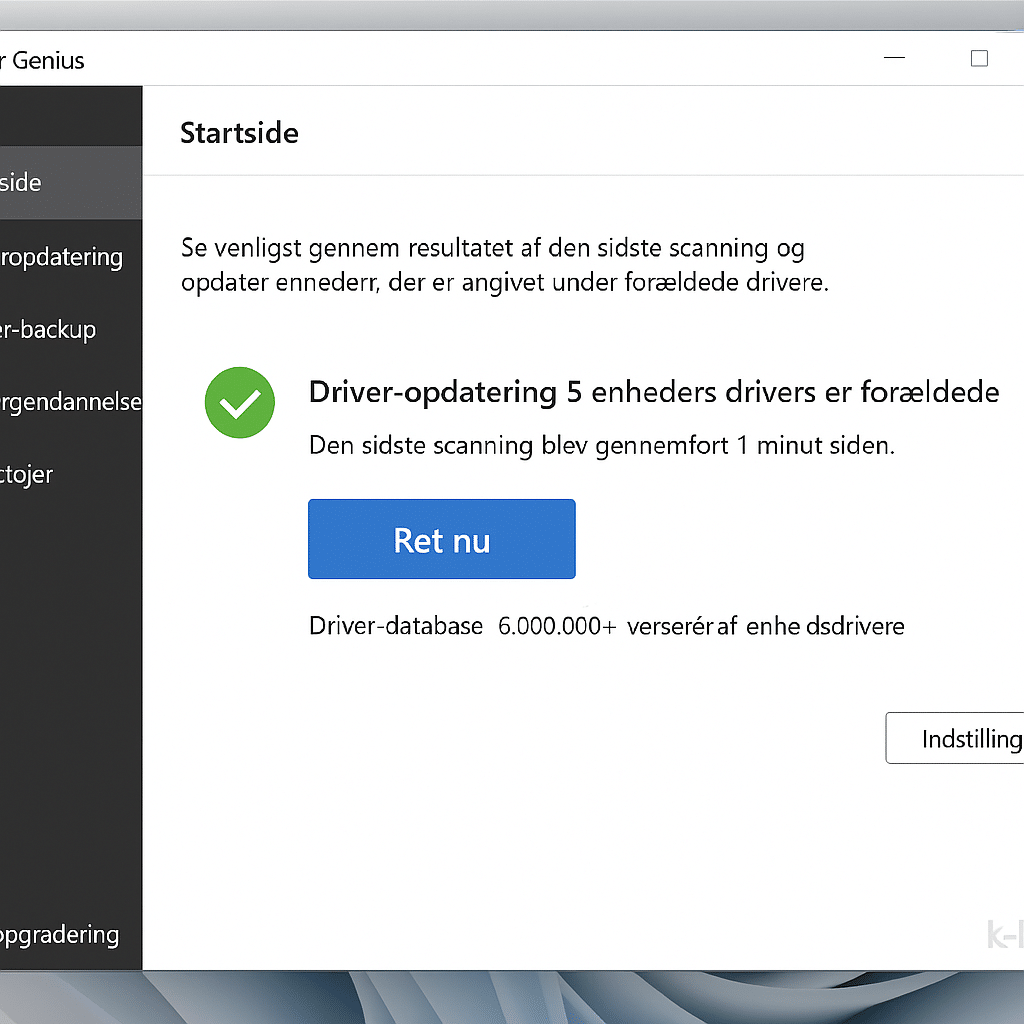
The program scans your system for outdated drivers and presents the results in a clear window. From there, you can choose to update everything at once or just the essentials.
One of its strengths is driver backup and restore, making it easy to roll back if a new driver causes issues—something missing in many newer free alternatives.
The interface is available in Danish, but the design feels a bit dated. Installation was quick, and we encountered no ads or extra software during setup.
Compared to the competition
Compared with Driver Easy and IObit Driver Booster, Driver Genius feels more technical and less intuitive. There are fewer graphical elements and more focus on function than aesthetics.
On the other hand, Driver Genius has a very accurate scanning engine, and it’s clear the database is kept up to date—especially for older hardware.
If you have an older PC or hardware that other tools can’t find drivers for, Driver Genius may actually be the best choice.
Pricing and editions
Driver Genius offers a free version that shows which drivers should be updated—but requires a paid license for automatic download and installation.
The Pro edition also includes features like system cleanup and temperature monitoring, but these feel a bit redundant compared to dedicated tools.
Our hands-on experience
In our test, the scan took about two minutes and found five outdated drivers, all of which updated without errors. The backup feature worked flawlessly, and the program used very few system resources.
On the downside, we were met with a few too many pop-ups reminding us to upgrade to the Pro version.
Frequently asked questions about Driver Genius
Driver Genius is a Windows program that automatically scans your computer for outdated drivers and helps you update them. It can also back up your existing drivers so you can restore them if something goes wrong.
Driver Genius offers a free version that can detect outdated drivers, but you need to upgrade to the Pro version to download and install updates automatically.
The backup feature saves a copy of your current drivers so you can quickly restore them if an update causes problems. It’s especially useful when testing new driver versions or using older hardware.
Yes, the program is fully compatible with both Windows 10 and Windows 11. In our test on a Windows 11 PC, everything ran stably and without errors.
Driver Genius takes a more technical approach focused on precision and backup, while Driver Easy and IObit Driver Booster are more user-friendly and modern in design. For older systems, Driver Genius is still a strong choice.


