
 Martin Jørgensen
EditPad Pro is still a strong choice for heavy-duty text editing on Windows
What makes EditPad Pro different?
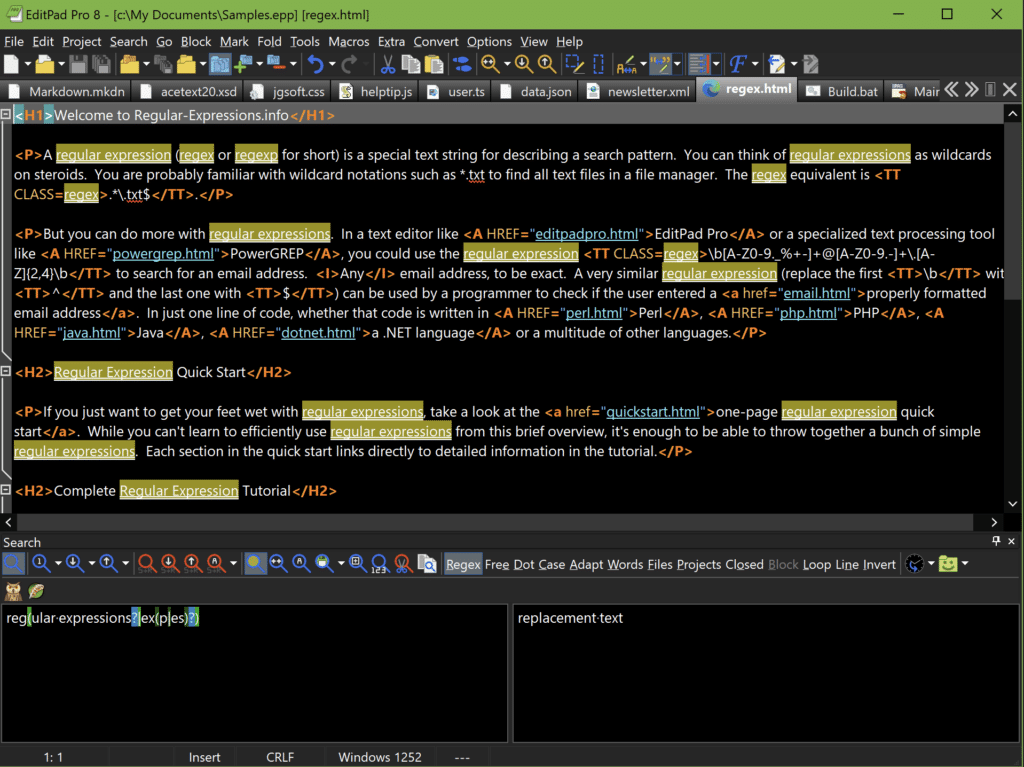
There are plenty of text editors, but EditPad Pro doesn’t try to be a classic IDE. Nor does it aim to be a minimalist notes app. Instead, it sits squarely in between—and that’s its strength.
From our testing, the tabbed workflow, handling lots of files at once, and the more “work-focused” features make the difference. That includes column editing, projects, macros, advanced find and replace with regular expressions, code folding, diff comparison, and broad support for encodings and line endings. These are the kinds of features you might not think about at first, but they save time every single week when you work with text professionally.
Great for code, log files, and large volumes of text
EditPad Pro is marketed as both a teksteditor and a word processor, but in practice it makes the most sense as an advanced editor for plain text, code, and data-heavy files. The program supports syntax highlighting, file navigation, code folding, regular expressions, line numbers, block selections, and many different character sets and file formats. That makes it ideal if you work with scripts, configuration files, CSV-like text, logs, or older files with quirky encoding issues.
It also appeals to users who are tired of opening ten text files in separate windows. Here, EditPad Pro feels more like a real work tool than a simple Notepad replacement.
User experience on modern Windows
The nice thing about EditPad Pro is that it doesn’t try to be clever in the wrong way. The design isn’t flashy, and it won’t win any “modern UI” awards like some newer editors. But it feels fast, stable, and built for people who actually work in text all day.
On a Windows 11 PC, it makes particular sense if you want more control than in Notepad or WordPad-like tools, without ending up in a heavy development environment. It’s also a plus that the program still supports both Windows 10 and 11 as well as older Windows versions, which can still be relevant in businesses and more conservative IT environments.
Who should choose EditPad Pro?
EditPad Pro isn’t for everyone. If you only need to write korte noter eller redigere en enkelt TXT file now and then, it’s more software than you need. But if you often work with:
- many text files at once
- code or scripts
- regular expressions
- large log files
- different file formats and encodings
- repetitive text tasks where macros save time
then it’s a very strong solution.
Top 5 tips for EditPad Pro
1. Use projects to group related files
If you work with lots of scripts, notes, or web pages at the same time, projects should be one of the first things you enable. It makes the app far easier to manage day to day.
2. Learn the most useful regex searches
EditPad Pro is really powerful when you need to clean up duplicates, replace patterns, or find errors in large text sets. It’s one of the areas where the program quickly pays for itself.
3. Use column editing for lists and data
When we test text tools, it’s often the little things that make the difference. Column editing is one of those features that doesn’t sound exciting on paper but is gold in practice.
4. Save your repeated text blocks in Clip Collection
If you often type the same snippets, code blocks, replies, or tags, Clip Collection can save a surprising amount of time over a week.
5. Check encoding before saving older files
EditPad Pro er ekstra good when you open files from Linux, old DOS systems, or mixed environments. Check the encoding and line endings before you save so you don’t break compatibility.



