
 Martin Jørgensen
MultitrackStudio Lite – Free DAW for Audio and MIDI (Windows & macOS)
1 is a classic digital multitrack studio (DAW) that lets you record, edit, and play back both audio and MIDI on Windows and macOS. It’s built for musicians and home producers who want a lightweight, stable alternative to heavyweight DAWs.
We tested MultitrackStudio Lite on a standard Windows 11 PC, and installation was quick. The app launches fast and feels more old‑school than modern DAWs like Ableton Live or FL Studio—but that’s part of its charm.
Digital multitrack studio without unnecessary complexity
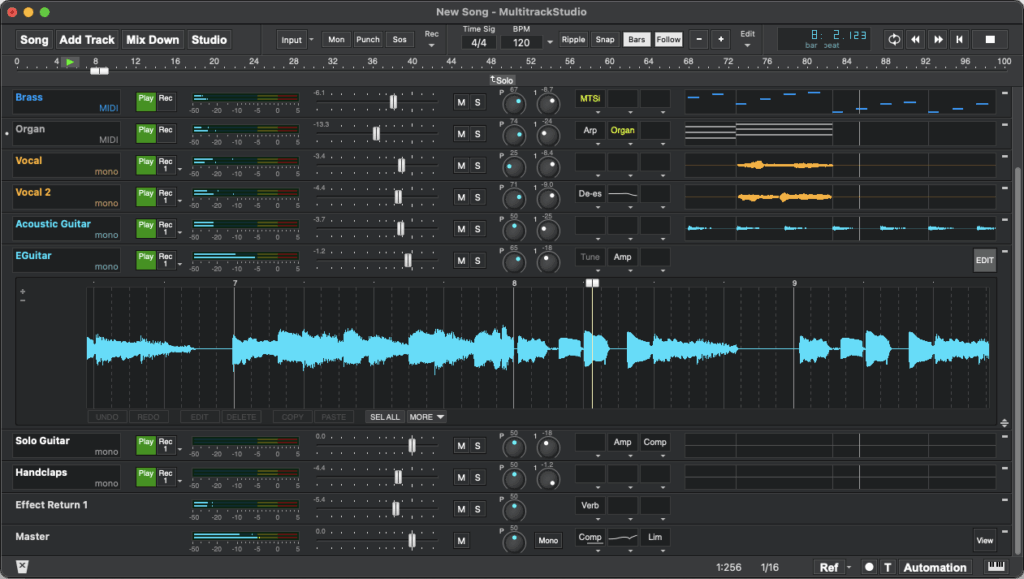
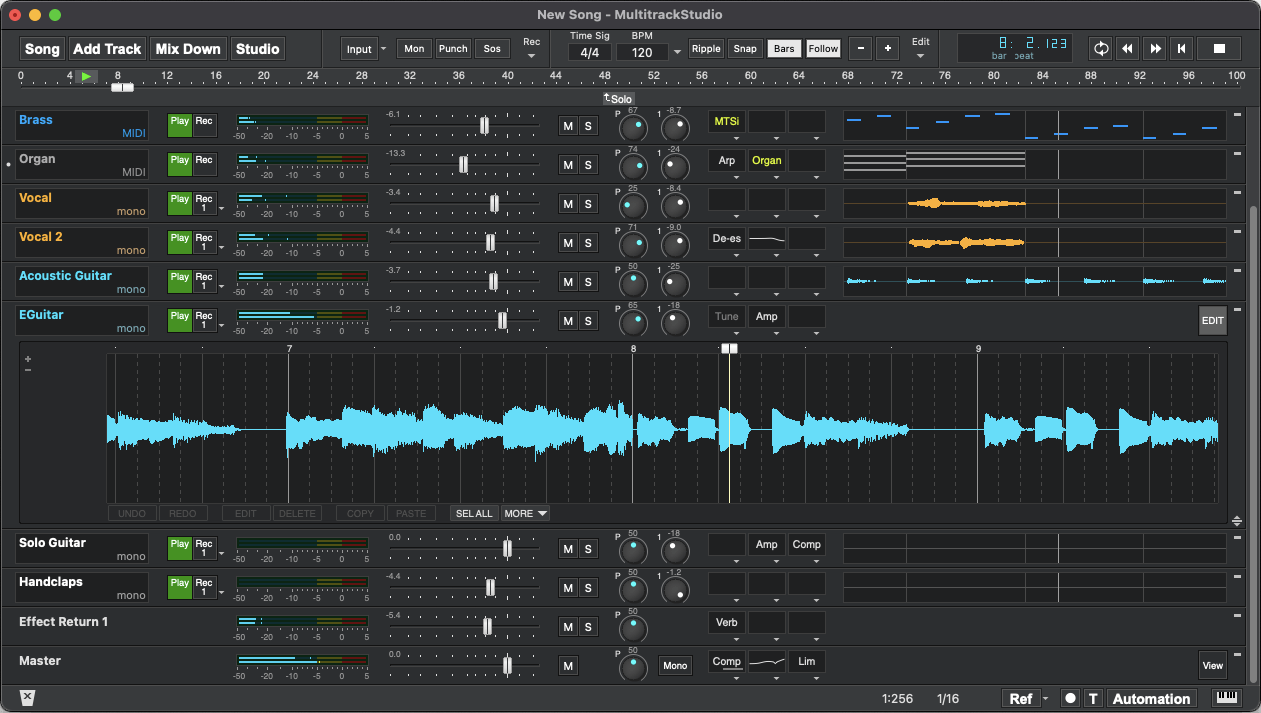
MultitrackStudio is built around a traditional track‑based workflow. You work with separate tracks for vocals, instruments, and MIDI, all controlled from one clean, unified main window.
In practice, it feels more like old‑school Cubase than newer loop‑based DAWs. That makes it especially well‑suited for:
- Recording live instruments
- Simple MIDI programming
- Traditional songwriting and demo production
Features in MultitrackStudio Lite (free version)
The Lite edition is free but clearly limited—by design.
You get:
- Up to 3 tracks (audio + MIDI)
- Basic audio editing
- MIDI editor
- Built‑in effects (EQ, reverb, compressor, etc.)
- VST support
The 3‑track limit means the Lite edition is best for testing, learning, or very simple projects. For serious music production, you’ll want to upgrade to the full version.
Interface and workflow
The interface is functional but not especially modern. Icons and menus feel a bit dated, which may turn some users off.
On the other hand, the workflow is consistent and stable. Once you learn your way around, you can work quickly—especially if you’re coming from older DAWs or a traditional studio setup.
Windows and macOS – updated system requirements
Earlier information mentioned Windows 7, Vista, and OS X 10.6, which is no longer accurate.
Current versions support:
- Windows 11, 10, 8 and 7 (64‑bit)
- macOS (newer versions beyond earlier OS X releases)
There’s also an iPad version, which makes MultitrackStudio appealing for mobile musicians.
Lite vs. full version – what's the difference?
The full version removes almost all limitations:
- Unlimited tracks
- Advanced automation
- More routing options
- Better MIDI features
Lite is best seen as a free preview, not a complete studio.
Top 5 tips for MultitrackStudio
Tip 1: Use the Lite edition as a MIDI sketchpad
MultitrackStudio Lite is actually great for quick MIDI ideas and simple arrangements.
Tip 2: Install only the VST plugins you use
The app loads faster if you keep your plugin folder tidy.
Tip 3: Save often—autosave is basic
We found it stable, but autosave isn’t as aggressive as in newer DAWs.
Tip 4: Read the manual once
It’s old‑school—but surprisingly thorough and helpful.
Tip 5: Consider the full version before bigger projects
Three tracks run out faster than you think.



