
 Martin Jørgensen
EditPlus Text Editor – fast code editor for web development and programming
EditPlus Text Editor is a lightweight text and code editor for Windows, aimed at web developers, programmers, and power users who want a fast alternative to Notepad and heavier IDEs. It supports HTML, CSS, PHP, Java, 1, and plain text—and it can also serve as a hex viewer.
We tested EditPlus on a standard Windows 11 PC, and installation took under a minute. The program launches quickly and feels noticeably more responsive than many modern code editors, which is especially helpful on older or less powerful PCs.
Features and practical use
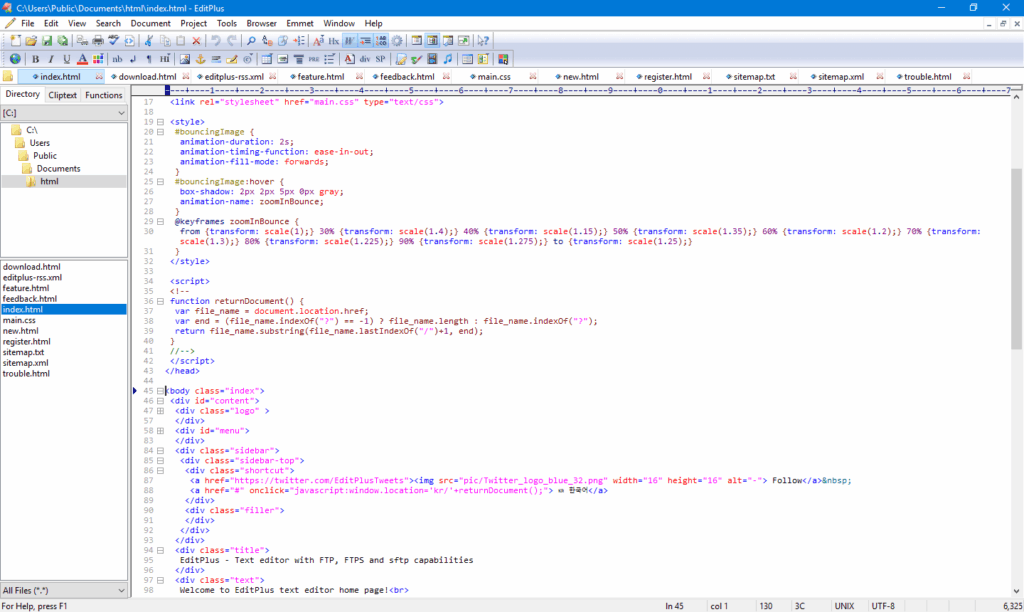
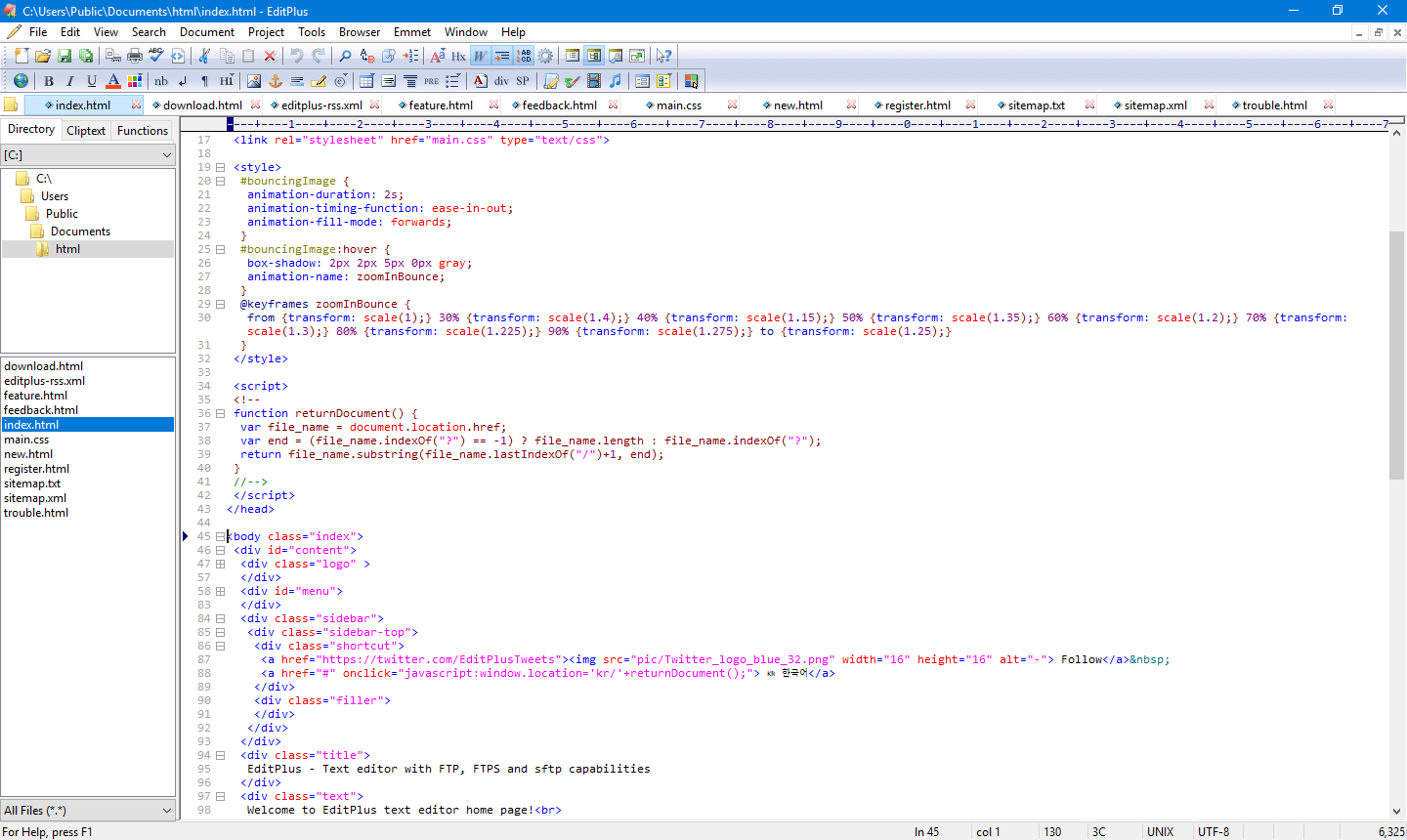
EditPlus is built around simplicity and speed. Instead of overwhelming you with advanced workflows and plugins, it focuses on core features that cover most daily tasks.
You get:
• Syntax highlighting for popular languages
• Auto-completion and code folding
• Built-in FTP/SFTP for uploading files
• Hex viewer for technical file analysis
• Option to fully replace Windows Notepad
For web developers, it’s convenient that EditPlus can preview HTML files directly in the browser without saving and reopening every time.
EditPlus as an alternative to Notepad++
Many users compare EditPlus to Notepad++. While Notepad++ is free and plugin-based, EditPlus is a paid tool focused on stability and straightforward setup.
In practice, we found that EditPlus:
• Starts up faster
• Has a more classic Windows interface
• Requires fewer settings before use
• Feels more "clean" for simple coding tasks
However, it lacks the massive plugin ecosystem that Notepad++ offers.
Performance and stability
During testing, we used EditPlus for HTML editing, PHP files, and plain text. It stayed stable throughout and handled larger files without issues.
The hex viewer is a clear plus for technical users, letting you quickly inspect binary files without extra software.
Who is EditPlus best for?
EditPlus makes the most sense for:
• Web developers who need a fast editor
• Programmers who don’t want heavy IDEs
• Users looking for a stronger alternative to Notepad
• Technicians working with text and configuration files
It’s less ideal for large software projects, where Visual Studio Code or IntelliJ provides more advanced tooling.
Top 5 tips for EditPlus Text Editor
Customize syntax highlighting early
Open Settings and choose the languages you use most—it makes code much easier to read.
Use EditPlus as your default text editor
You can completely replace Windows Notepad so all text files open directly in EditPlus.
Leverage the built-in FTP client
If you work on websites, the FTP feature saves time with quick file uploads.
Enable code folding
Especially useful in larger HTML or PHP files, where it’s easy to lose track.
Try the hex viewer on unknown files
Handy for troubleshooting or technical analysis without extra tools.



