
 Martin Jørgensen
Elementary OS – The most refined and macOS-like Linux.
Elementary OS is a free, open-source operating system that stands out for its extreme focus on design, simplicity, and user experience. Built on Ubuntu LTS, it combines a stable Linux foundation with a unique desktop environment called Pantheon, which closely resembles macOS in both look and philosophy.
That makes 1 an obvious choice for anyone seeking a modern, beautiful, and minimalist Linux alternative—without sacrificing stability.
✨ Interface and philosophy
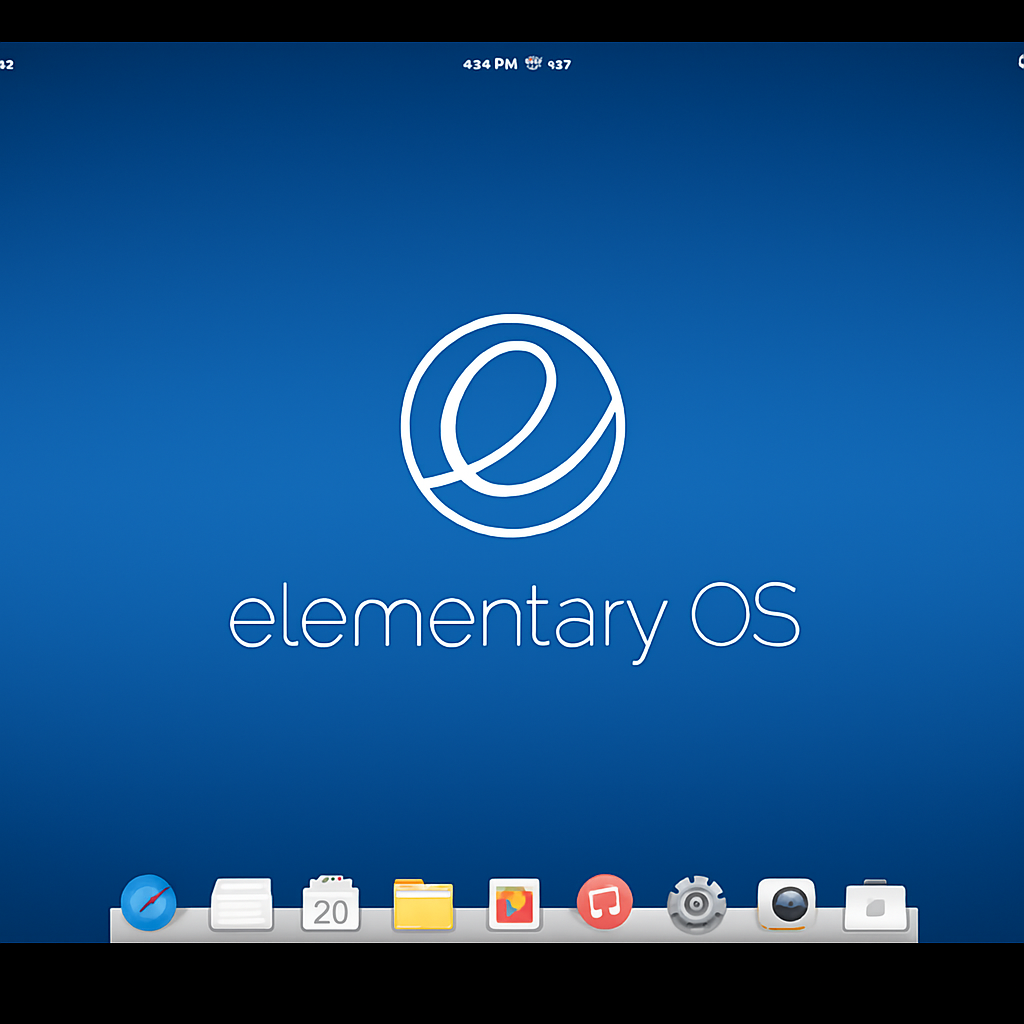
Elementary OS comes with its own interface: Pantheon. It features a bottom dock, a top panel, and a control center reminiscent of Apple’s macOS—without being a direct copy. Everything feels lightweight, consistent, and intuitive.
The system follows a “pay what you want” model, so you can download it for free—or support the project with any amount.
Elementary cares deeply about ethical software: no ads, no tracking, no telemetry. Its design is rooted in the idea that technology should be beautiful and respectful of the user.
🧰 Features and default apps
Elementary OS ships with a set of minimalist, in-house apps that all match its overall design language:
- Files – filhåndtering
- Epiphany – webbrowser (based on WebKit)
- Mail – lightweight e-mail-klient
- Calendar, Camera, Music, and Videos – clean, functional apps
- AppCenter – Elementary’s own app store with both free and paid apps
You can also easily enable Flatpak and install apps from Flathub to expand functionality.
💡 Who should choose Elementary OS?
Elementary OS is especially well suited for:
- Users switching from macOS
- Those who prioritize design, aesthetics, and a distraction-free screen
- Older users and non-technical people
- Creative and visual work environments
It’s not for you if you want to tweak the system at a low level. Elementary is quite locked down by default and takes a bit of extra work if you want to customize the desktop or install third-party themes.
🔐 Stability and security
Elementary is based on Ubuntu LTS, so you get the same well-tested codebase that receives updates for 5 years. Security is strong, and the system follows best practices for updates and user permissions.
📥 Download link
👉 Download Elementary OS
(Pay what you want—or enter 0 to download for free)
🤔 Switching to Elementary OS? Here are answers to the most important questions
How is Elementary OS different from macOS?
While Elementary OS is often compared to Apple’s system, there are important differences. macOS and Elementary OS look similar in layout, dock, and minimalism, but Elementary OS is open source and free. It runs on the Linux kernel, and even though it feels just as elegant, you install software a bit differently—via AppCenter or Flatpak, for example.
What do you get out of Elementary OS?
With Elementary OS, you get a fast and aesthetic operating system that’s ideal for beginners, creatives, and anyone who wants a calm, focused computing experience. You benefit from a stable Ubuntu base, fewer distractions, no ads, and the ability to work in a clean, refined environment.
Can you play games on Elementary OS?
Yes, with some caveats. Elementary OS isn’t geared primarily toward gaming, but you can install Steam via Flatpak and run many games—especially older or less demanding titles. Proton works too but requires a bit of technical know-how. For heavy gaming, other distros like Pop!_OS or Fedora with GNOME are better choices.
Can you use Elementary OS on older computers?
Yes—it's actually a solid choice. The system is lightweight and doesn’t require much RAM or CPU. It works well on hardware that no longer runs Windows 10 well. Just make sure to use the latest version and consider disabling visual effects if needed.
Is it easy to install apps on Elementary OS?
Yes—via the built-in AppCenter, which offers a very user-friendly approach to both free and paid apps. You can also enable Flatpak to access thousands of additional programs through Flathub. Snap isn’t supported by default but can be added manually.



