
 Martin Jørgensen
Zorin OS – The most beautiful Linux alternative to Windows.
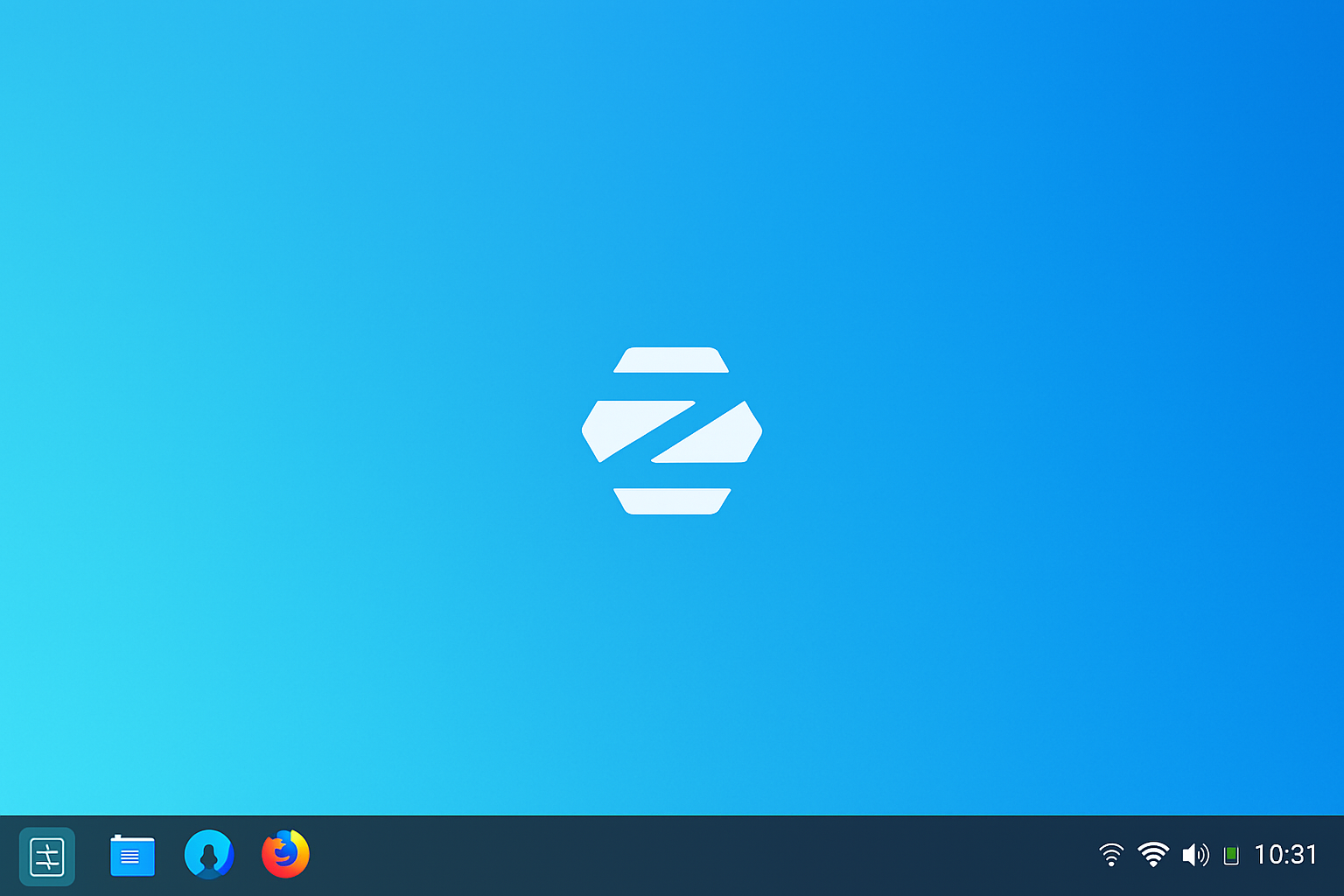
Zorin OS is a free and elegant Linux distribution created with one clear goal: to make the transition from Windows to Linux as easy and seamless as possible. It’s based on Ubuntu and comes with a design that closely resembles Windows 10 or 11 — including a classic Start menu, taskbar, and desktop experience.
But Zorin OS isn’t just good-looking. It’s fast, stable, and packed with practical features that make it a great choice for both older PCs and modern machines.
💡 Features and design
Zorin OS offers several editions, but the most relevant are:
- Zorin OS Core – Free with all essential features
- Zorin OS Lite – A lightweight version for older hardware
- 1 – Paid edition with extra layouts and premium apps
The interface is built on GNOME (Core) or XFCE (Lite), but the Zorin team designed their own “Zorin Appearance”, where you can change the look with one click to resemble Windows, macOS, or even classic Linux. That makes it extremely accessible for users coming from other systems.
⚙️ Software and ease of use

Zorin OS comes with everything you need out of the box:
- 1 for office work
- Firefox for browsing
- Videos, Rhythmbox, and image viewer
- Ability to install .deb packages and Flatpak apps
- Built-in access to the Snap Store, Flathub, and Zorin’s own app store
There’s also built-in support for installing Windows software via Wine and PlayOnLinux, so you can run certain Windows programs without installing Windows.
🔐 Security and stability
Because Zorin is based on Ubuntu LTS, it’s a very stable and well-documented platform with updates for up to 5 years. It’s secure and contains no tracking or ads. Zorin Lite is also one of the best systems for giving old PCs a new lease on life.
👨👩👧👦 Is Zorin OS suitable for beginners?
Absolutely — and arguably the most beginner-friendly Linux distribution. Installation is easy, and it works out of the box with an interface most people will recognize from Windows.
Everything is translated into many languages, and the official website and community forums offer excellent support.
📥 Download link
👉 Download Zorin OS
(Choose “Core” for the free version, or “Lite” for older machines)
Top 5 Q&A for Zorin
What do I do if there’s no Wi‑Fi in Zorin?
If you find there’s no wireless network in Zorin, it’s often due to missing drivers for your network card — common with older laptops or very new hardware. Try connecting via Ethernet and updating the system, or install drivers manually via the terminal. You can get help in the Zorin forum or use the Additional Drivers tool under Settings.
Can you install .rpm files in Zorin OS?
No. Zorin OS is based on Ubuntu and therefore uses .deb packages — not.rpm. If you have a Zorin OS .rpm file, find a corresponding .deb package or use the Flatpak/Snap version if available. Alternatively, you can convert RPM to DEB with alien, but that’s for advanced users only.
Is Zorin OS a good choice for older computers?
Yes! Especially Zorin OS Lite, which is designed for older and lower-powered hardware. It uses the XFCE desktop environment, which is both lightweight and fast while still looking modern. It can breathe new life into computers that were otherwise headed for recycling.
Can I run Windows programs on Zorin OS?
Yes. Many popular Windows programs run via Wine or PlayOnLinux, which come preinstalled in Zorin. It won’t work with everything, but many users succeed with apps like Spotify, Notepad++, Photoshop CS6, and older games. For broader compatibility, Linux alternatives are recommended.
What’s the difference between Zorin OS Core and Pro?
Zorin OS Core is the free standard edition with all essential features. The Pro edition costs a small fee and includes extra desktop layouts (e.g., macOS, Windows 11), professional apps, and premium support. Functionality is otherwise very similar, and for most users, the Core edition is more than enough.



