
 Martin Jørgensen
Front – Centralize all your company communication in one place
If you’re looking for a professional yet user-friendly tool to handle emails and customer inquiries, Front is one of the most effective solutions on the market. It brings all company communication together in one place so your team can collaborate directly on emails, chat internally, and ensure nothing is missed.
A single shared inbox with full visibility
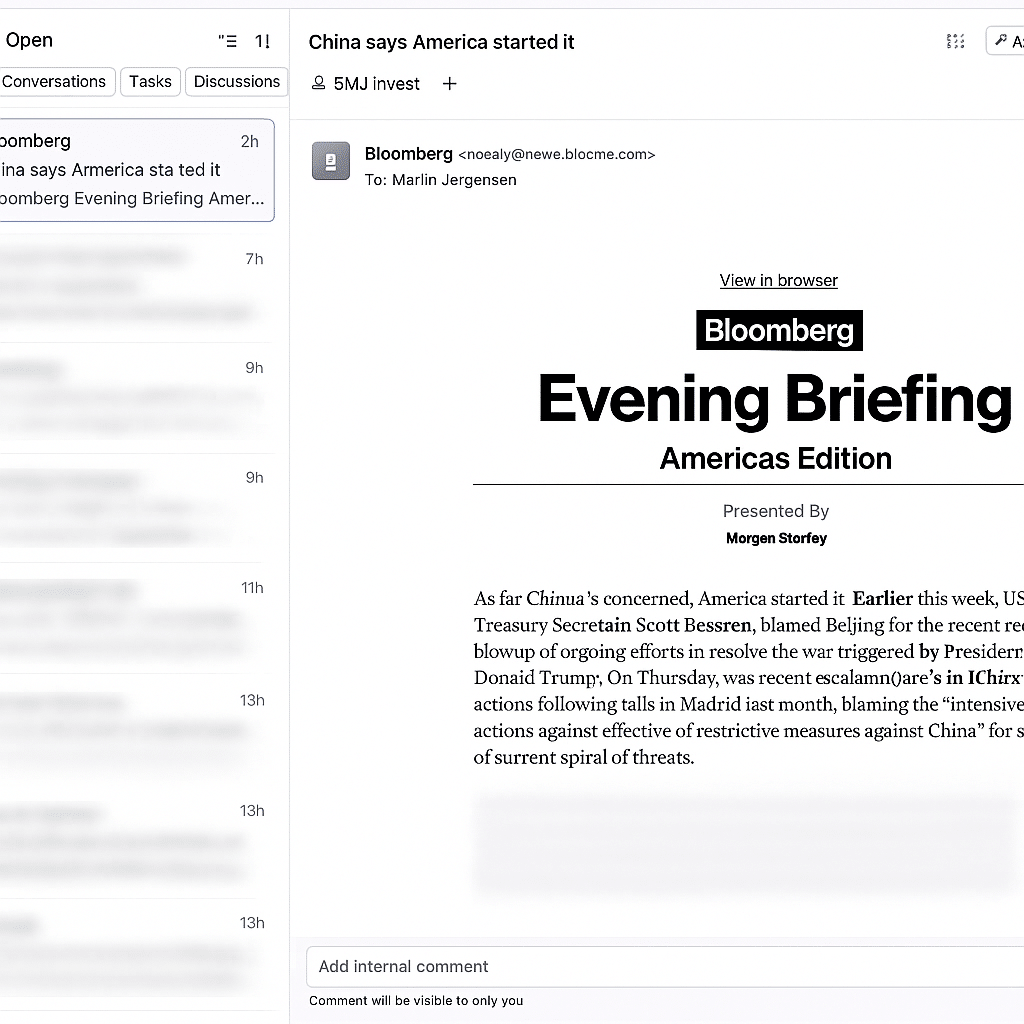
Front makes it easy to consolidate all your company’s emails and messages in one shared inbox accessible to the whole team.
We tested the app on a standard Windows 11 PC and found it to be lightning fast and intuitive. For example, you can:
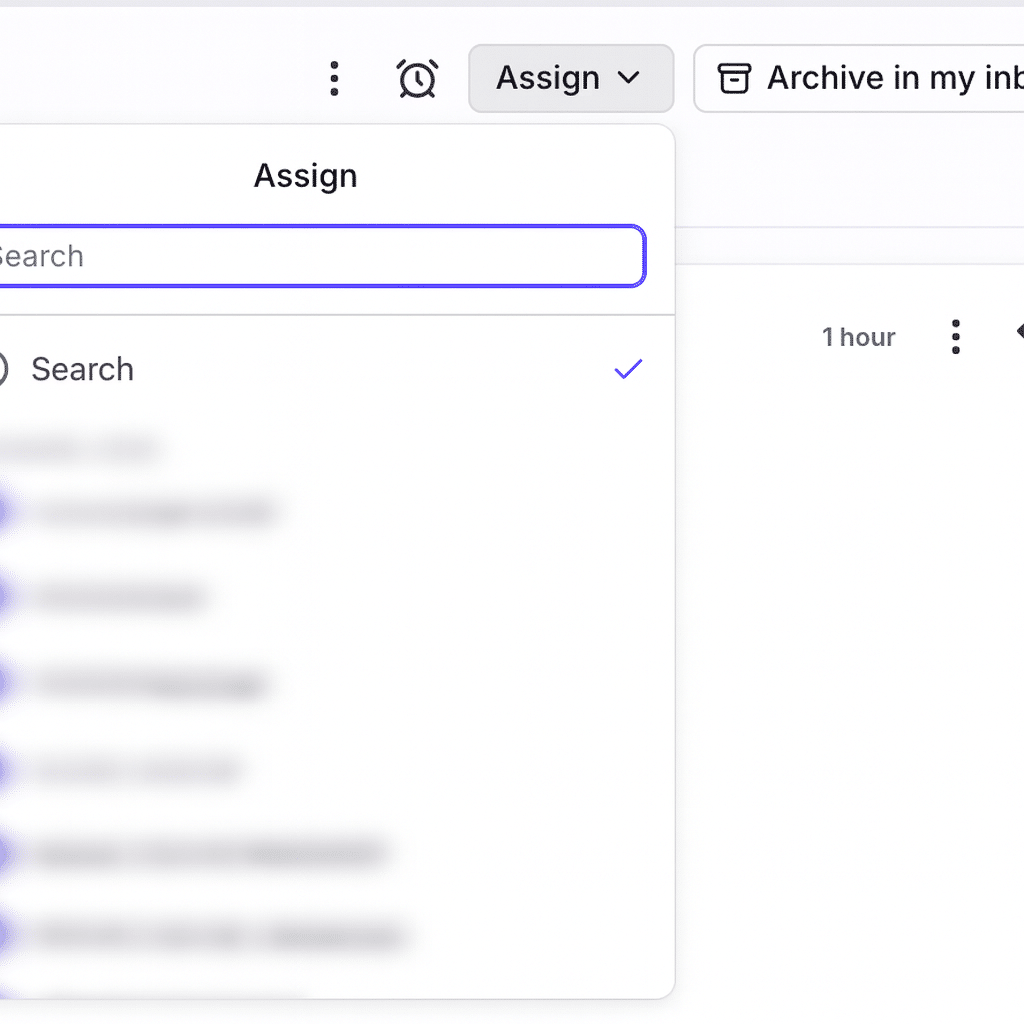
- Assign emails directly to specific teammates
- Write internal comments on messages
- Set up automatic replies and workflows
- See who is already working on a customer request
That means goodbye to CC chaos, messy email threads, and misunderstandings — everything is handled right inside the app.
Free trial and pricing
Front offers a free 7‑day trial, so you can test every feature with no commitment.
Then choose between three plans:
- Starter – about $19/month per user (2–9 users)
- Growth – for mid-sized teams with automation and CRM integration
- Scale – for larger organizations with advanced workflows and analytics
Pricing is competitive compared to Zendesk and Intercom, especially considering Front’s ease of use.
Benefits of using Front in daily work
Many companies use Front for customer service, IT support, and internal coordination. The platform works seamlessly with Gmail, Outlook, Slack, Asana, and more.
Front feels like a blend of email and project management — you can pull tasks straight from emails into to‑do lists.
This helps you save time replying, coordinating, and keeping track of who owns what.
Alternatives and similar software
If you’re digitizing your workflow, consider pairing Front with:
- Lunatask – a task manager for personal productivity
- Monday.com – a powerful project management platform that also offers a free trial
- Heimdal Security – Danish security software that can protect your company’s communication
Top 5 tips for Front
1. Use labels for departments
Create color codes for Sales, Support, and Marketing so you can instantly see where an email belongs.
2. Enable “collision detection”
See when a colleague is already replying to the same customer inquiry — no duplicate work.
3. Set up automatic replies
Save time with canned responses for frequently asked questions.
4. Integrate with Slack
Get notified in Slack the moment an important email lands in Front.
5. Use the reporting feature
Front’s analytics show response times and customer satisfaction — perfect for leadership.
Frequently asked questions
Front is a collaboration platform that centralizes all of your company’s communication. It works as a shared inbox for emails, messages, and customer contact so teams can work more efficiently.
Front offers a free 7‑day trial. After that, you can choose from several plans depending on your team size and the features you need.
Yes. Front integrates with popular tools like Slack, Gmail, Outlook, Asana, Salesforce, Trello, and many more, making it easy to connect with systems you already use.
Yes. The Starter plan is tailored to small teams of 2–9 people. It includes all the essential features without paying for unnecessary enterprise options.
Front protects your data with encryption, access controls, and GDPR compliance. All connections run over SSL, and two‑factor authentication is available for extra security.



