

 Martin Jørgensen
HiBit Uninstaller for Windows quickly and easily uninstalls programs for you. Download it free.
Over time, your computer naturally slows down, as with all technology. But there are also avoidable factors that drain performance. Programs and files that just sit on your PC take up space and resources you could use elsewhere.
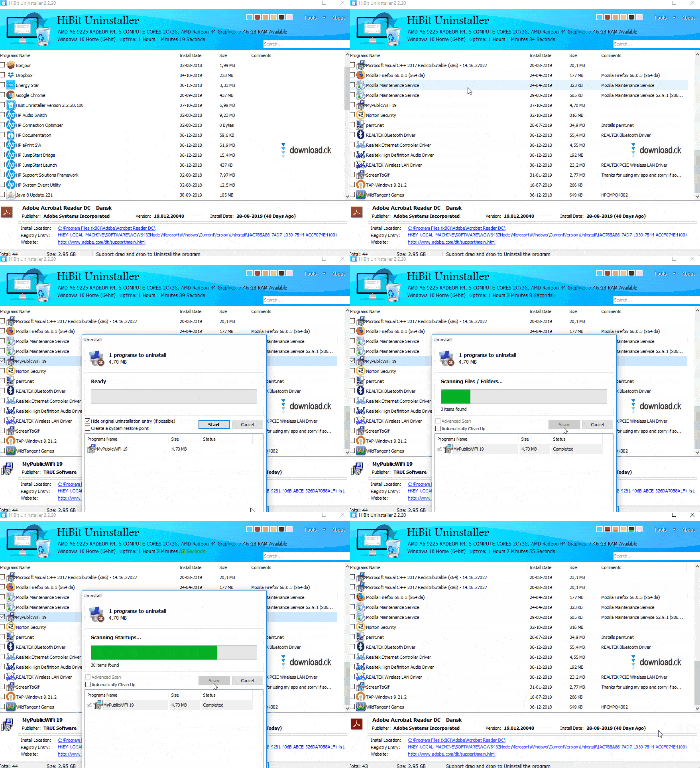
That’s why it’s a good idea to use an uninstaller to remove unnecessary software. Your computer’s built-in uninstall feature can do a lot, but it often fails to remove all the associated files and leftovers you want gone.
How to use it
HiBit Uninstaller is free to download and takes just a few seconds to install. Simply select the programs you want to uninstall, and HiBit handles the rest for you. The app automatically finds all related leftovers and removes them.
More features
On top of the uninstall function, you also get a host of extra tools in the program.
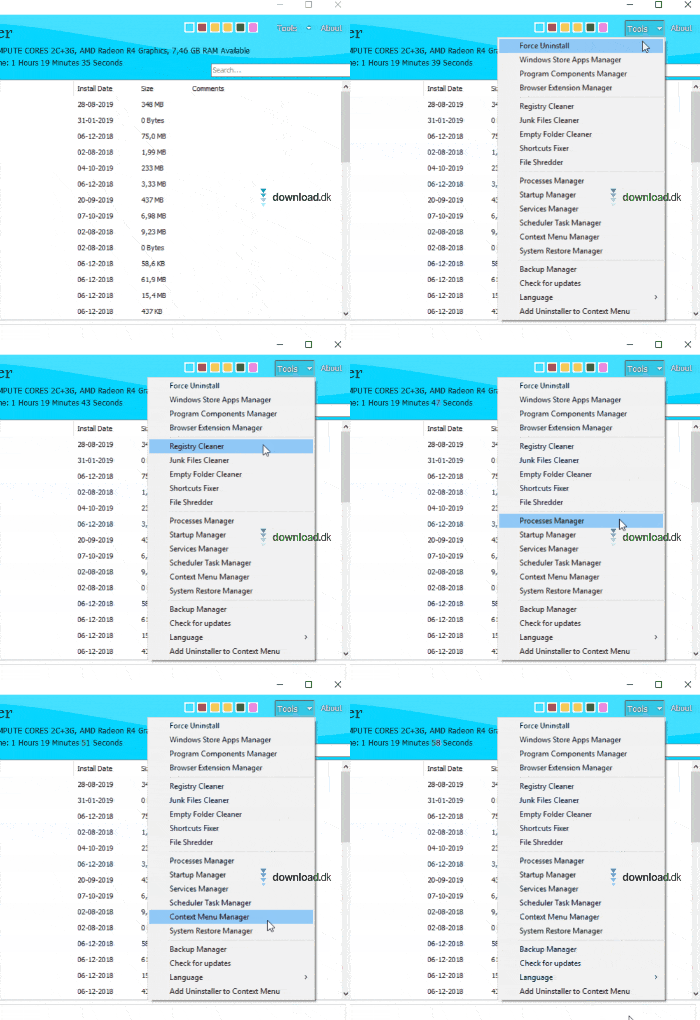
The dropdown menu shows all the options you have, such as the Backup Manager, which can help a lot. With it, you can back up your computer and its data to avoid losing anything. You also get the Shortcut Fixer, which scans your PC for shortcuts that don’t work properly.
Ease of use
The program is very simple, so anyone can use it. The menus are straightforward and the design is similar to basic Windows apps. You can also choose a theme.
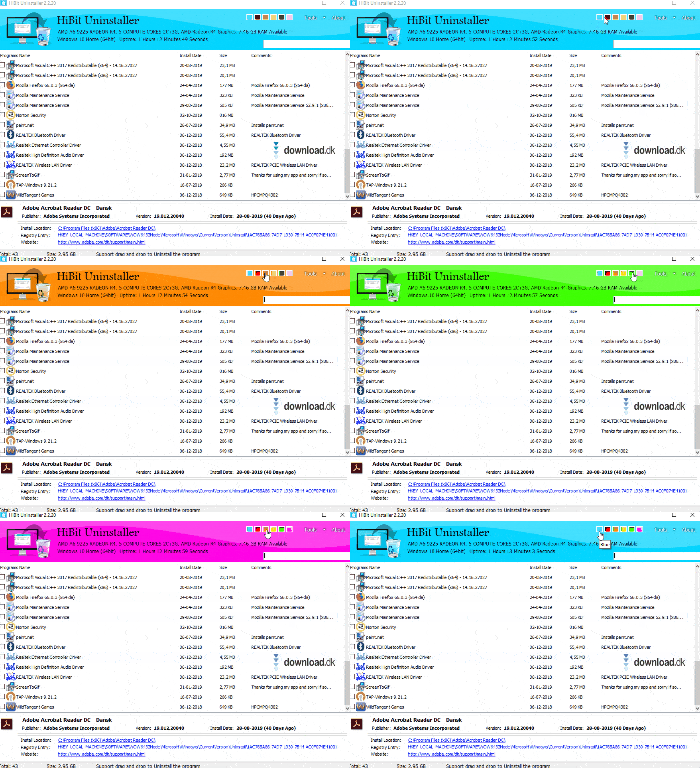
Not much changes when you switch themes, but it still lets you decide which layout you see when using the program.
Alternatives
Uninstaller programs are very popular, so there are many on the market, each offering something different. Another popular and free uninstaller is 1, which also offers a range of special features.
Conclusion
HiBit Uninstaller is a user-friendly, straightforward uninstall tool that removes programs you no longer need. That helps speed up your computer and frees up disk space. The program also includes a number of extra features you may find very useful.
Download HiBit Uninstaller


