
 Martin Jørgensen
A family tree is more than a list of relatives — it’s a living story about where you come from and how the generations before you lived. Today, you don’t need paper, pen, or old charts to get started. Powerful digital tools make it simple and straightforward to build your own family tree online or on your computer.
Here we walk through three of the best programs for building your family tree: Ancestry, MyHeritage and My Family Tree — each with its strengths and target audiences.
What is a family tree — and why create one?
A family tree shows how you’re related to your parents, grandparents, siblings, and other relatives. It provides an overview of relationships, dates, places, and in some cases stories and photos.
Building a family tree is especially useful if you:
- Want to map your family history
- Have roots abroad and want to find relatives
- Need an overview for events like a family reunion, wedding, or a family history book
- Are curious about DNA and genetic origins
1. Ancestry — The world’s largest family tree platform
Ancestry is the largest global network for digital genealogy. You get access to over 30 billion historical records, an advanced tree builder, and the option to take a DNA test that connects you with relatives worldwide.
Pros:
- Advanced tree builder with “Smart Hints”
- DNA matches and a detailed ethnicity map
- Ideal if you have family in the US, UK, Canada, etc.
Cons:
- English interface
- Subscription required for full access
Best for: Advanced users, people with relatives abroad, and anyone interested in DNA
2. MyHeritage — User-friendly family tree with Danish language support
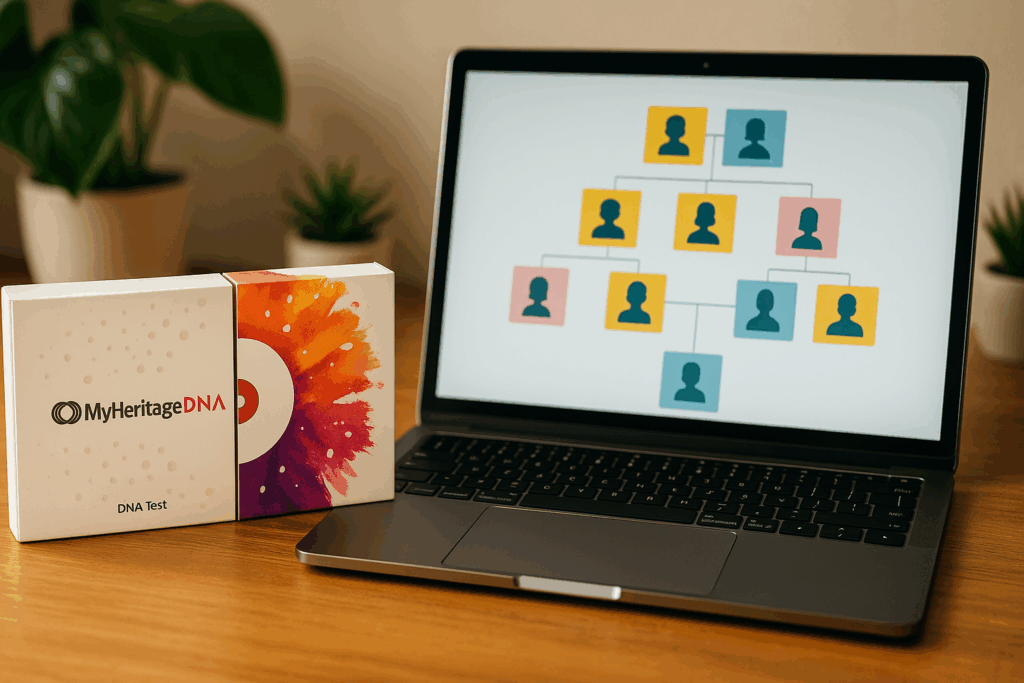
MyHeritage offers a user-friendly design and powerful photo tools, with full Danish language support. You can build your tree for free and add photos, notes, and relationships. With a DNA test, you’ll gain access to a network of genetic matches and an ethnicity profile.
Pros:
- Full Danish translation and localized records
- AI-powered colorization and animation of old photos
- Free to get started
Cons:
- Subscription required to access records
Best for: Beginners, Danish users, and families who want to visualize their history
What can a DNA test tell you?
Many associate a family tree with names and dates, but a DNA test can take you even deeper. Both Ancestry and MyHeritage offer user-friendly DNA kits that give you:
- An ethnicity map of your genetic roots
- Matches with relatives you may not know — up to 4th–5th cousins
- The chance to discover half-siblings, cousins, and previously unknown connections
- An overview of how you’re genetically connected to others in your tree
Once your test is processed, your DNA results link to your digital family tree and automatically update with new matches.
💡 It’s an excellent method if you have adoptions, emigrated family members, or are simply curious about your biological origins.
3. My Family Tree — Create your family tree for free on your own computer
Want to work on your family tree offline and without a subscription? My Family Tree is an excellent choice. The program installs on Windows and gives you full control of your research — no internet or account required.
Pros:
- 100% free and ad-free
- Local storage and no data sharing
- Supports GEDCOM files and images
Cons:
- Not available in Danish
- No access to online records or DNA matching
Best for: Users who want full control and offline access — e.g., for local history projects
Which program is best for your family tree?
| User profile | Recommended program |
|---|---|
| Danish beginner | MyHeritage |
| Advanced genealogist | Ancestry |
| Offline and local workflow | My Family Tree |
| Focus on DNA and matches | Ancestry / MyHeritage |
| Low budget / free solution | My Family Tree |
How to create your first digital family tree — step by step
- Choose the right program
Start with a tool that fits your needs — for example, MyHeritage if you want Danish language and AI tools, or My Family Tree if you prefer working offline. - Enter your immediate family first
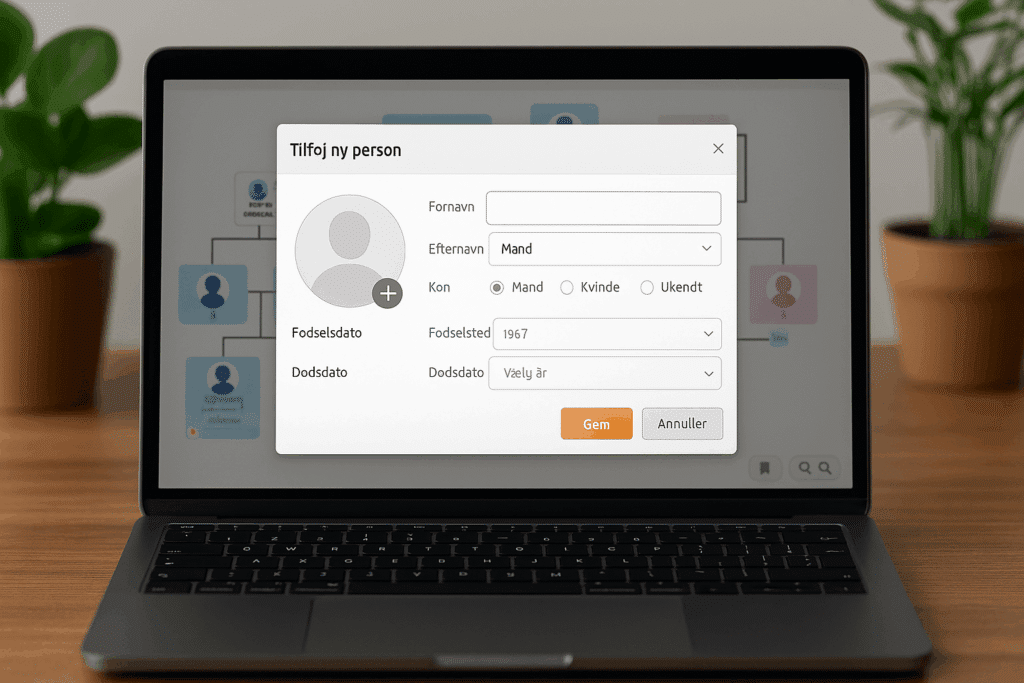
Add yourself, your parents, siblings, and grandparents. It’s the best starting point. - Fill in dates, relationships, and events
Include birth dates, death dates, marriages, and key life events. - Upload photos and documents
Old wedding photos, confirmation/graduation photos, and census records bring your tree to life. - Work backward — and verify sources
Use DNA, historical records, and hints to find earlier generations. - Save and share with family
Most platforms let you share your tree digitally so relatives can follow along and contribute.
Frequently asked questions
A family tree shows your ancestors back in time with you as the starting point, while a pedigree chart often shows the entire family from one common ancestor forward.
Yes. With programs like My Family Tree or the free version of MyHeritage, you can get started at no cost.
Yes, but it’s important to read the terms. Both Ancestry and MyHeritage comply with GDPR, but you should decide whether you want to share your data with matches.
Both Ancestry and MyHeritage let you invite family members directly via email. My Family Tree requires exporting a file or printing.
Get started with your family tree today
Whether you’re curious about your family’s past, want to preserve old stories, or explore your DNA roots, today’s tools make genealogy easier and more fun. Start with a free family tree and see how one branch can quickly take you back in time — and closer to where you come from.
➡️ Go to Ancestry
➡️ Go to MyHeritage
➡️ Go to My Family Tree



