
 Martin Jørgensen
Bitdefender is one of the most widely used security solutions in the world, trusted by individuals, families, and businesses. On this page, many users encounter Bitdefender through specific products like Total Security, Free, or VPN, but it can be hard to see how it all fits together.
In this guide, we explain what Bitdefender is, how their products are structured, and how to choose the right plan for your needs.
What is Bitdefender?
Bitdefender is a cybersecurity company that develops antivirus, internet protection, and privacy tools for Windows, macOS, Android, and iOS. The core across all of its products is the same malware engine, which consistently scores highly in independent security tests.
The differences between Bitdefender’s products mainly come down to:
- which features are included
- how many devices you can protect
- whether extra privacy tools are included, such as a VPN
Overview of Bitdefender solutions
Bitdefender’s products can roughly be divided into three groups: complete security suites, simpler antivirus solutions, and additional services.
Complete security suites
These are designed for users who want the most protection in one place:
- Bitdefender Total Security
- Bitdefender Premium Security
- 1
They typically cover multiple devices and platforms and include antivirus, web protection, ransomware protection, and extra features.
Simpler antivirus solutions
These are aimed at users with more basic needs:
- Bitdefender Antivirus Plus
- 1
Here the focus is on classic antivirus protection without a lot of extras.
Additional services
These can be used together with or independently of the antivirus suite:
- 1
- 1
Which Bitdefender product should you choose?
Your choice mainly depends on how many devices you want to protect and how much control and privacy you need.
For most home users
Bitdefender Total Security is the most balanced choice for many. You get full protection across platforms without paying for features you may not need.
If privacy and VPN matter
Bitdefender Premium Security and Ultimate Security are for users who want extra focus on anonymity, data protection, and online privacy.
If you only need antivirus
Bitdefender Antivirus Plus is ideal if you primarily use Windows and don’t need additional modules.
If you want free protection
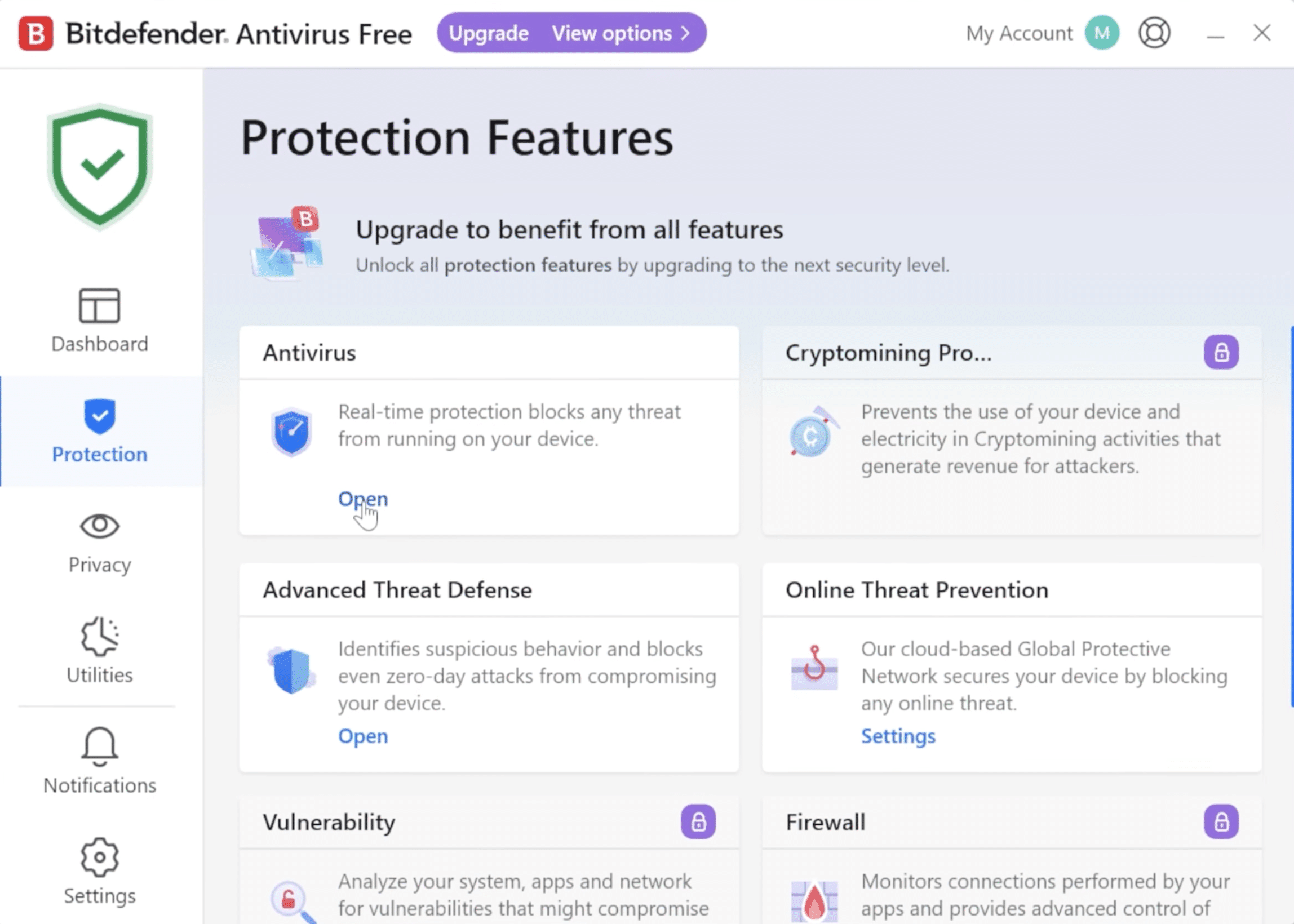
Bitdefender Free is a lightweight, straightforward option that provides basic antivirus protection without advanced settings.
Bitdefender Central – manage your security
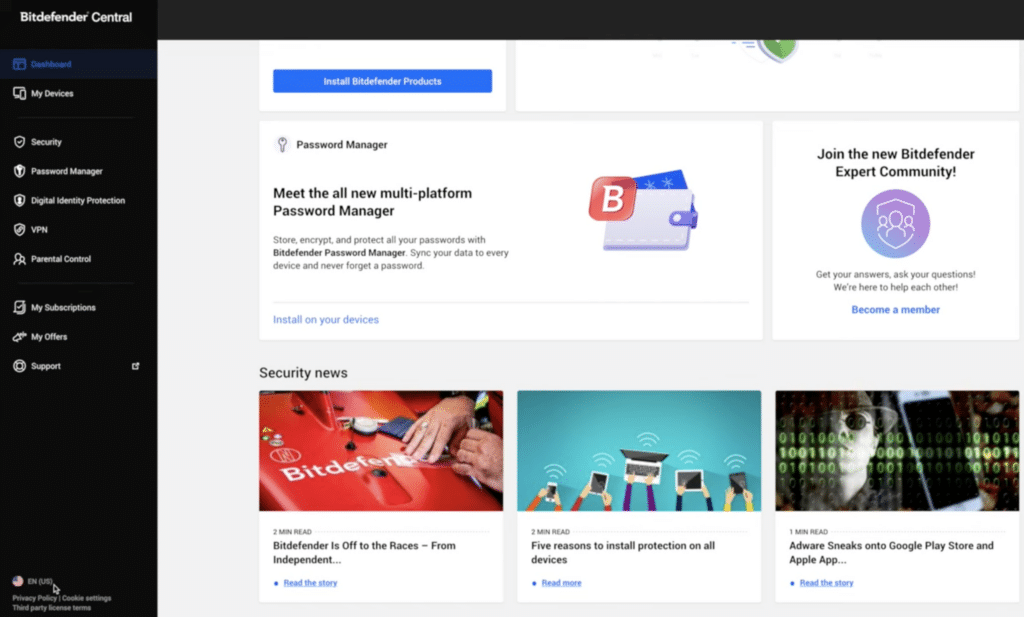
No matter which Bitdefender product you choose, management happens in Bitdefender Central. It’s an online dashboard where you can:
- activate licenses
- install Bitdefender on new devices
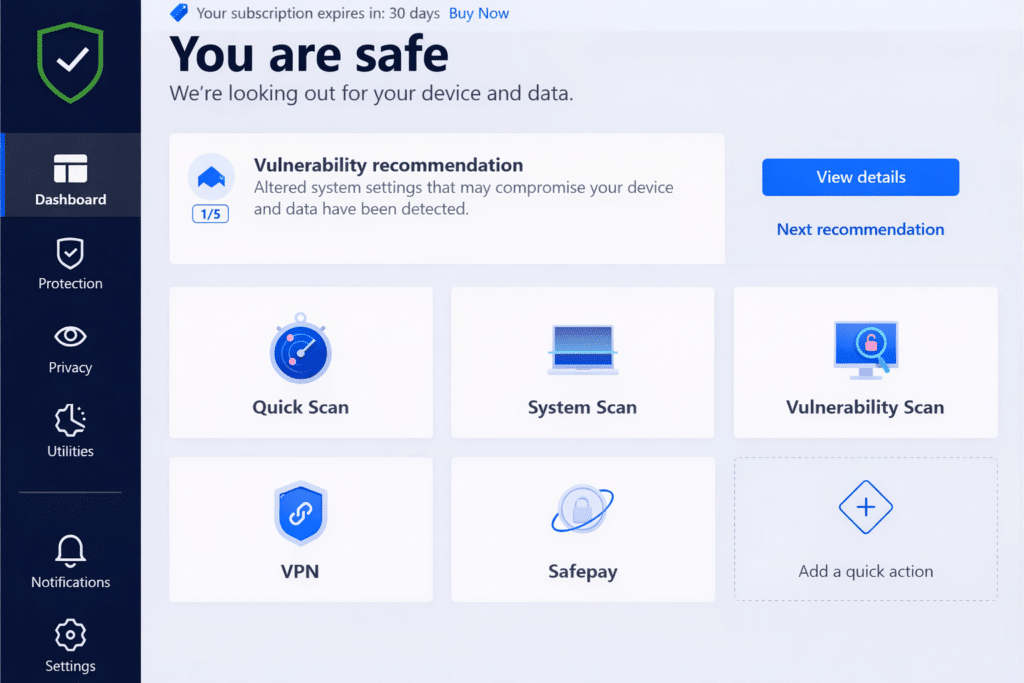
- view security status
- manage multiple devices from the same account
Central is a key part of the Bitdefender experience and is used by both individuals and families.
Practical tips for Bitdefender users
Always create your account before installing
Create your Bitdefender account in Central before installing the software. It ensures a more stable license link and fewer issues later.
Regularly remove old devices
If you replace a computer or phone, remove old devices from Central to keep an overview and free up licenses.
Use Central proactively – not just for issues
Quick periodic checks make it easier to spot missing updates or devices that are no longer properly protected.
Enable two-factor authentication
Two-factor authentication significantly boosts security, especially if you manage multiple devices from the same account.
Use the mobile app as a companion
The mobile app is great for quick status checks, but full administration is easiest on a computer.



