
 Martin Jørgensen
IrfanView: Lightning-fast image viewer and editor packed with features.
IrfanView is a free image viewer and editor for Windows, known for its blazing-fast image display, low system requirements, and a wealth of features. Launched back in 1996, it is still among the most popular tools for quick image viewing, batch editing, and conversion—especially for professionals, photographers, and designers.
The program supports a wide range of image formats (including RAW), as well as audio and video formats, and can be easily extended with plugins.
Features and capabilities in IrfanView
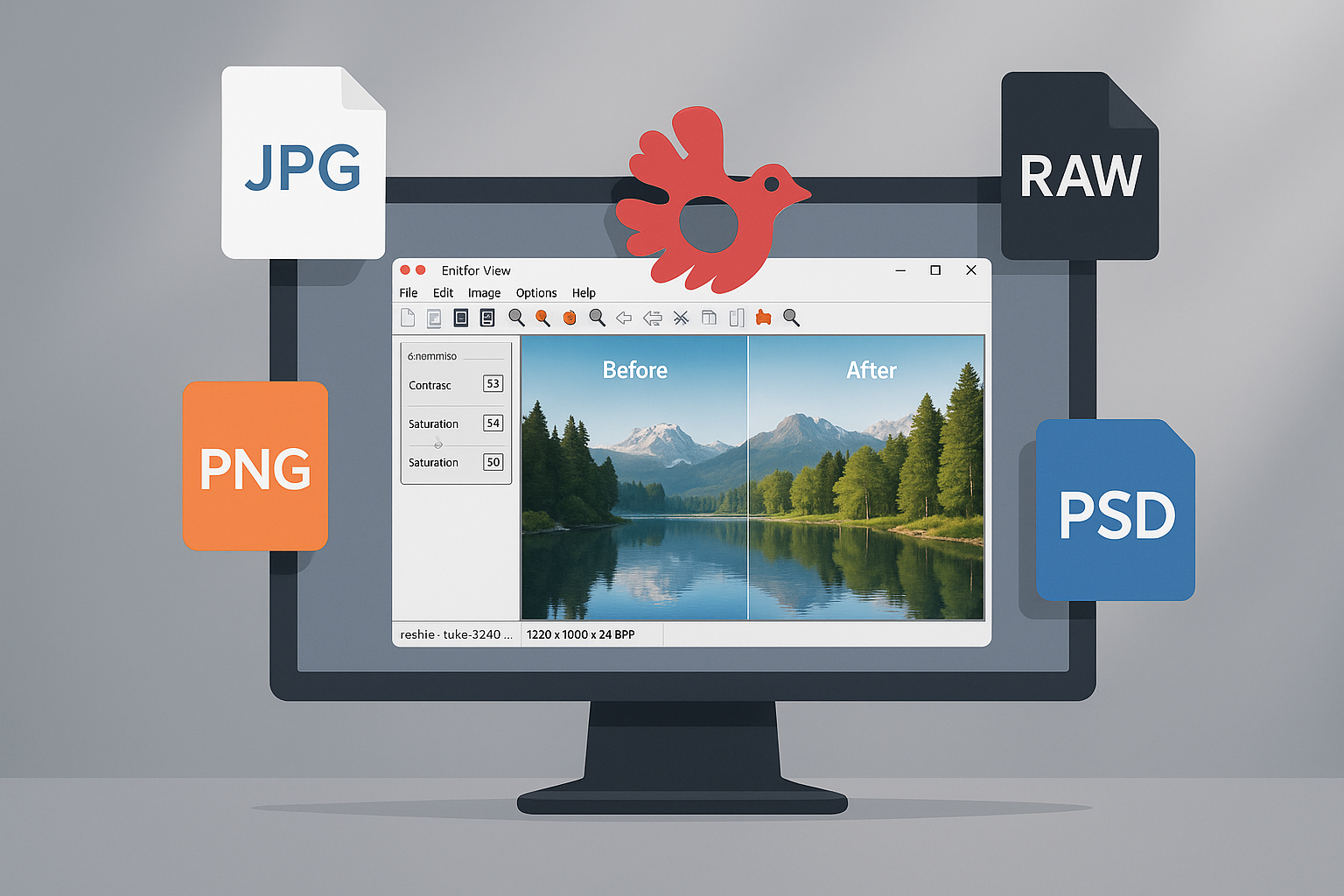
- Viewing and editing images: IrfanView supports virtually all image formats, including BMP, JPG, PNG, GIF, TIF, WEBP, PSD, and HEIC. You can quickly zoom, rotate, crop, adjust color, sharpness, and contrast—and save to another format.
- Batch processing: One of the program’s biggest strengths is its batch features. You can convert or rename hundreds of images at once, making it perfect for workflows used by bloggers and photographers.
- Slideshows and presentations: Create slideshows with music and save them as EXE or SCR files (screensavers).
- Scanning and printing: Scan directly from a connected scanner and take advantage of advanced printing options.
- Plug-ins: Let you open even more formats (e.g., Photoshop PSD, video formats, OCR for text recognition) and add features like email integration or filters.
- Multi-language support and keyboard shortcuts: Perfect for international users and power users who want maximum productivity.
System requirements and compatibility
IrfanView is for Windows only and works perfectly with Windows 11, 10, 8, and 7—both 32-bit and 64-bit versions. There is no official macOS or Linux version, but the program can run via Wine on Linux.
Lightweight with turbo speed
A core benefit of IrfanView is its speed and low resource usage. The program opens images faster than almost anything else on the market, even on older computers. That makes it ideal for both everyday use and professional tasks.
Software strengths and weaknesses
IrfanView excels in functionality and speed—but the minimalist, somewhat dated interface can feel intimidating for beginners. There are no built-in AI features or advanced layers like in Affinity Photo or Photoshop, but that is not the goal.
Top five tips for IrfanView
Customize keyboard shortcuts under “Properties/Settings” to boost efficiency in your workflow.
Use batch conversion to adjust file sizes before uploading to websites.
Install the plugin package to open even more file formats and enable OCR support.
Use the slideshow feature to create screensavers or presentations with images and music.
Press ‘T’ to open the thumbnail view and quickly navigate large folder structures.
FAQ – Frequently asked questions about IrfanView
Is IrfanView free?
Yes, IrfanView is free for personal, non-commercial use. For business use, a license is required, but the price is low.
Can IrfanView be used to edit photos?
Yes, the program includes basic editing features like cropping, color adjustments, rotation, and batch editing. However, it cannot be compared to advanced editing tools like Photoshop.
Does IrfanView work on Windows 11?
Yes, the program is fully compatible with Windows 11 and 10 – both 32- and 64-bit versions.
How do I add plugins to IrfanView?
You download a separate plugin package from IrfanView’s official website and install it. Plugins enable more formats, OCR, and extra features.
Can IrfanView create slideshows or a screensaver?
Yes, you can create slideshows with images and music and save them as self-running EXE files or screensavers (.SCR).



