
 Martin Jørgensen
Website X5 Evolution – build a website in five steps
Website X5 Evolution is a website builder anyone can use — even without technical skills. The software guides you through five simple steps, so you can create a good-looking, fully functional site in minutes. We tested it on a Windows 11 PC and experienced a smooth installation with a clear introductory video that helped us get started fast.
Features and capabilities
When you start, you choose a project name and enter the key SEO details (title, description, and keywords). Then pick a template — there are many attractive themes to choose from, and they’re easy to customize.
Next, you create a sitemap, which makes your site more SEO-friendly. The program can handle this automatically, but you can tweak it as needed.
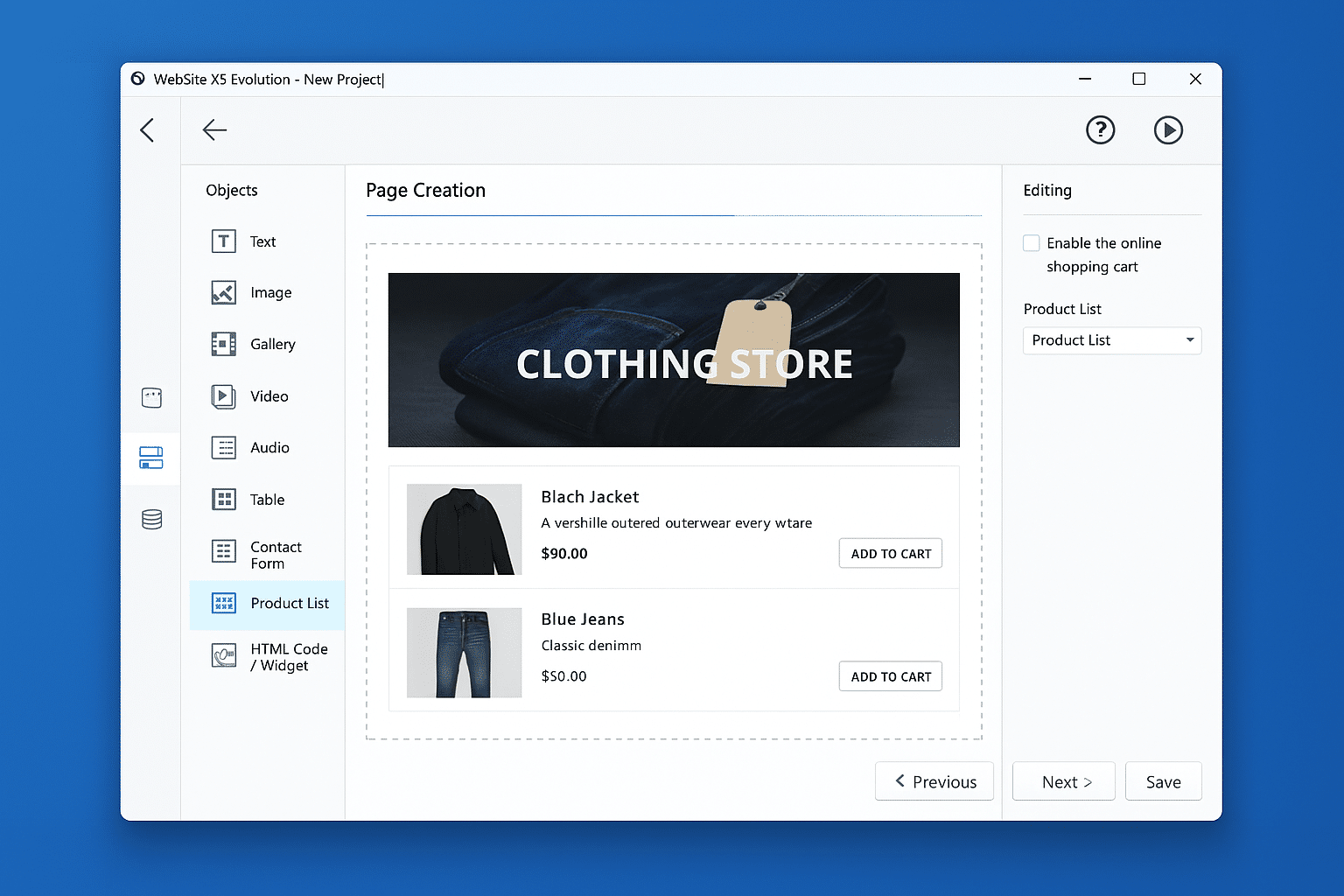
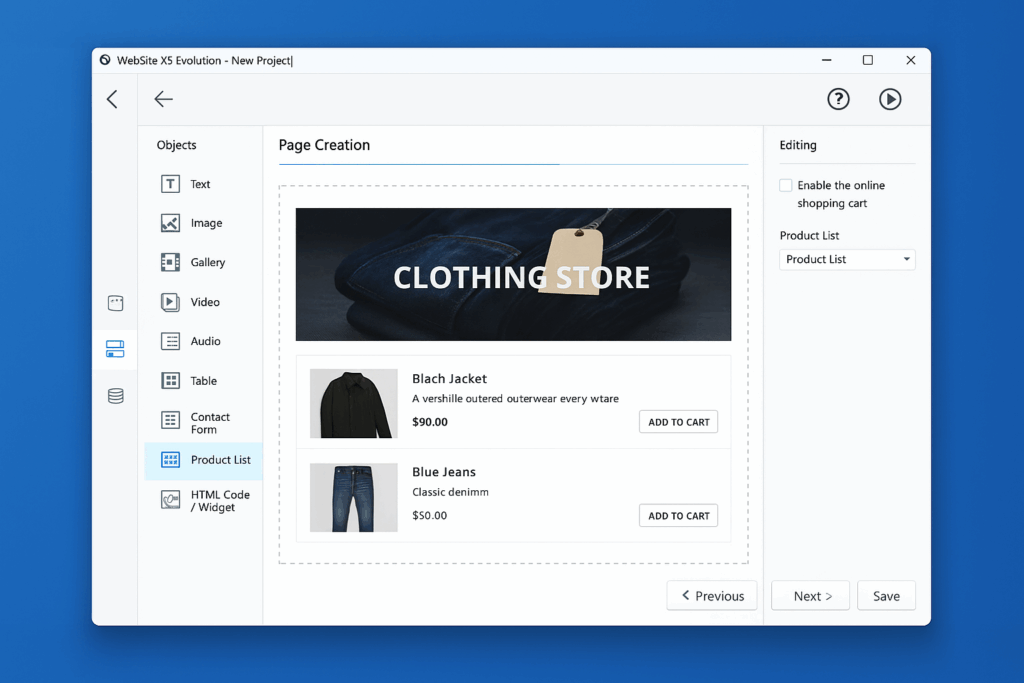
Step three is all about content: drag and drop text, images, video, galleries, forms, or an online store onto your pages. It’s intuitive, and we quickly built a page with both a blog and a product overview.
Step four unlocks more advanced options — for example menus, blogs, a shopping cart, and custom widgets. Finally, you export the site directly to the web or to a local folder.
Design and ease of use
We found the templates look professional right out of the box, even with minimal tweaks. That means you can go live with a polished website almost immediately — ideal for small businesses or personal projects. There’s a wide selection of themes, and even small adjustments to colors, fonts, and the footer quickly gave our site a more personal touch.
The drag-and-drop editor is similar to other popular builders like Wix or Squarespace, but Website X5 feels both faster and simpler to use. During testing, we could rearrange images, text, and videos without lag, and the layout adapted automatically. We also noticed reliable saving of changes — even after longer sessions where other builders can freeze or crash.
If you’ve never built a website before, you can learn the system in under an hour. At the same time, experienced users can dive into advanced settings to fine-tune the details.
Pricing and hosting
The full version costs around $80, which is low compared to many alternatives. You can also choose hosting via Website X5 Hosting, and the software includes access to the Website X5 Photos library with more than 6,000 free images.
Strengths and weaknesses
The biggest strength of Website X5 Evolution is that you can build a complete website or online store without touching a single line of code. In our test, even a relatively complex site with a blog, gallery, and contact form took less than an hour to create. The drag-and-drop editor feels intuitive, and we didn’t need to consult the manual to get going.
For more advanced features — such as the shopping cart, custom menus, or widget integrations — there is a bit of a learning curve. The help section and the community forum are useful here, but plan to spend some time getting familiar with the details.
English is available by default. In some older versions, additional languages like Danish required a separate language pack via your account, while newer releases are more fully translated out of the box.
Top 5 Q&A about Website X5 Evolution
Yes. English is available by default. In some older versions, additional language packs (like Danish) could be added from your account with the developer.
Yes. Website X5 Evolution includes a shopping cart, product lists, and payment options, so you can create a simple online store without extra plugins.
No. It’s built for beginners. Setup happens in five steps with drag-and-drop functionality, and video tutorials are included.
The price is around $80 for the full version. It’s a one-time purchase, which makes it cheaper than many subscription-based builders.
Yes. The software helps you set meta tags, automatically generates a sitemap, and includes tools to make your site more visible in search engines.



