
 Martin Jørgensen
Link Whisper – automated internal linking for WordPress
Link Whisper is a WordPress plugin that helps you build internal links faster and more systematically. Instead of manually combing through old posts and guessing where links could go, Link Whisper analyzes your content and suggests relevant internal links right inside the editor.
The plugin is especially useful for bloggers, affiliate sites, and SEO workflows where internal linking is critical for Google visibility—but often gets deprioritized because it takes time.
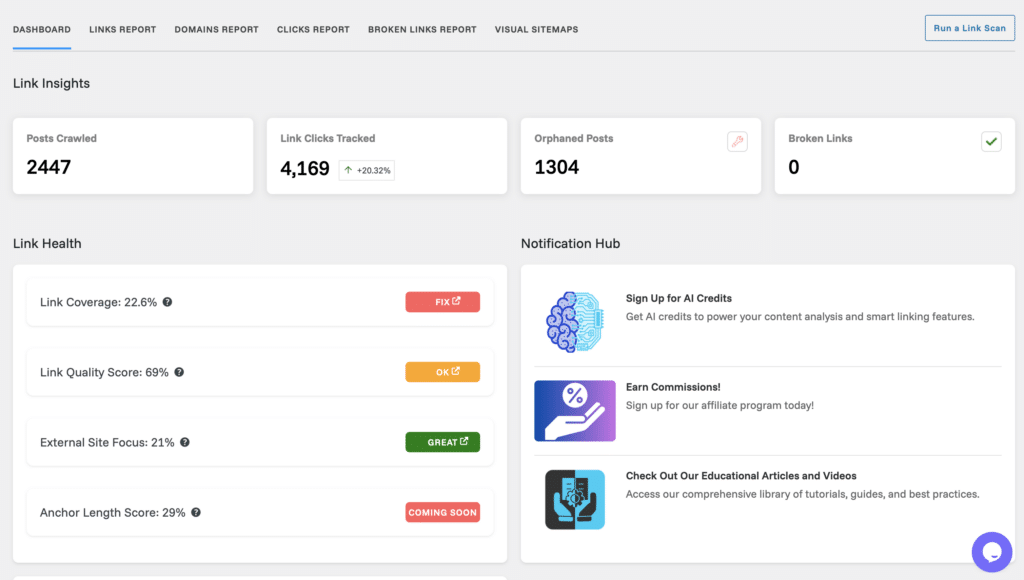
We tested Link Whisper on a WordPress site with over 2,000 posts, and after the first pass it was clear how many internal link opportunities usually get overlooked.
How Link Whisper works in practice
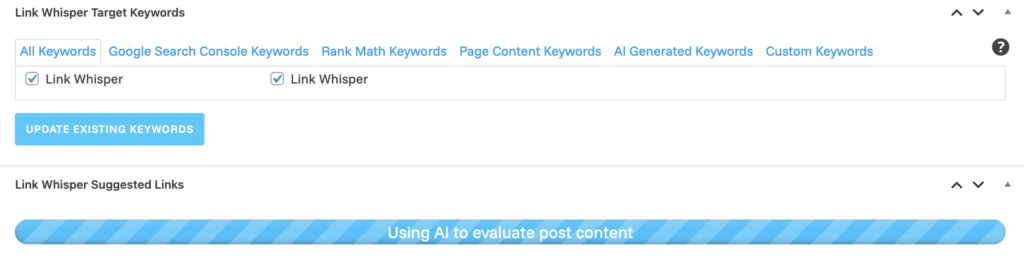
Once installed, the plugin scans your existing content and starts suggesting internal links while you edit or create posts. Suggestions appear directly in the WordPress editor, where you can accept or reject them with a single click.
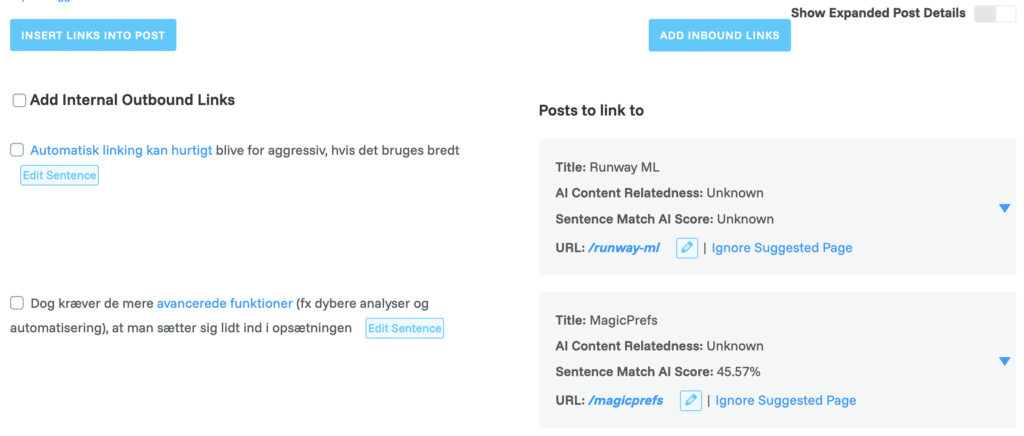
During testing, we found that:
- The suggestions were contextual and read naturally
- It was significantly faster than manual internal linking
- Older content suddenly got new life through more internal links
In addition, Link Whisper has a separate overview where you can see:
- Posts without internal links
- Posts with too many outbound links
- Orphan pages
These are insights you’d normally need extra SEO tools for—here, they’re built directly into WordPress.
Internal linking and SEO – why it still works
Internal linking is one of the most underrated SEO tactics. Google uses internal links to understand:
- which pages are most important
- how your content is thematically connected
- which keywords a page is relevant for
Link Whisper makes it easier to work strategically with internal links, especially as your site grows. Instead of having to remember to update old posts manually, you get ongoing suggestions as new content is published.
In the US, where many niche sites and blogs are run by one or a few people, the time savings are a clear plus.
Interface and ease of use
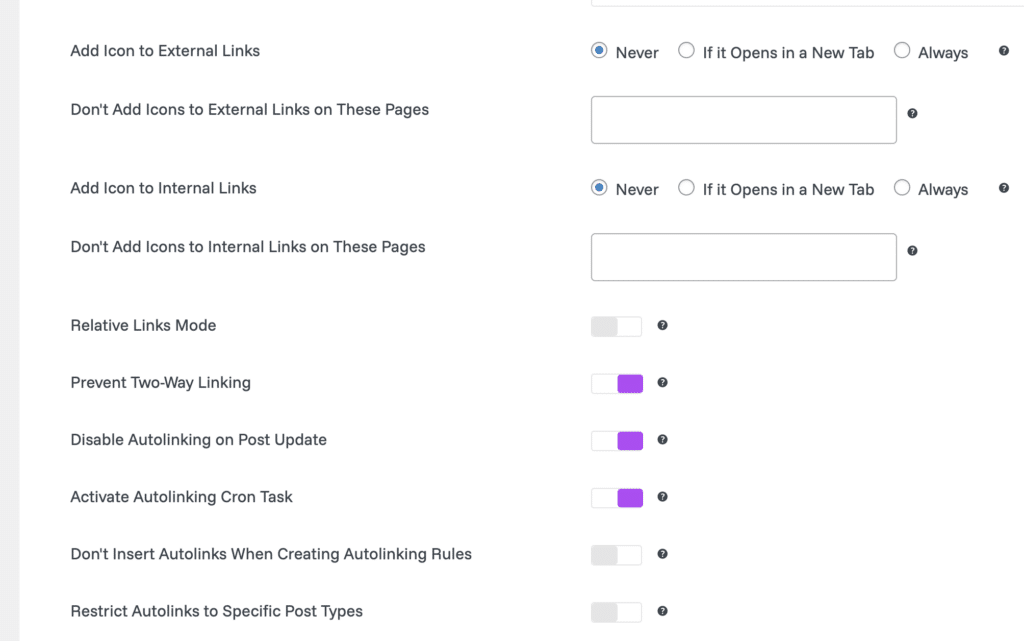
The interface is straightforward and feels native to WordPress. It doesn’t feel like a “heavy” plugin, and we noticed no meaningful performance impact during testing.
That said, the more advanced features (e.g., deeper analysis and automation) require a bit of setup. Not a problem—but not entirely “plug and play” for beginners either.
Automated internal linking with Link Whisper
One of Link Whisper’s underrated features is partial automation of internal linking. Instead of only suggesting links manually, the plugin can also insert internal links automatically based on rules and keywords.
In practice, specific words or phrases can automatically link to selected pages without manual approval each time. In our tests we used this carefully—mainly on longer guides—where it worked best.
It does require some thought. Automatic linking can become too aggressive if used broadly. That’s why Link Whisper lets you limit:
- how often a keyword can be linked
- which post types are included
- whether links may be inserted when updating existing content
Used sparingly, automation can save a lot of time—especially on large sites with many articles. But it’s clearly meant as a supplement, not a replacement, for manual editing and common sense.
Pricing and licensing
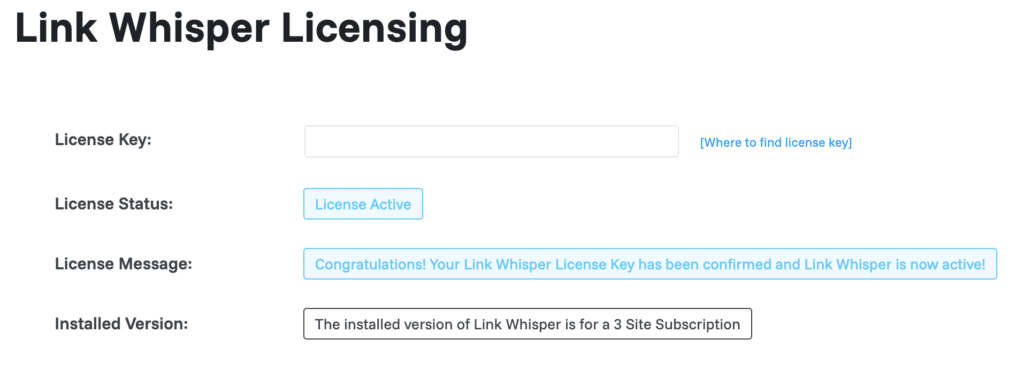
Link Whisper is a premium plugin and requires a paid license. The price is higher than classic SEO plugins, but you’re primarily paying for time savings and automation.
If you only run a small site with a few pages, the cost can feel high. If you manage a lot of content or work professionally with SEO, it makes much more sense.
Is Link Whisper worth it?
In practice, it turns internal linking from a task you keep postponing into something that actually gets done continuously. For larger or fast-growing sites, that alone can be the difference between a messy link structure and a coherent content network that both users and Google can navigate more easily.
Link Whisper doesn’t replace classic SEO plugins—it’s a specialist tool that solves one specific job exceptionally well. That’s why it makes the most sense for teams that already have the basics covered and want to streamline their workflow further.
Top 5 Link Whisper tips
1) Edit anchor text before accepting suggestions
2) Intentionally link to your key “money pages”
3) Start with the orphan pages report
4) Go easy on links in very short posts
5) Re-run suggestions after major updates and new content
Yes—Link Whisper created the internal links in this review. We may earn a commission if you choose to download via download.dk and later purchase a license.



