

 Martin Jørgensen
Technology evolves at a startling pace. Every year, something new replaces what came before, leaving a lot of older tech forgotten and incompatible with modern systems.
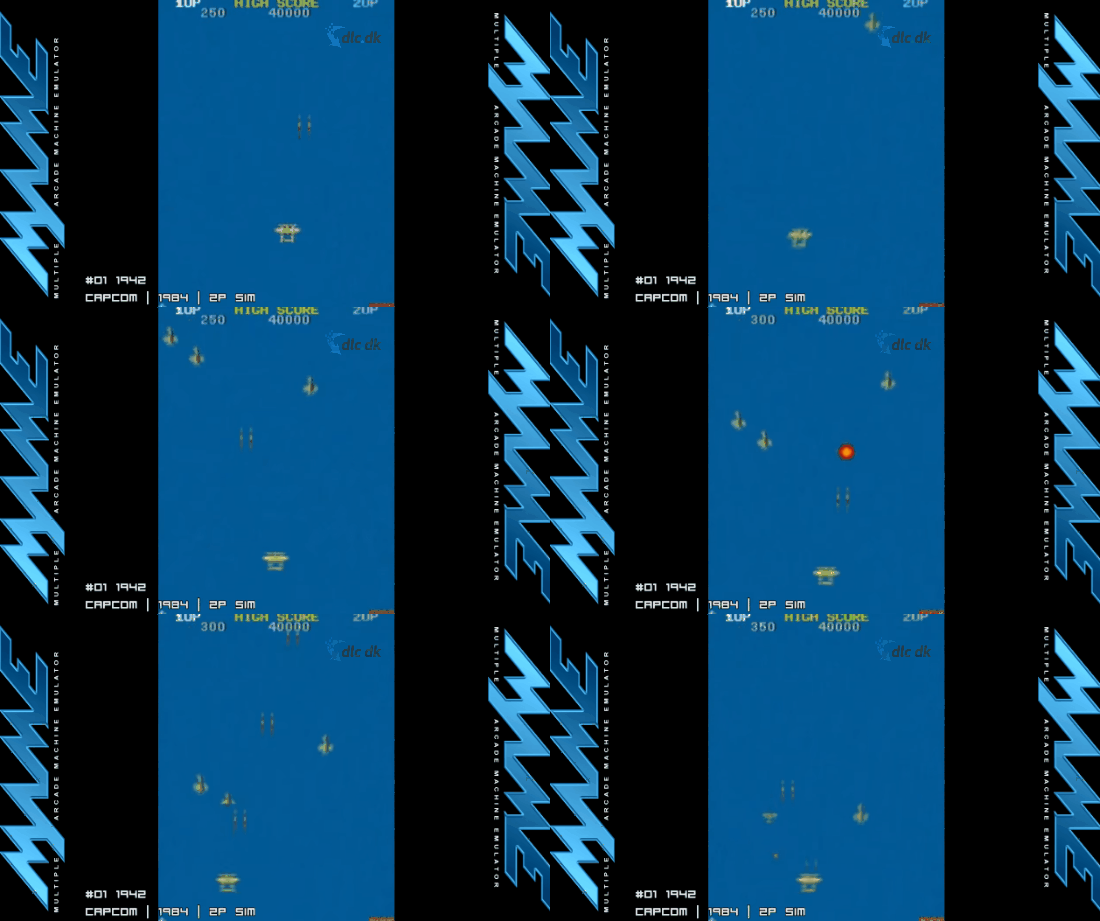
For example: Commodore 64, Gameboy 64, Windows Vista, etc. Amazingly, people still care about these old technological systems—but why? Typically for nostalgic reasons. They were what many of us had as kids to play games. Unfortunately, none of those games are compatible with today’s operating systems.
While game companies occasionally port old titles to new platforms, many classics remain forgotten and inaccessible—until now. MAME stands for Multiple Arcade Machine Emulator, and together with its sister project MESS (Multi Emulator Super System), you can once again access your old favorite games and programs.
Thorough documentation of legacy hardware
MAME introduces itself on its website: “MAME prevents this important “vintage” software from being lost and forgotten. This is achieved by documenting the hardware and how it functions.”
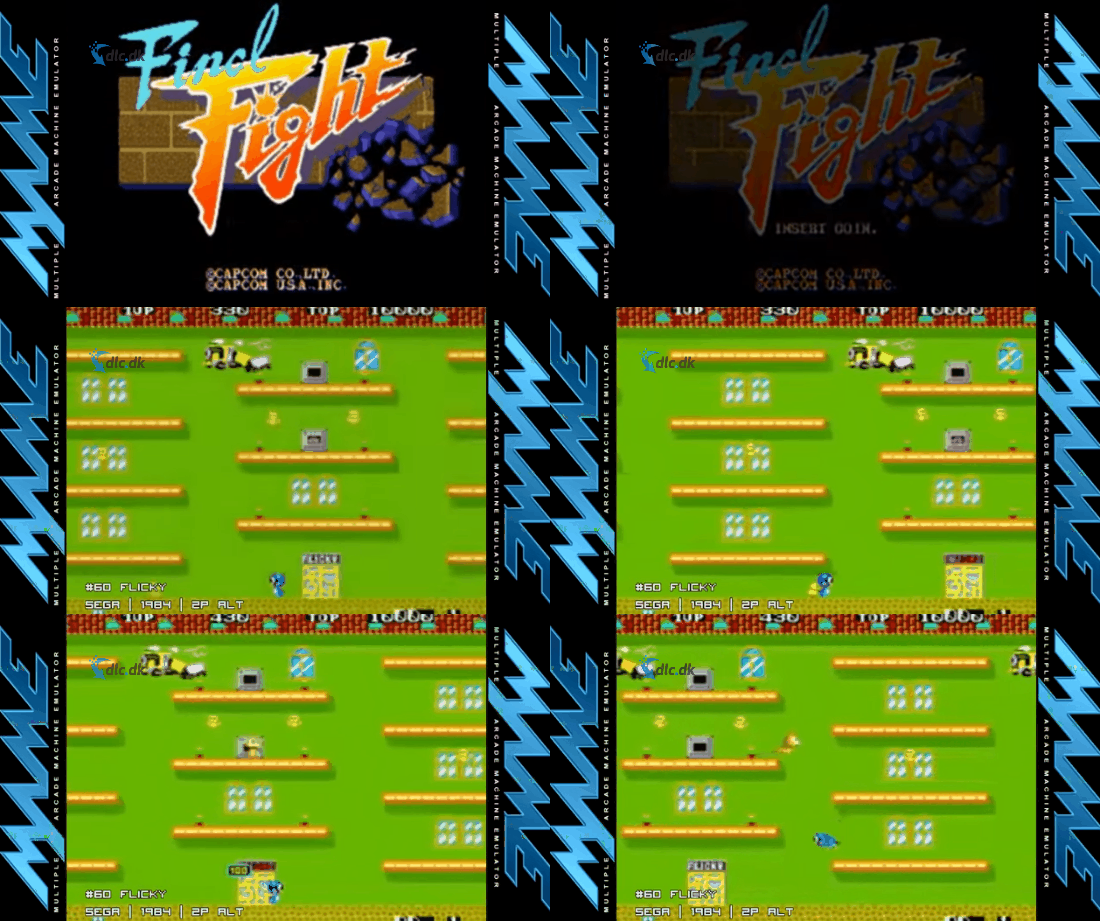
This means the project is dedicated to documenting, categorizing, and preserving vintage systems from bygone days so we can enjoy the software and games that were relevant back then—today. It’s a thoughtful, practical mission that lets you return to your childhood favorites. It’s also ideal if you have a soft spot for retro gaming and want to try as many classics as possible.
Large selection of supported games
MAME supports a huge range of arcade games and systems you can enjoy in your free time. If you like a specific arcade game from the ’80s or ’90s, there’s a great chance you can enjoy it again on your computer.
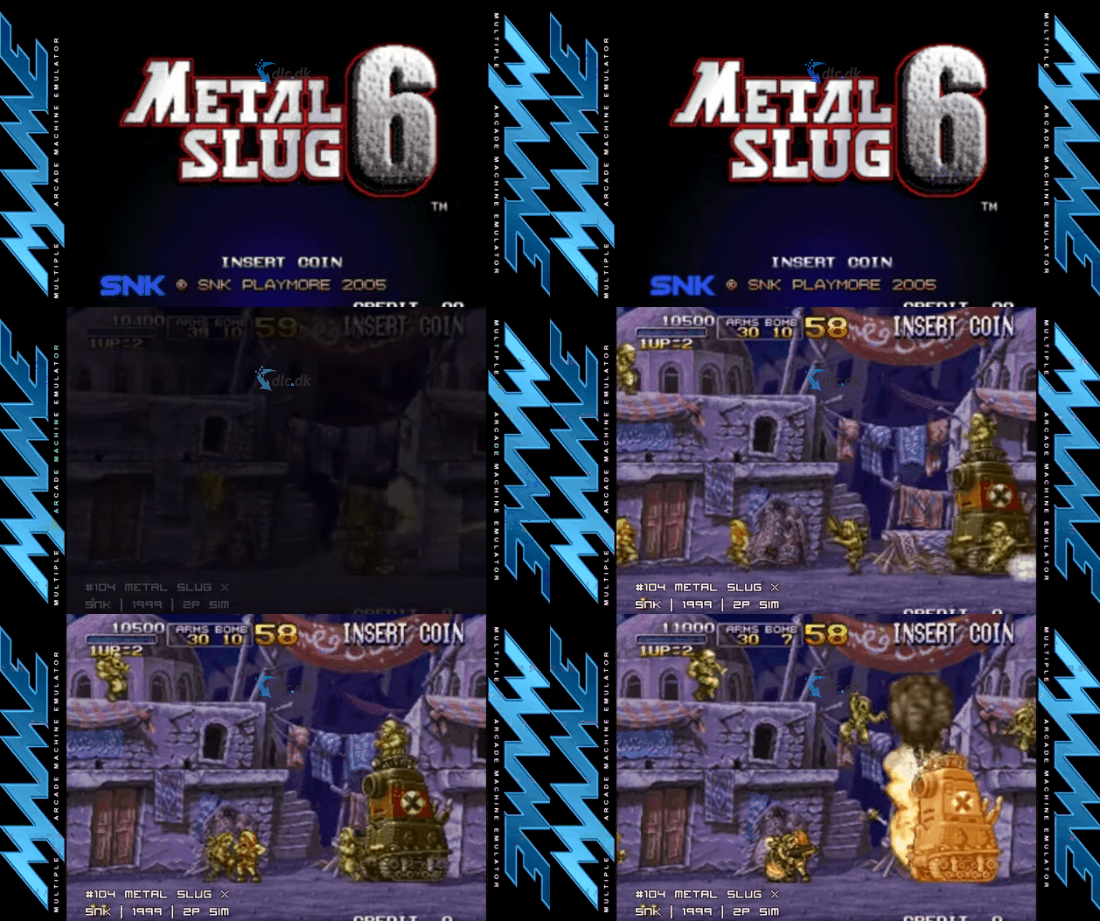
If there are other older video game consoles you’re interested in, it’s very likely their system data has been preserved in this software and can be enjoyed by you.
For anyone with a soft spot for old games
MAME is undoubtedly for you if you like diving into older games that no longer exist in the modern games industry. Many classic titles have a timeless charm and can still deliver a ton of entertainment today—that’s exactly their appeal.
The downside is you can’t play them on modern systems anymore, as the hardware has changed and no longer supports those older games’ technical needs. That’s just how it is. But with MAME, you can now enjoy all those classic arcade games on your computer whenever you like.
Supports more than most
Most emulators you can download from the internet support only a given system—for example, a Gameboy Advance emulator or a Nintendo DS emulator. That means they can only make games available that were created for those consoles.
With MAME, you have the vast majority gathered in one place, so you don’t need to download a bunch of different emulators to play your old favorites.
Simple and user-friendly design
MAME is relatively easy to use. At its core, it’s a framework. To play a game, add a ROM file (from your own backups or other legal sources) that contains the game. You can then load it into MAME, which will emulate the correct system for you right away.
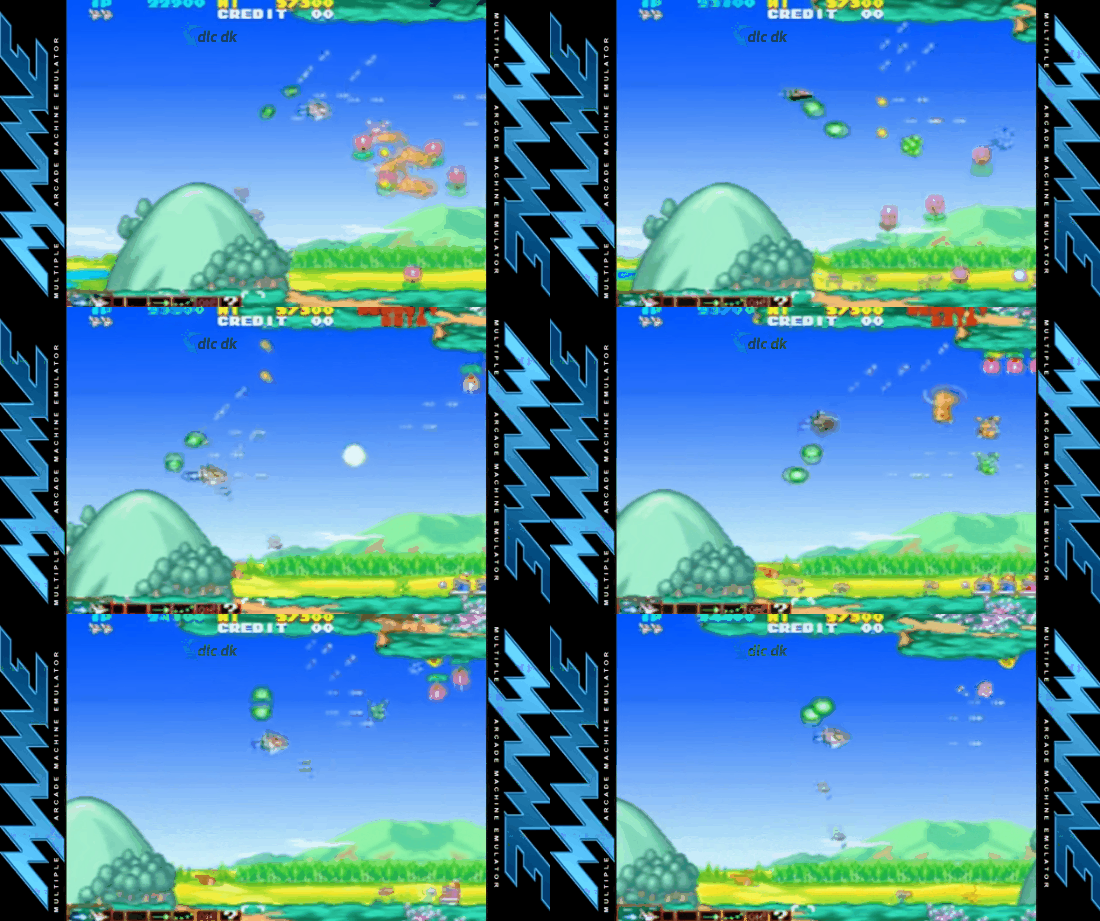
MAME also has a large community dedicated to solving problems and helping you get started with the program. If there’s a game you can’t get to work, or the program won’t start at all, you’ll almost certainly find answers in their forums.
Alternative software
There are of course other emulators you can try. This can be especially preferable if you only have a single system in mind you want to test.
In this case, FS-UAE Amiga Emulator is recommended. This emulator emulates the classic Commodore Amiga and opens the door to old and appealing games like Lemmings, Monkey Island, etc. on your modern computer.
MAME is a fantastic piece of software that opens up a whole new gaming world for anyone interested in classic retro games. With its easy interface and strong community, it’s simple to use and comes highly recommended.
Download the MAME emulator for free here.



