
 Martin Jørgensen
MindView is more than classic mind maps
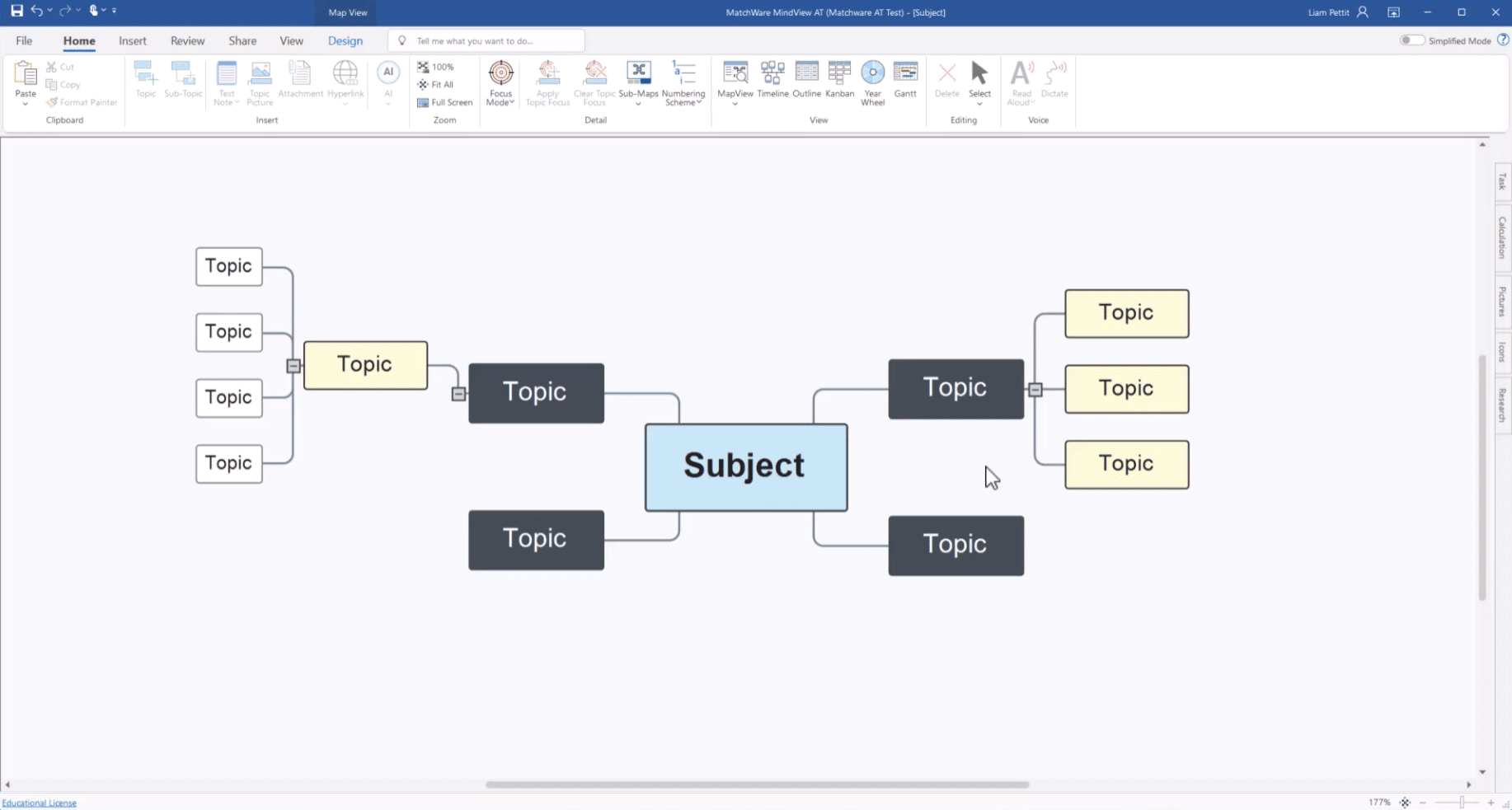
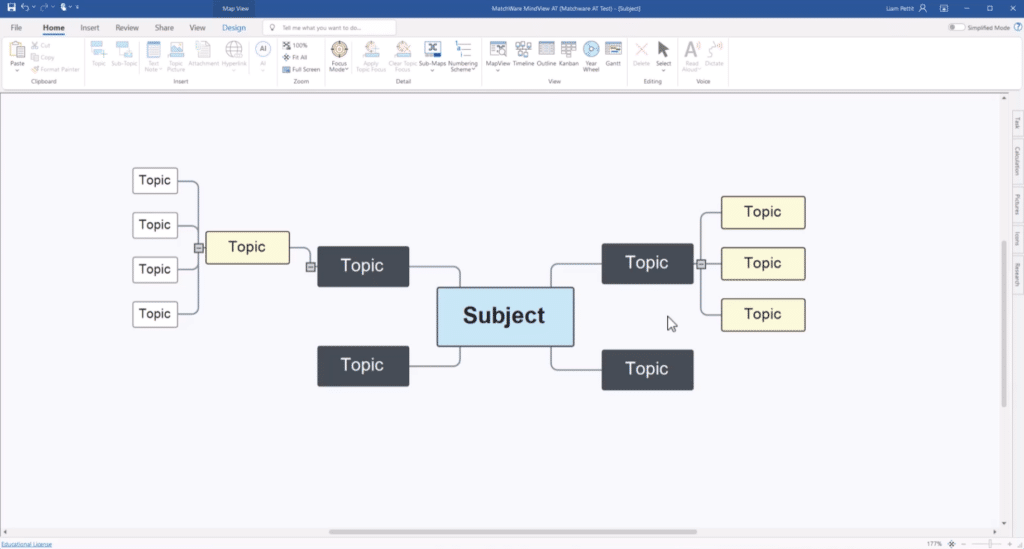
What makes MindView compelling today is that it’s not just about drawing bubbles and connecting ideas with lines. According to MatchWare, you can work in multiple views and switch between mind map, timeline, Work Breakdown Structure (WBS), and Gantt chart without losing content. That makes the program far more useful than many lightweight mind mapping tools that mainly handle quick brainstorms.
In practice, that means you can start by tossing ideas into a visual map and then structure them as a real project. It’s especially useful for students, consultants, project managers, and small teams who like to think visually but still need something they can deliver or present.
In our evaluation of MindView, it’s clear that MatchWare targets a more “work‑oriented” audience than many free alternatives. That’s a plus if you actually need output for reports, planning, or teaching. It’s less exciting if you just want a free tool for quick notes.
Features for project management, reports, and presentations
MindView is marketed with strong Microsoft Office integration and the ability to export to Word and PowerPoint. Product materials and documentation also mention Excel and Microsoft Project in relevant workflows.
That’s an important detail because many users want software that bridges creative ideation and finished deliverables. Here, MindView still stands out:
Visual layouts for better clarity
The program is built on the classic mind mapping idea but goes further in turning ideas into structured work. MatchWare highlights the different views as a core feature, and that’s likely where MindView differentiates itself most from simpler competitors.
Export to Office saves time
When you can send content to Word or PowerPoint in a few clicks, you avoid rebuilding the entire structure manually. This is especially useful in businesses, education, and presentation work.
Gantt and WBS make it relevant for project work
MindView isn’t a full-blown project management system on par with heavy enterprise solutions, but its Gantt view, timelines, and Work Breakdown Structure make it far more project‑oriented than many pure brainstorming apps.
MindView for Windows, Mac, and online
MatchWare sells MindView for PC, Mac, and online use, and the downloads page still shows active versions across platforms. There are also assistive technology (AT) editions and education‑focused solutions.
That’s good news for SEO because it opens up more long‑tail searches such as:
✅ mindview download
✅ mindview for mac
✅ mindview online
✅ mind mapping software for project management
✅ software for Gantt charts and mind maps
How MindView feels in practice
Setting aside its somewhat classic look, MindView is a very sensible tool for people who work in a structured way. It doesn’t look like a trendy startup app—and that may be a good thing. Many US-based users in business, education, and the public sector will likely prefer stability and export options over a flashy UI.
This is also the kind of software where the value becomes obvious when you need to use your mind map afterward. Free mind mapping tools can be fine for brainstorming, but they quickly become limiting when the output has to go into a presentation, a report, or a project plan. That’s where MindView still has a place.
The downside is that the program probably won’t appeal broadly to everyone. If you just want to make simple mind maps for free in the browser, there are newer, more modern alternatives. MindView is most relevant for users who specifically need Office integration, project views, or classroom use.
Top 5 tips for MindView
MindView becomes much easier to manage if you pick a relevant template from the start. This is especially true for project management, tasks, study plans, and brainstorms, where the structure can get messy after a few minutes.
The best workflow in MindView is often to start freely and visually. When the ideas are in place, it makes more sense to switch to a more structured view like Timeline or Gantt so you avoid planning too early.
Short nodes and precise subpoints work much better than long text blocks. It not only makes the mind map easier to read but usually produces a much cleaner result when you export to a presentation or document.
For bigger projects, MindView can quickly become visually heavy. Simple color‑coding of key areas like research, deadlines, budget, and presentation makes it much easier to navigate the map without losing the overview.
Many people only use the classic mind mapping part, but the program delivers the most value when you also use it for planning, presentations, and structuring larger workflows. That’s where MindView truly separates itself from lighter alternatives.



