
 Martin Jørgensen
Audials One – Record, Convert & Manage Music and Video.
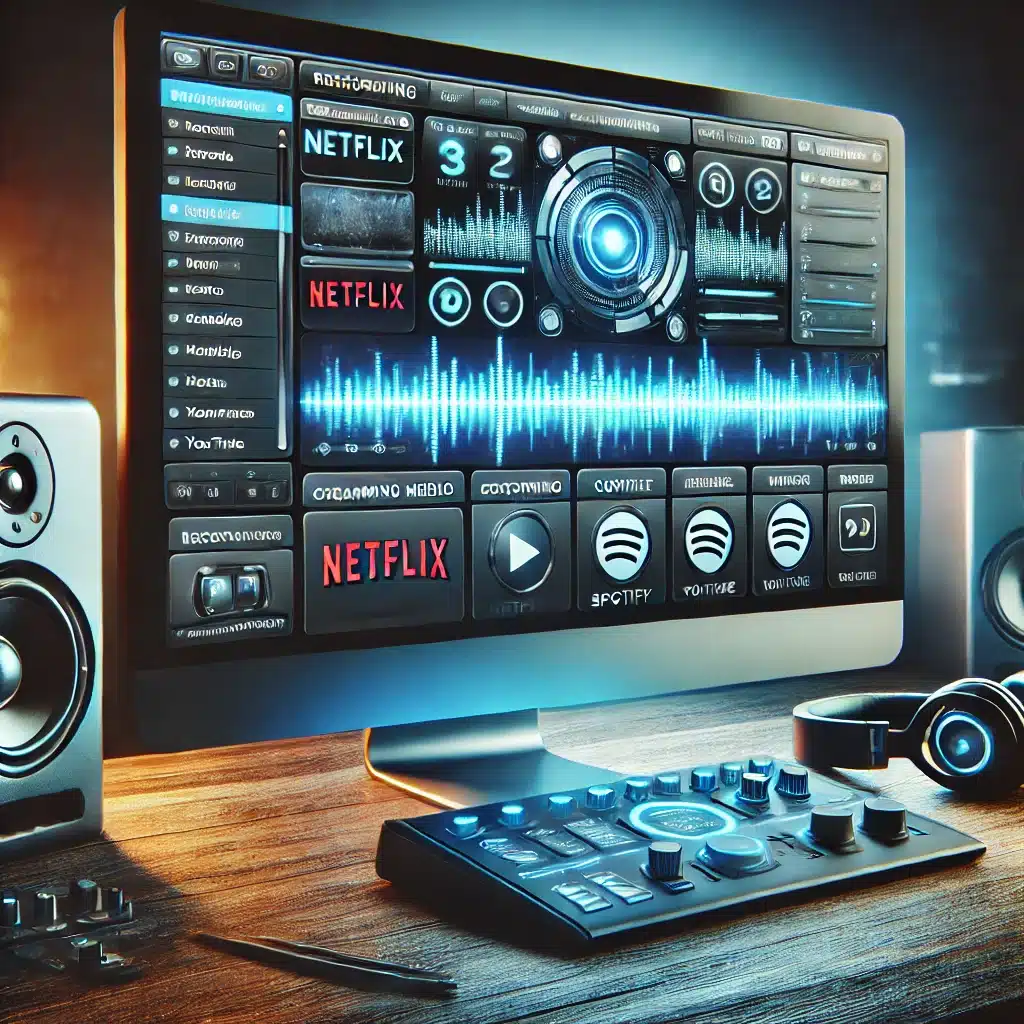
Audials One is one of the most versatile solutions for recording, converting, and managing music and video. The app bundles features from earlier products like Tunebite and delivers a comprehensive toolkit for both streaming capture and media management.
Features and capabilities of Audials One
✔ Record streaming music – Audials One can capture high-quality audio from services like Spotify, Amazon Music, and YouTube Music. Your tracks are automatically saved in popular formats such as MP3, AAC, and FLAC.
✔ Record movies and TV shows – Want to save content from Netflix, Prime Video, or YouTube? Audials One lets you record video in high resolution and keep it for offline viewing.
✔ Media conversion – Convert both audio and video files so they play perfectly on any device, regardless of format.
✔ Radio & podcasts – With adgang til over 100.000 radiostationer and a huge selection of podcasts, you can record and listen whenever it suits you.
✔ Automatic tagging & organization – Music and videos are saved with accurate metadata, making it easy to find and play your files.
Ease of use and experience
The app handles a wide range of media tasks in one place, making it ideal for both everyday users and advanced media enthusiasts. The software offers an intuitive interface so you can quickly choose capture sources and conversion settings without technical hassle.
It also ensures your recordings retain their original quality, so you don’t have to compromise on sound or picture.
Who should consider Audials One?
If you’re looking for an all-in-one solution to record and convert media, this app is a strong contender. It combines music, video, and radio recording in a single package, making it easier than ever to manage your digital media library.
Want a user-friendly, efficient tool that can optage fra dine favoritplatforme and organize your collection seamlessly? Then this could be the perfect fit.
Tips to get the most out of Audials One
For the best experience, optimize your setup with these helpful tips.
1. Optimize your recordings for the highest quality
✔ Use the highest bitrate – When recording music from streaming services, choose 320 kbps for MP3 or FLAC for lossless audio.
✔ Record video in 1080p or higher – Set video to the highest available resolution for crisp image quality.
✔ Mute background sounds – Close apps that might play notification sounds to avoid interference in your recordings.
2. Automate your recordings
✔ Schedule recordings – If you want to capture live radio or podcasts, set recordings to start and stop automatically.
✔ Use batch recording – Capture multiple songs or videos at once to save time.
3. Keep your library organized
✔ Use ID3 tagging – Enable automatic metadata recognition so your music files get accurate artist names, album art, and genres.
✔ Create playlists right in the app – Organize your recordings and play them without switching to another music player.
4. Avoid unnecessary storage use
✔ Konverter store videofiler til mindre formater – Use the H.265 codec to maintain quality while reducing file size.
✔ Ryd op i duplikerede filer – Audials One includes a tool that can find and remove duplicates so you don’t waste space on identical files.
5. Export and sync to other devices
✔ Send files straight to your phone – Audials One supports wireless syncing with Android and iOS devices.
✔ Use cloud integration – Save your recordings to Google Drive, OneDrive, or Dropbox so you can access them from anywhere.
📌 Bonus tip: If you mainly record music, consider Audials Music for a more focused solution. But if you want a complete suite for music, video, radio, and conversion, Audials One is the best choice.



