
 Martin Jørgensen
Download the PhotoDiva photo editor for free here
Are you never quite happy with the photos you take of yourself? Do certain features make you feel insecure when you smile for the camera? Most of us feel that way at times.
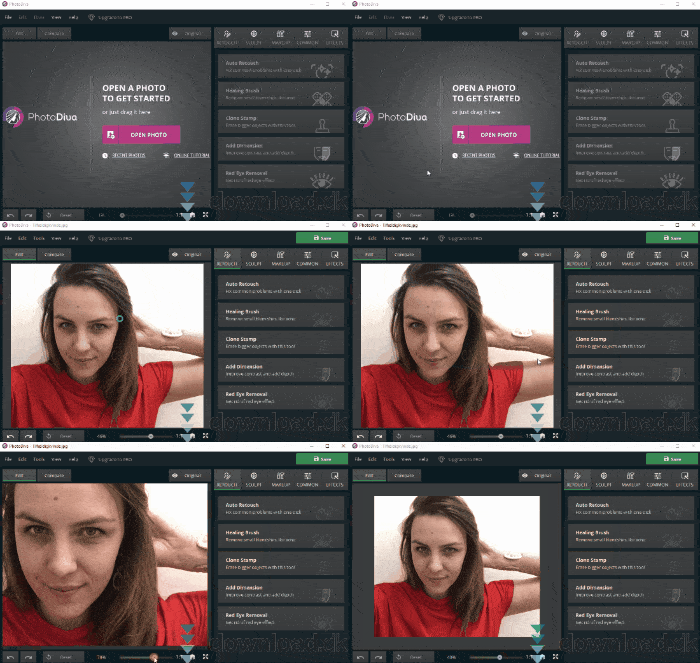
That’s why it’s smart to have a tool that smooths out the little imperfections we’d rather do without. You can do that with PhotoDiva.
Retouch your selfies with powerful effects
To get the perfect selfie or portrait, you need to consider lighting, effects, color composition, filters—and most importantly, how you look. That’s where it’s easy to feel dissatisfied.
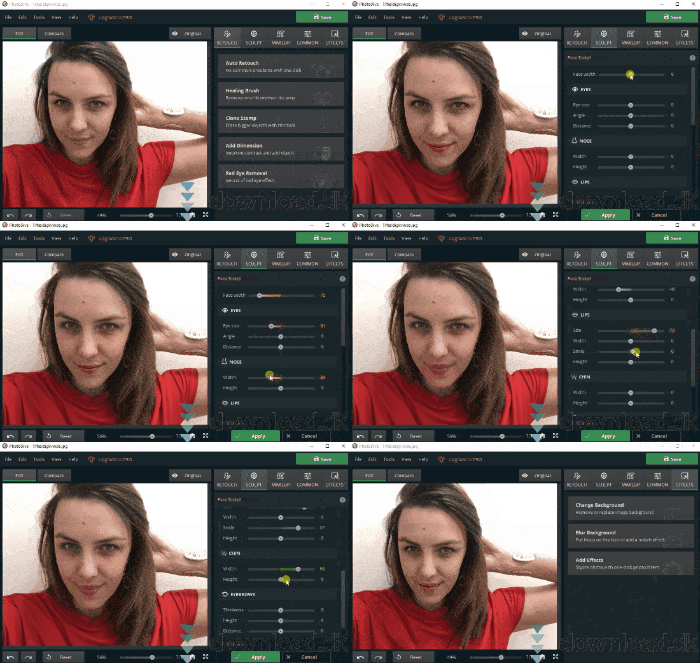
PhotoDiva includes a wide range of tools to fix facial details you’re not happy with. Dealing with acne or past breakouts? Remove the marks. Want a different skin tone? Adjust it in seconds. Red-eye? Gone. Teeth not white enough? Get a brighter smile. You can even reshape facial features.
Free versus Pro
PhotoDiva is free to start. You can download the program and use most of the basic features. Upgrade to Pro to unlock everything, including the more advanced tools—for example, the “Healing Brush” for removing acne.
You pay only once for this upgrade, and there are often big discounts around holidays like Christmas and New Year. The regular price for the upgrade is $42.
Simple, well-structured design
PhotoDiva is a sleek app with an interface that makes it easy to master its features. They’re organized in the top-right corner under five buttons. For example, “Sculpt” lets you adjust facial dimensions with a variety of sliders—almost like in The Sims.
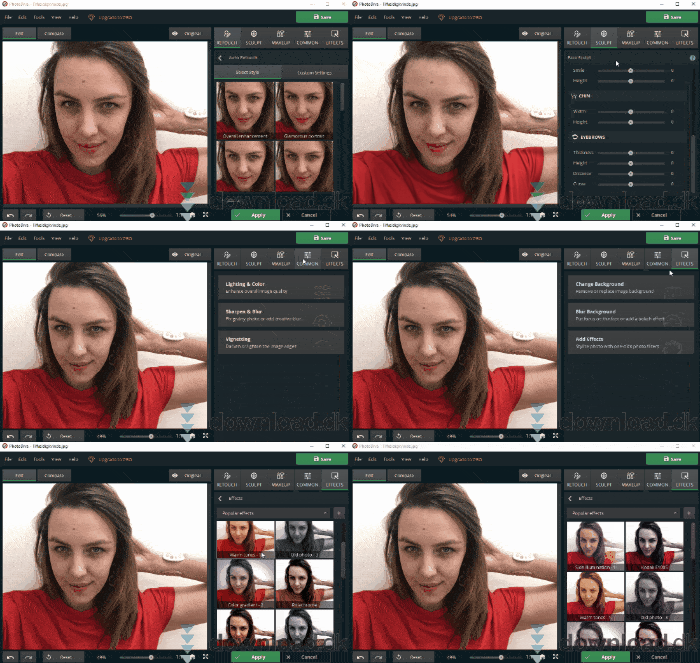
Beyond that, your photo stays centered on the canvas, so you can see every change as you make it.
Conclusion
PhotoDiva is a fantastic choice for editing your selfies. The free version packs plenty of useful tools, and you can always upgrade for more. Highly recommended.
Download PhotoDiva


