
 Martin Jørgensen
🖼️ PhotoScape – Free and versatile photo editor.
If you’re looking for a free photo editing tool for Windows that’s fast, capable, and fun to use, then PhotoScape is an easy choice. It combines simple editing tools with creative features, so you can enhance photos and unleash your creativity with collages and comic-style layouts.
PhotoScape is especially popular if you want to:
- Edit photos quickly without heavy software
- Create collages and layouts
- Print multiple photos at once
- Remove red-eye and adjust exposure/contrast
🧰 Features in PhotoScape
- 🖌️ Editing tools for crop, exposure, sharpness, color, and contrast
- 🧠 Batch editing — edit many photos at once
- 🖼️ Collage and Combine — build photo grids and layout pages
- ✂️ GIF animation — create simple animations
- 🔍 RAW support — open and edit RAW files
- 🧾 Print tools — print multiple photos per page
- 🧩 Filter effects and clipart — add fun elements
👨💻 Interface and ease of use
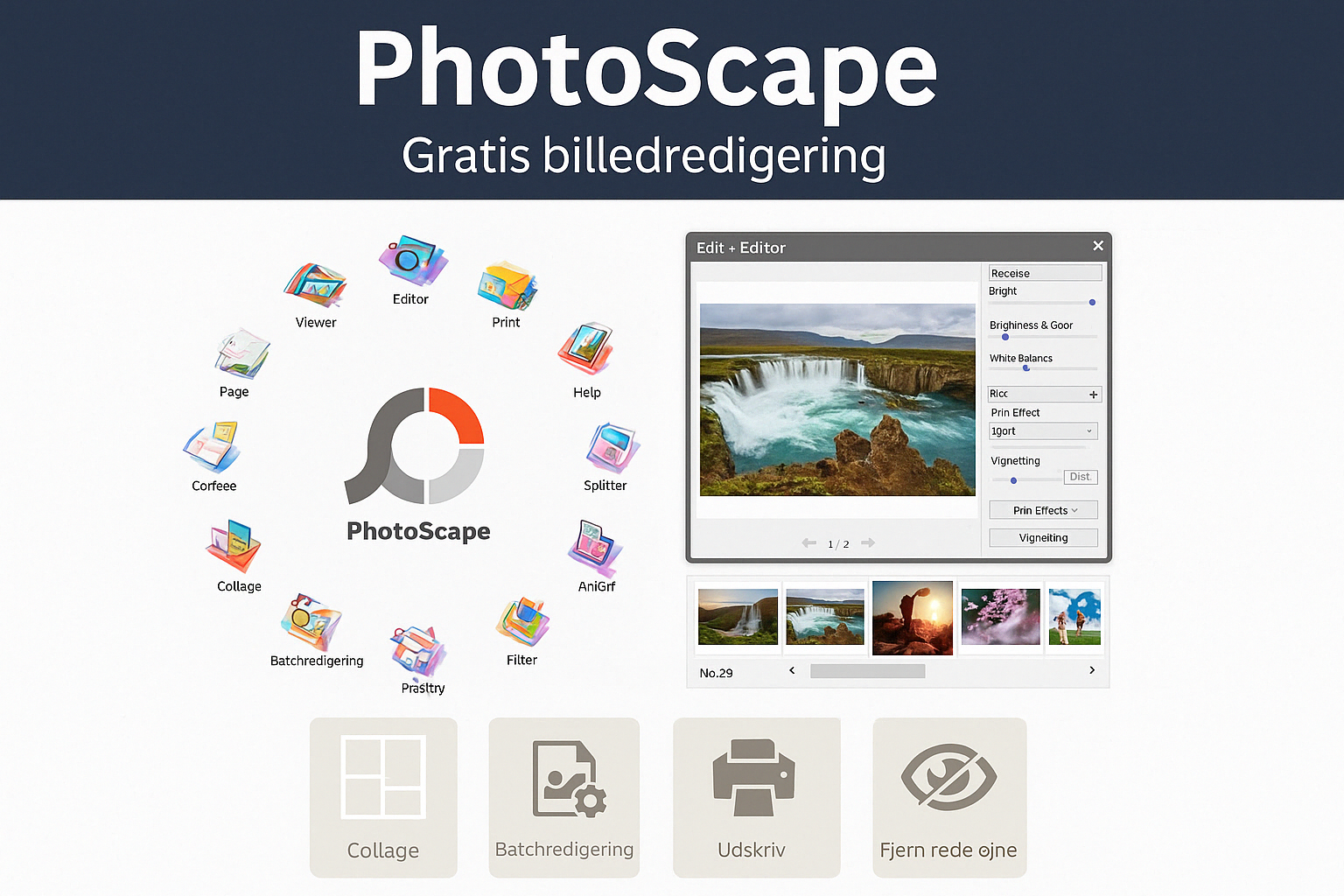
PhotoScape uses a non-traditional interface with a circular menu hub in the middle — something that may feel unusual if you’re used to Adobe or Paint.NET. For new users, though, it’s actually intuitive and easy to navigate.
Everything is organized into sections (Editor, Viewer, Batch Editor, Page, Combine, Print, etc.), so you’re quickly guided to the feature you need.
⚖️ Comparison and who it’s for
PhotoScape is best for:
- Hobby photographers and bloggers
- Elever og studerende (students)
- Users with no experience with Photoshop
- Anyone creating print layouts or simple creative projects
If you need layers, advanced color correction, or masking, consider GIMP or Affinity Photo instead.
Download PhotoScape



