
 Martin Jørgensen
📸 PhotoWorks – Edit your photos professionally with ease.
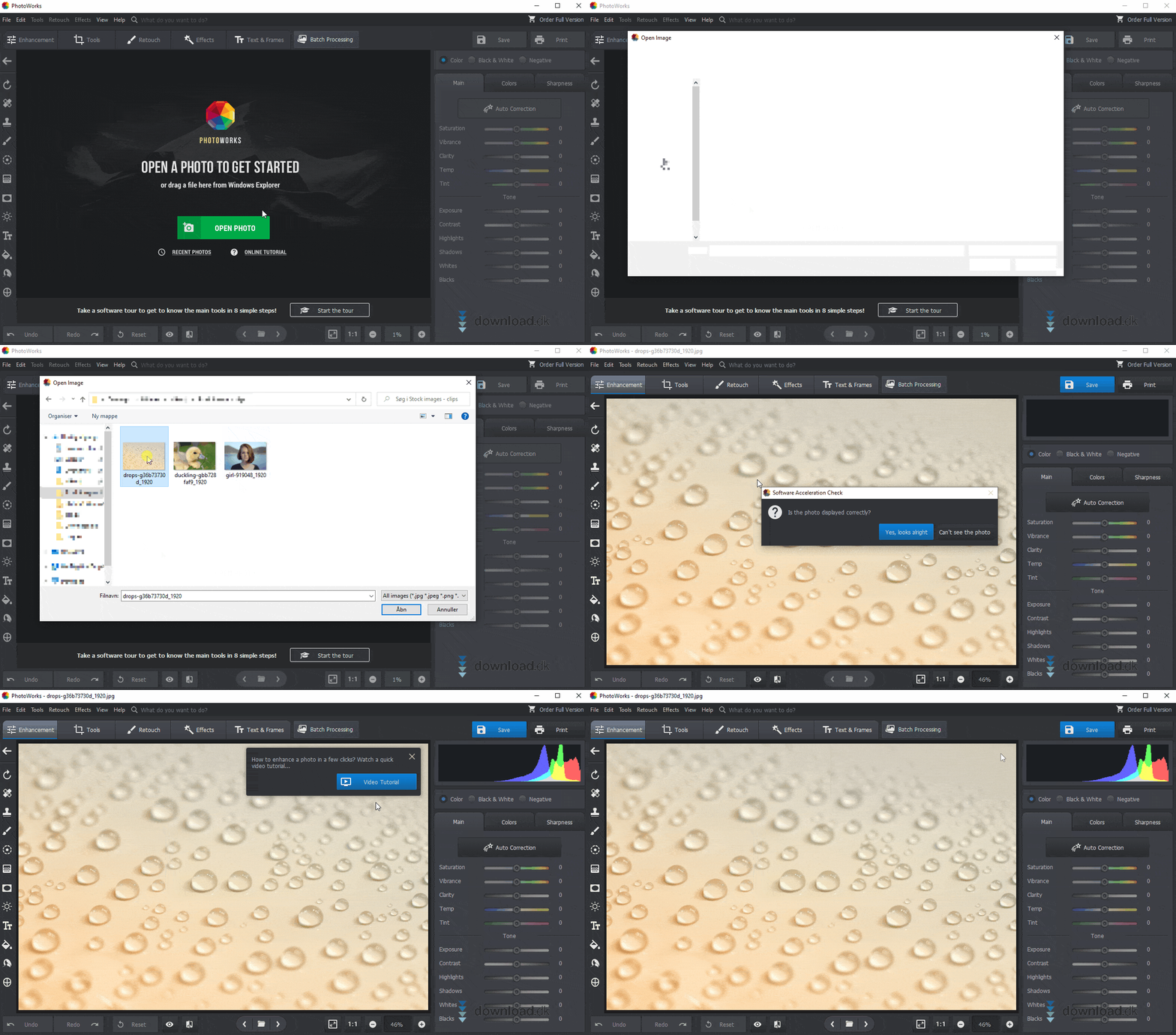
PhotoWorks is a modern photo editor for Windows that combines ease of use with advanced features. It’s ideal if you want to enhance portraits, remove unwanted objects, or adjust light and color without learning a heavyweight program like Photoshop. With a free 5-day trial, you can quickly find out if it fits your needs.
🔧 Features and editing tools
- Basic edits: Crop, rotate, adjust exposure, contrast, and color balance
- Retouching: Remove blemishes, objects, and unwanted details with the Clone Stamp and Patch Tool (Patch Tool in the full version)
- Portrait Magic & Face Sculpt: Smooth skin, refine facial features, and adjust lighting automatically
- Body Sculpt: Adjust body proportions subtly and realistically
- Effects: Tone mapping, sunrays, film grain, and retro filters
- Cropping with photography principles: Use "rule of thirds", "golden ratio", or "golden spiral" for better visual balance
The app includes a wide range of presets and one-click enhancements, so you can give your photos a professional look with no experience.
💼 Free vs. Pro version
PhotoWorks offers a free demo that works for 5 days. This version lets you try most features, but you can’t save images in high resolution or remove certain limitations (e.g., watermark or access to the Patch Tool).
The Pro version unlocks:
- Unlimited use with full edit history
- High-quality export
- Unrestricted retouching
- Priority support
- One-click effects and access to more filters
💡 Tips and tricks for better photos
- Use "Portrait Magic" on selfies for automatic enhancement
- Combine cropping principles with tone mapping for maximum impact
- Use Body Sculpt subtly — the best results come from small adjustments
- Experiment with retro effects and film grain for creative results
- Use the sunrays filter at low intensity for a more natural look
🔗 Download and try it yourself
Du kan downloade PhotoWorks som gratis demo direkte fra udvikleren AMS Software her.



