
 Martin Jørgensen
Download WordWeb Dictionary for free and sharpen your English
Having a clear, well‑phrased, and nuanced vocabulary is always a plus. But even strong writers sometimes struggle to find the exact English word they need. Although paper dictionaries can feel old‑fashioned, the digital dictionary is here to stay—with greater accessibility and a faster user experience.
Choose the English dictionary you need
Over the years, English has evolved into many regional variants, as languages do across cultures, time, and geography.
With WordWeb English dictionary and thesaurus, you can choose among the supported varieties: American, British, and Australian—all of these (and more) can be added with a simple click from their website.
The benefits of digital dictionaries: take English help on the go
With a digital dictionary, you can take it anywhere—no need to carry a heavy, thousand‑page book that’s slow to flip through. Keep it on your computer while you work for instant, convenient lookups.
You can also install it on your iPhone to look up words on the bus or keep it handy next to your workstation. Of course, you can download it for Android phones as well.
WordWeb Free vs. WordWeb Pro
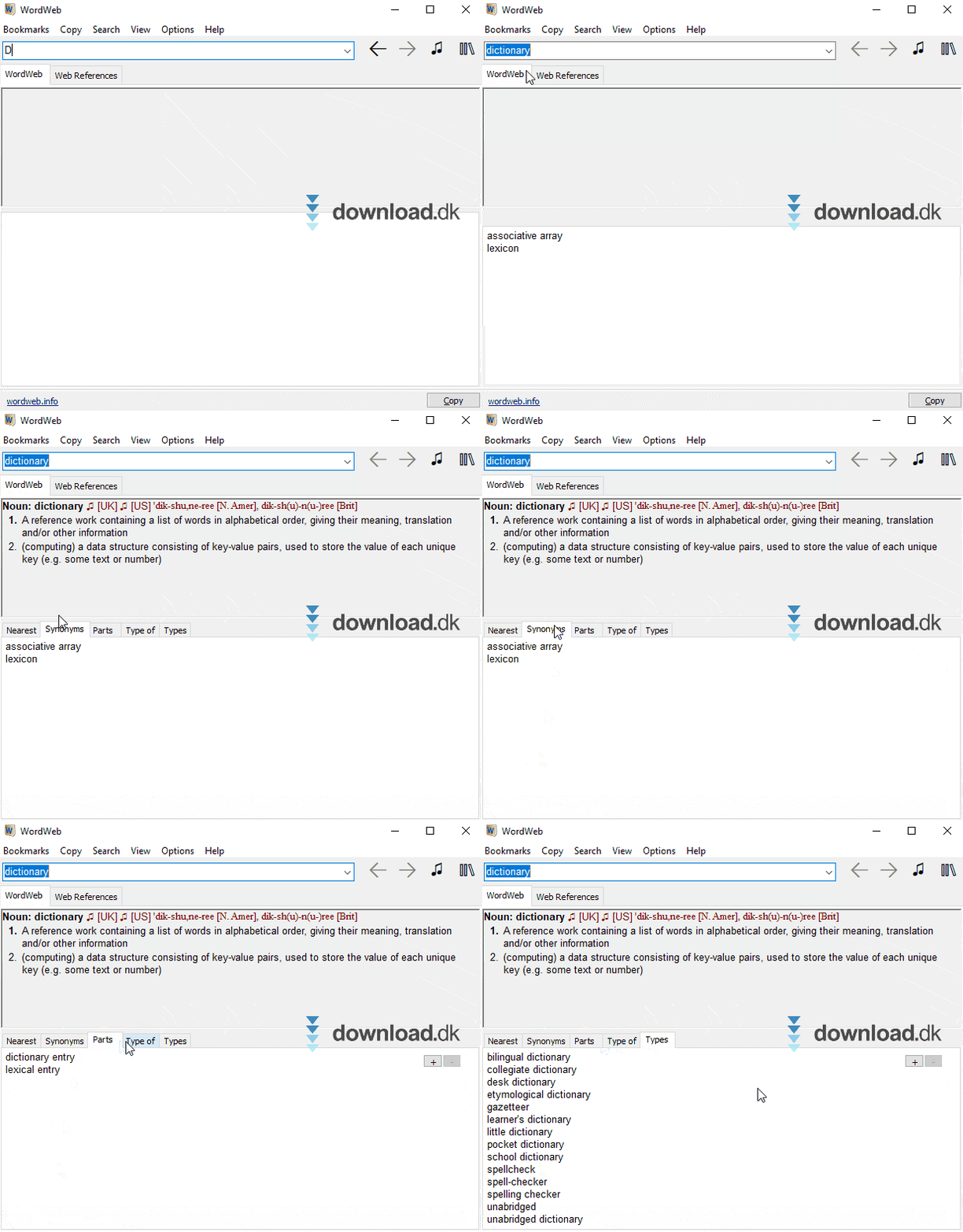
The app works just like you’d expect a dictionary to. Search for a word, see how it’s inflected, identify the part of speech, and get a guide to how it’s pronounced (written with regular letters rather than phonetic symbols).
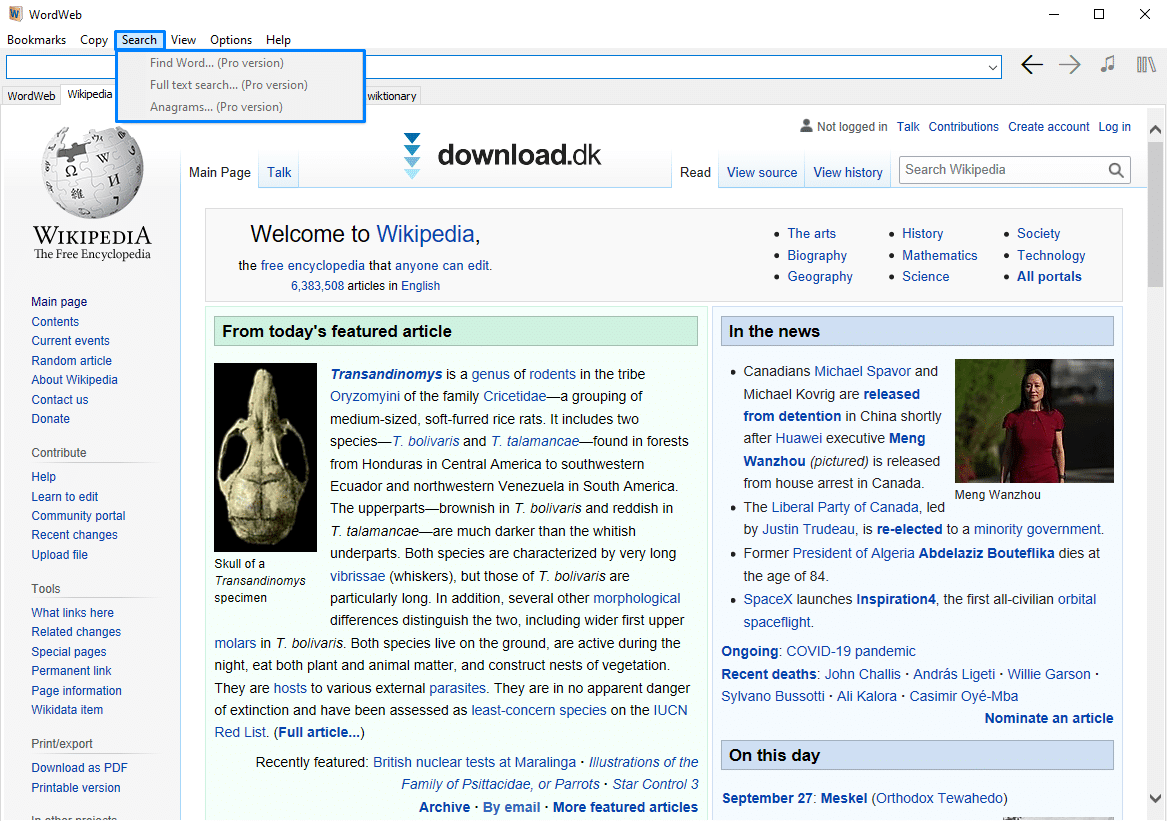
One of WordWeb Pro’s big selling points is that you can look up words on websites and in documents instantly by pressing Ctrl + right‑click.
You can also search using full descriptive phrases if you don’t know the exact word. For example, if you search for a female fox in English but can’t recall the correct term, WordWeb Pro will tell you the word you’re looking for is “vixen.”
Apps that pair well with this dictionary
If you’d like a note‑taking app for distraction‑free writing in English or any language (and it’s handy to have an English dictionary close by), then Simplenote is a great pick if you prefer minimalist tools that don’t get in your way.
If you prefer a modern, polished note‑taking app with plenty of features, try Evernote.
If you don’t have an office suite on your computer, you can save money by downloading the free alternative to Microsoft Office, called Apache OpenOffice. It offers the same core components—word processing, drawings, spreadsheets, and presentations—without a price tag.
A simple but capable program
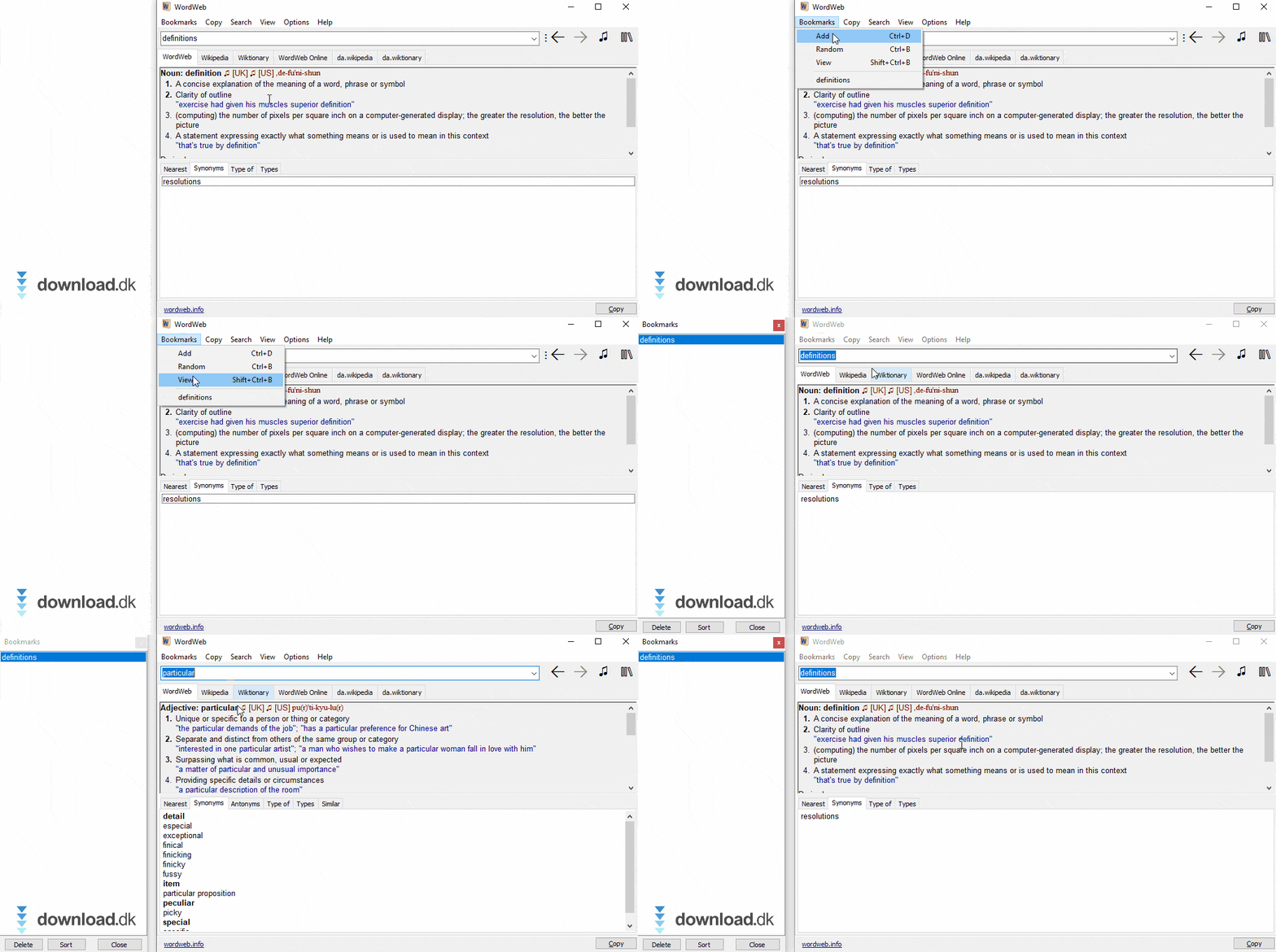
WordWeb Dictionary is a simple yet capable piece of software that helps you write the most polished, correct English possible.
The free version is a great place to start—the Pro edition adds extra features that can make your workflow even smoother.
The app is updated regularly—and with the option to use it on both computers and phones, you’ll always be able to look up English words wherever you are.
Download WordWeb Dictionary / Thesaurus



