

 Martin Jørgensen
Download a free trial of PicMonkey
PicMonkey is a highly popular photo editor that can compete with industry leaders like Adobe Photoshop and Paint.NET.
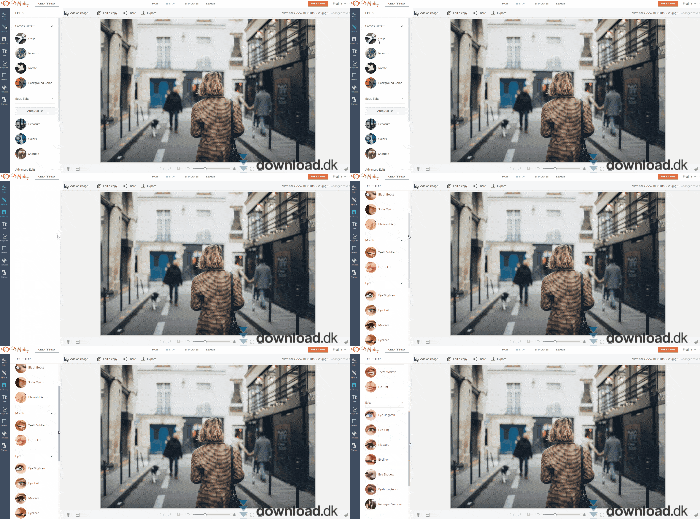
PicMonkey takes a simple, beginner-friendly approach to photo editing, so anyone can jump in regardless of experience. You can download and try the program free for a limited trial period. PicMonkey is also browser-based, so it doesn’t place heavy demands on your computer. That means you can enjoy the program whether you use Mac, Windows, or Linux.
The power of a photo editor
Images are a big part of our daily communication, and as a result, photo editing tools have become more and more popular. Apps like Adobe Photoshop have been around for a long time, but they can be very advanced—especially if you’re new to editing. PicMonkey aims to make photo editing something anyone can master.
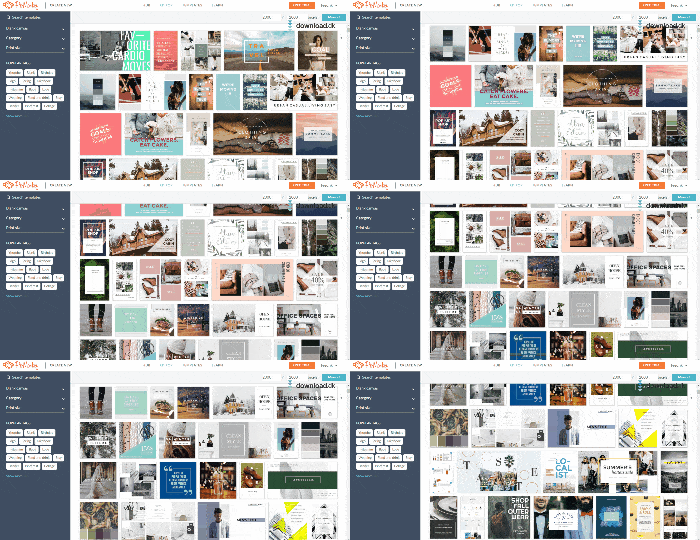
They’ve achieved this in part with a wide range of templates. Templates make it easy to create attractive visuals, for example when you need a brochure. All you have to do is choose a template, then edit and customize it to your needs.
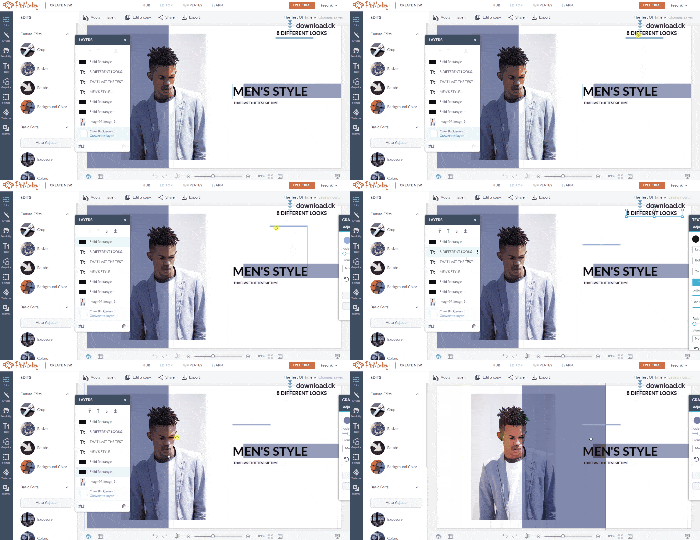
While editing, you can replace images, add graphic design elements, or add text. This lets you start with a professional template and put your personal touch on it for a polished, customized result.
Simplicity with endless possibilities
Even though PicMonkey is designed so anyone can benefit from it, the program also includes a number of advanced features that may take a little getting used to if you’re not familiar with this type of software.
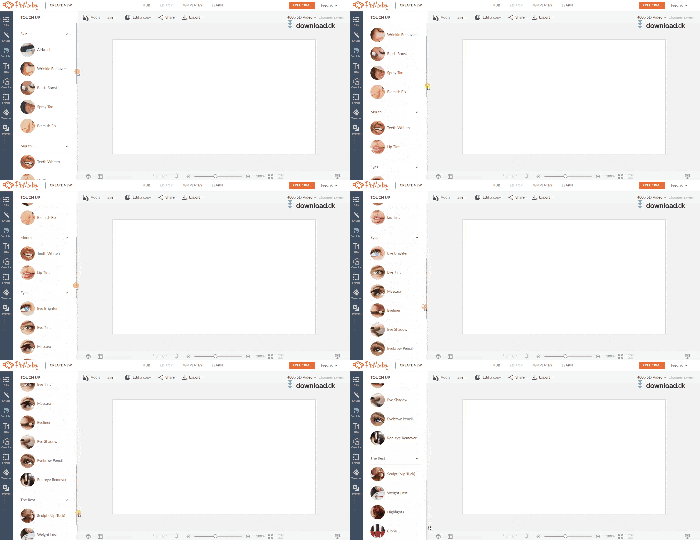
In the photo editor you can fine-tune and customize your images. If, for example, you’ve taken a family photo and someone isn’t happy with how they look, you can edit it until everyone’s satisfied. PicMonkey includes the most essential features, such as red-eye removal, teeth whitening, fade effects, text overlays, and much more.
Limited trial
As mentioned, you can download a free trial of the program here on this page. In the trial version, you have seven days to explore the different features and options. After seven days, you’ll need a subscription to keep using the program.
The price is around $8 per month, which is relatively affordable. Subscription-based photo editors are nothing new—Adobe Photoshop has used this model for many years.
Design and usability
PicMonkey’s design goal was clearly to make sure everyone could get value from the program—and they’ve succeeded. The interface is simple and accessible, so even if you’ve never used a photo editor before, you can still create unique, stunning images.
This accessible design also means excellent usability. Features, buttons, and editing options are easy to find, so you can get productive quickly regardless of your previous experience with photo editing.
Conclusion
If you want simple, straightforward photo editing, PicMonkey is definitely the right choice. It’s easy to create great-looking images and to edit existing ones. PicMonkey stands out from alternatives by being incredibly easy to use, and for that reason it gets our warm recommendation. There should be a photo editor for every type of user, and if you’re new to the field, PicMonkey is an excellent pick that will give you a great start.
Download PicMonkey


